Your email is the key to your digital life
When someone gains access to your email, the problem goes far beyond messages.
An attacker may try to access social media, banks, apps, and virtually any account linked to your email address.
That is why acting quickly makes all the difference.
1. Change your password immediately
The first step is to change the password of the compromised account.
Create a strong, long password that is completely different from previous ones.
Avoid reusing old passwords or using easily guessable information.
2. Enable two-factor authentication
Two-factor authentication adds an extra layer of security.
Even if someone discovers your password, they still need a verification code to access the account.
Whenever possible, use authenticator apps instead of SMS.
3. Check connected devices
Many email services allow you to view active sessions.
Disconnect unknown devices and immediately end suspicious sessions.
This helps remove the attacker from the account.
4. Review recovery emails
Hackers often change recovery phone numbers, secondary emails, and recovery methods.
Check if this information is still correct.
If anything looks unfamiliar, remove it immediately.
5. Change passwords of important accounts
Your email is usually connected to many other services.
For safety, quickly change passwords for:
- • Banks
- • Social networks
- • Streaming services
- • Marketplaces
- • Work apps
- • Cloud services
6. Check for data breaches
Many attacks start after credential leaks.
If you reuse passwords across services, the risk increases significantly.
A password manager helps create unique passwords for each account.
How to prevent this from happening again
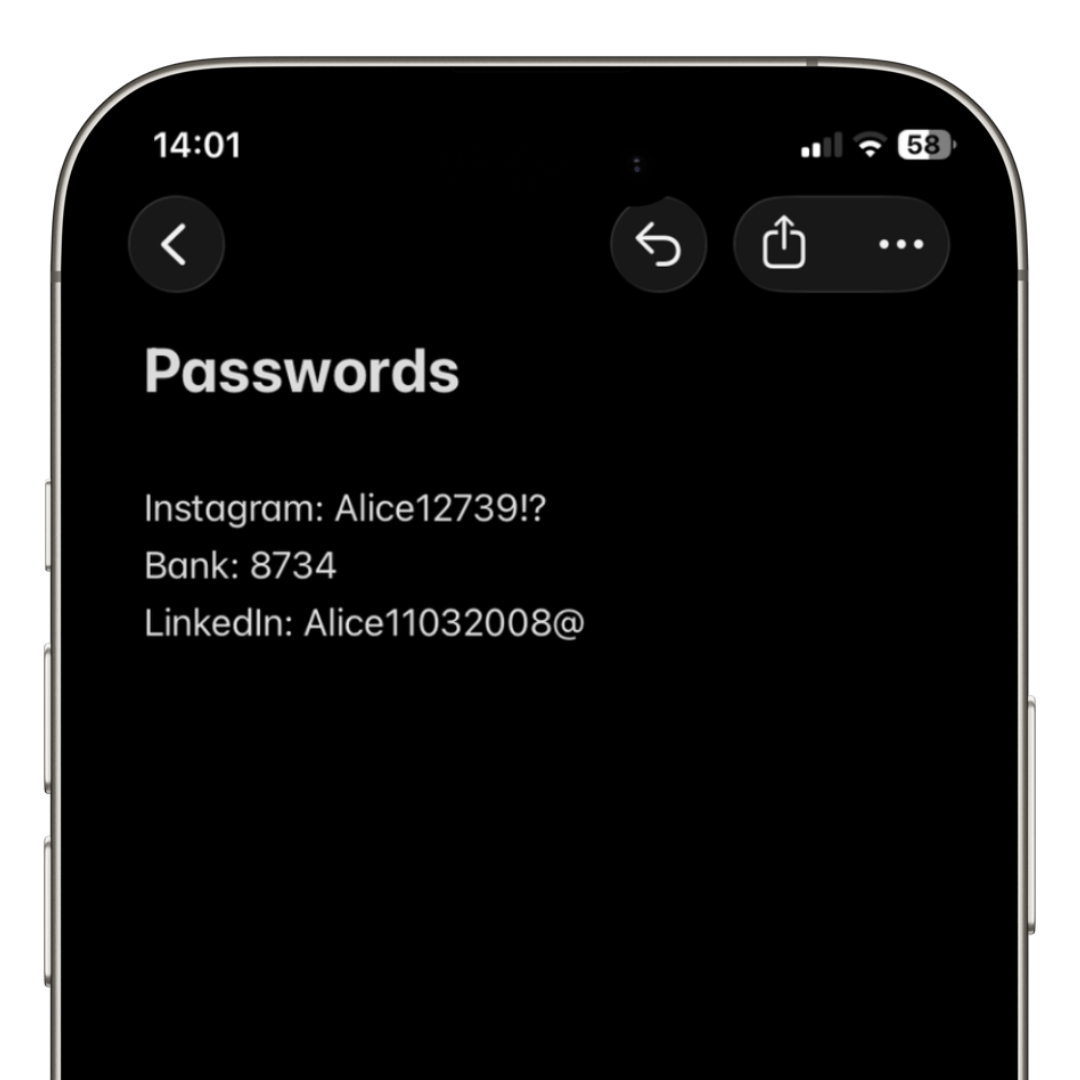
Most security issues start with weak or reused passwords.
Using a modern password manager greatly reduces this risk.
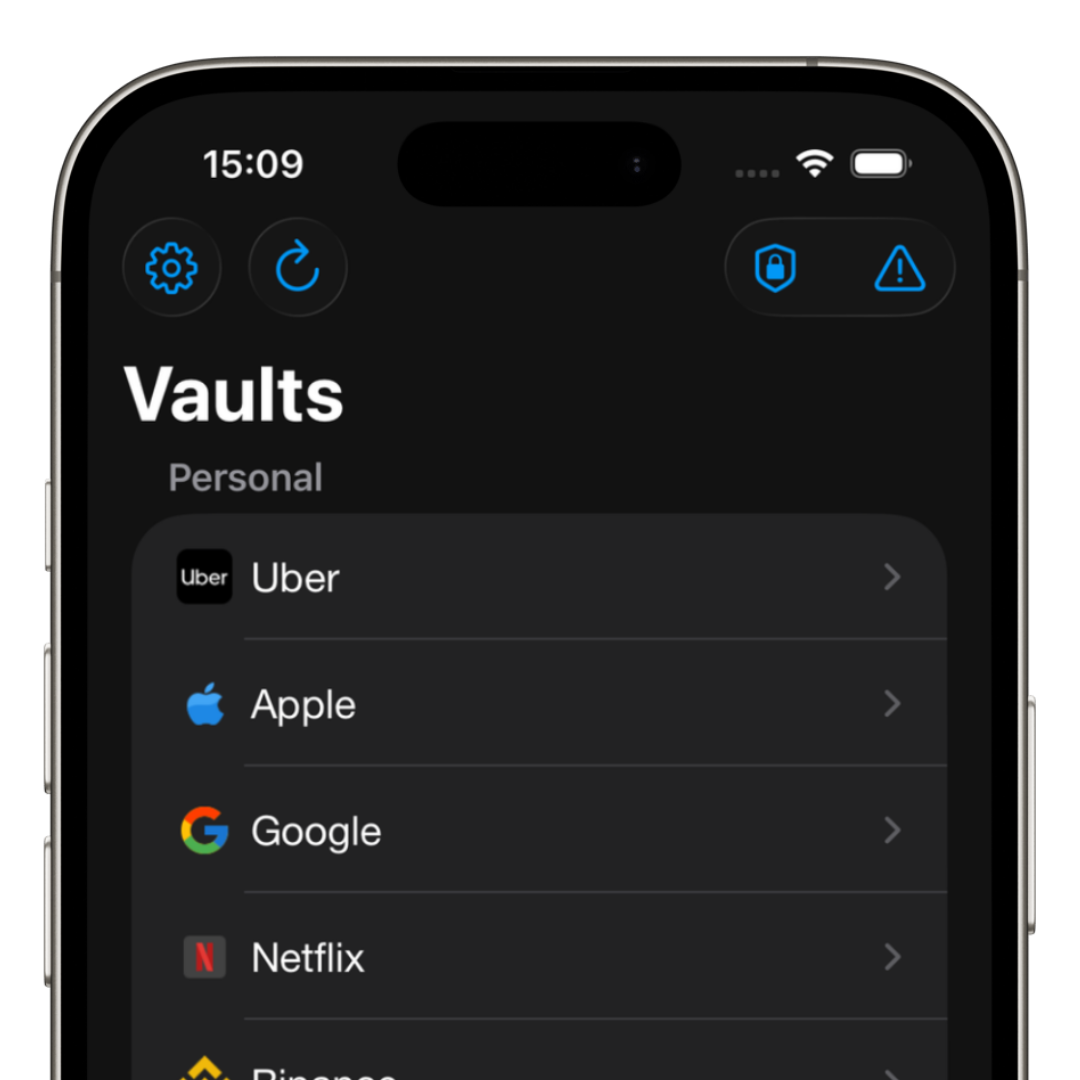
iSenhas allows you to generate strong passwords, securely store credentials, and receive vulnerability alerts.
- • AES-256 GCM encryption
- • Face ID and Touch ID
- • Breach detection
- • Automatic security alerts
- • Strong password generator
- • Smart organization
Signs your email may have been hacked
Not all breaches are obvious.
Common signs include:
- • Emails sent without your permission
- • Unknown login alerts
- • Password changed without notice
- • Messages deleted mysteriously
- • Connected accounts accessed
- • Unexpected password resets
Conclusion
Having your email hacked can cause serious damage, but acting quickly reduces the impact significantly.
Changing passwords, enabling two-factor authentication, and using a secure password manager are essential steps.
The sooner you stop using reused passwords and insecure methods, the lower the risk of future attacks.