Why organize your passwords?
With so many accounts, apps and services, it has become practically impossible to memorize every password used daily.
The problem is that many people end up creating repeated passwords or writing information down in insecure ways.
Organizing your passwords correctly helps improve your security, saves time and prevents losing access to accounts.
Avoid storing passwords in unsafe places
Many people still use notes apps, paper, screenshots or WhatsApp conversations to store passwords.
This greatly increases the risk of data leaks and information loss.
The ideal solution is to use a password manager with strong encryption and biometric protection.
Separate your accounts by categories
One of the best ways to organize passwords is by dividing everything into categories.
This makes it easier to find information quickly and keeps your routine more practical.
- • Banks and finance
- • Social media
- • Streaming
- • Work
- • Online shopping
- • Education
Use unique passwords
Reusing passwords is one of the biggest security problems today.
When a website suffers a breach, criminals try to use the same password on other platforms.
That is why every account should have a different and strong password.
Use a password generator
Creating passwords manually usually leads users to repeat predictable patterns.
The best password managers already include automatic generators capable of creating strong passwords instantly.
- • Uppercase letters
- • Lowercase letters
- • Numbers
- • Special characters
Enable Face ID or Touch ID
Biometrics greatly improve convenience and organization.
Instead of memorizing dozens of passwords, you can access everything quickly using Face ID or Touch ID.
This also reduces the chance of using weak passwords for convenience.
Check for leaks regularly
Today it is not enough to simply create strong passwords.
It is also important to monitor possible data breaches related to your accounts.
Some apps already offer automatic alerts if a password appears in known breaches.
Automatic organization makes a difference
In 2026, the best apps already automate much of the organization process.
Smart features help:
- • Detect websites automatically
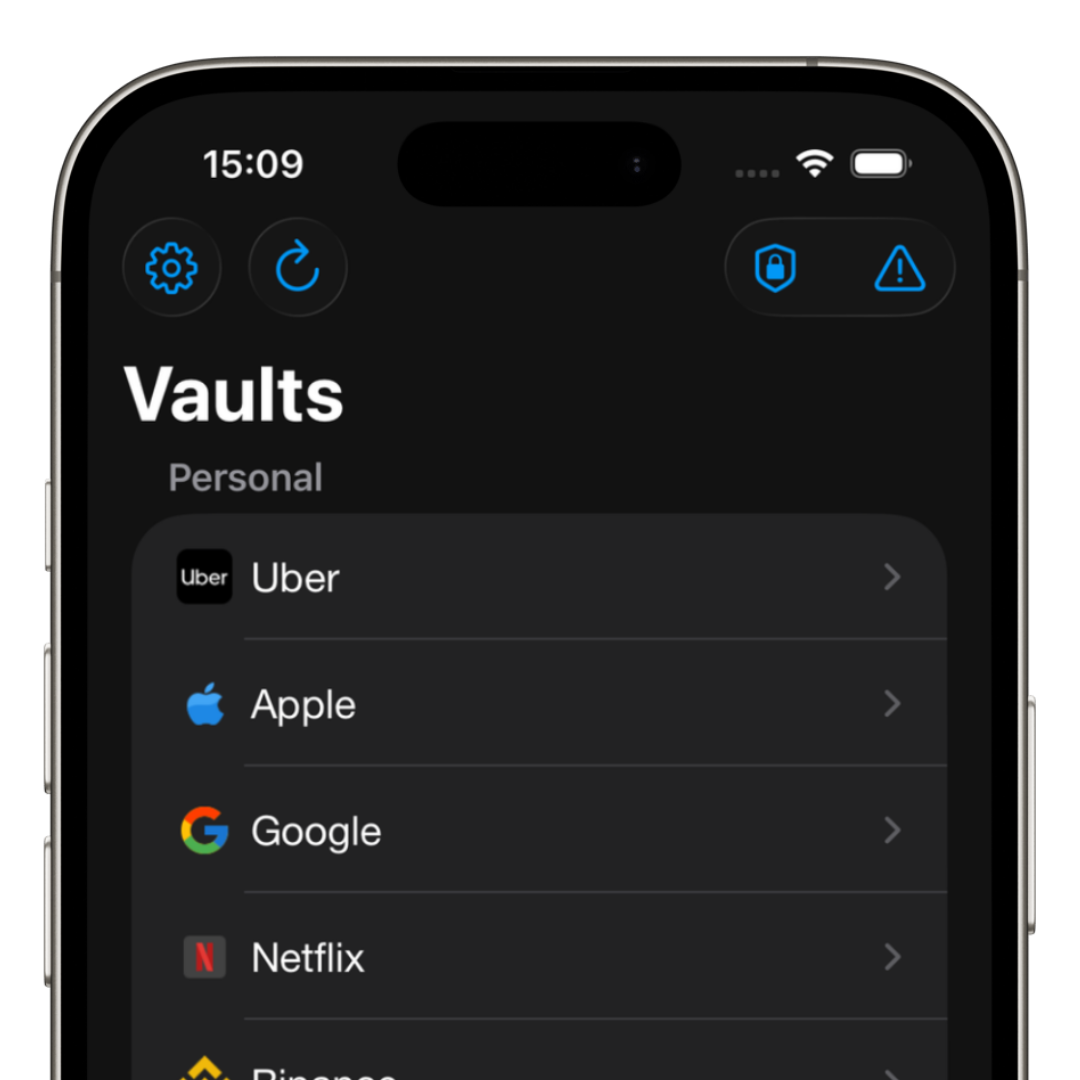
- • Organize into folders
- • Recognize icons
- • Autofill logins quickly
- • Sync devices
How iSenhas helps organize passwords
iSenhas was developed to simplify credential organization without complications.
The app offers:
- • Automatic folder organization
- • Automatic icon recognition
- • Face ID and Touch ID
- • Leak monitoring
- • Autofill
- • Password history
iSenhas highlights
- • Apple Entrepreneur Camp participant
- • Featured in the “Apps We Love” list on the App Store
- • Simple and modern interface
- • Compatible with iPhone, Android and Web
Conclusion
Organizing passwords correctly improves your productivity and greatly reduces security risks.
The sooner you stop using repeated passwords and insecure notes, the more protected you will be.
Using a modern password manager makes this entire process much simpler.