The habit seems practical, but it can be risky
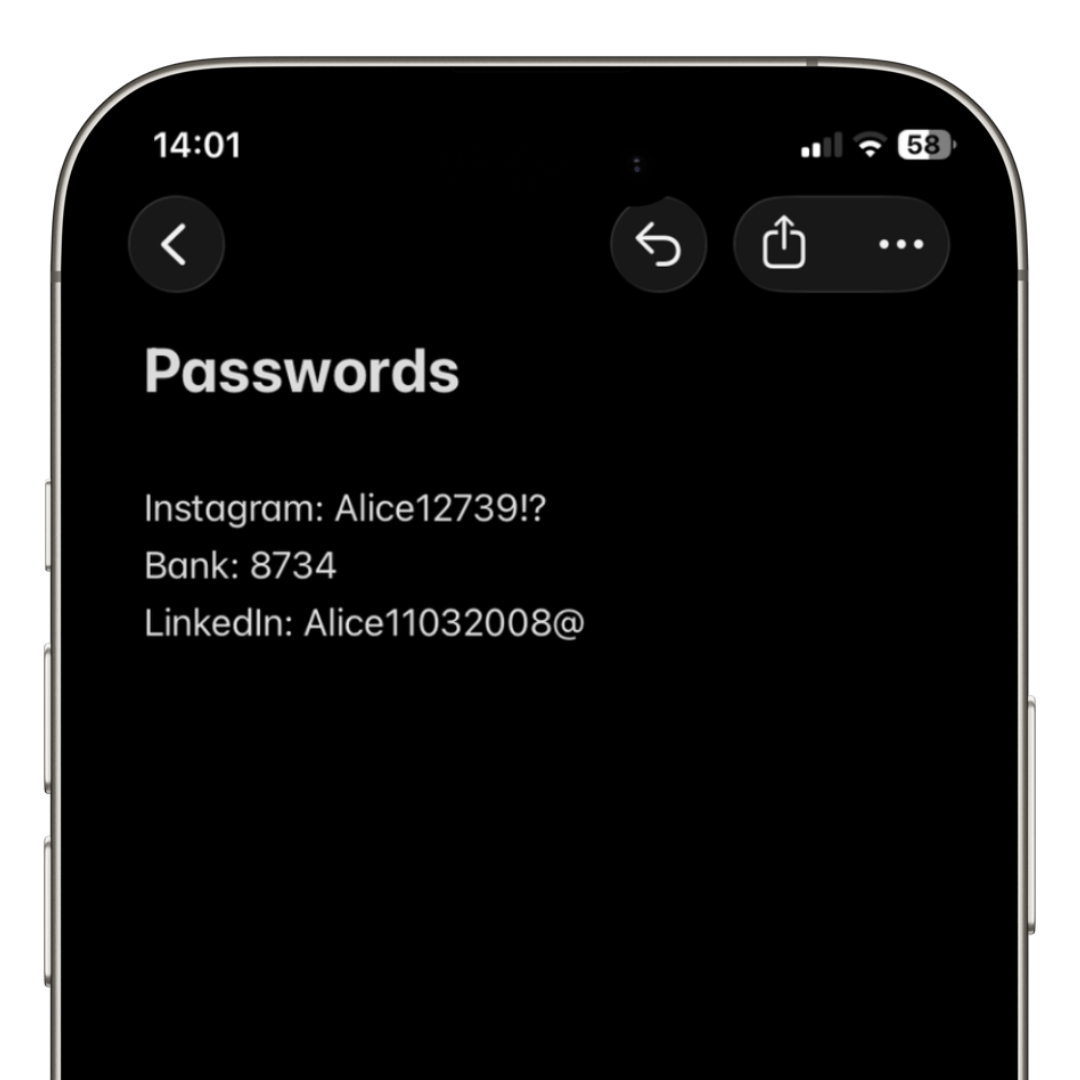
Many people use note apps to store important passwords.
After all, it’s quick, simple, and always accessible on phone or computer.
The problem is that note-taking apps are usually not designed to store sensitive information.
Lack of proper encryption
Many note apps do not use advanced encryption to protect stored content.
This means that in case of a breach, device theft, or unauthorized access, your credentials can be easily viewed.
Modern password managers use AES-256 encryption and security-focused architectures.
Screenshots and backups increase risk
Another common issue is that notes end up in automatic backups, screenshots, and cloud syncs.
This creates multiple copies of your passwords spread across different locations.
The more copies exist, the higher the risk of leaks.
Passwords are easy to find
In many cases, simply opening the notes app reveals all credentials.
If someone gets your unlocked phone, they can access important information within seconds.
This is especially dangerous for banking accounts, social networks, and main email accounts.
The problem of reused passwords
People who use notepad apps also tend to reuse passwords.
The result is that a single leak can compromise multiple accounts at once.
Today, attackers use automated systems to test email/password combinations across multiple platforms.
Password managers are safer
Unlike note apps, password managers are specifically designed to protect credentials.
They offer features such as:
- • AES-256 encryption
- • Face ID and Touch ID
- • Autofill
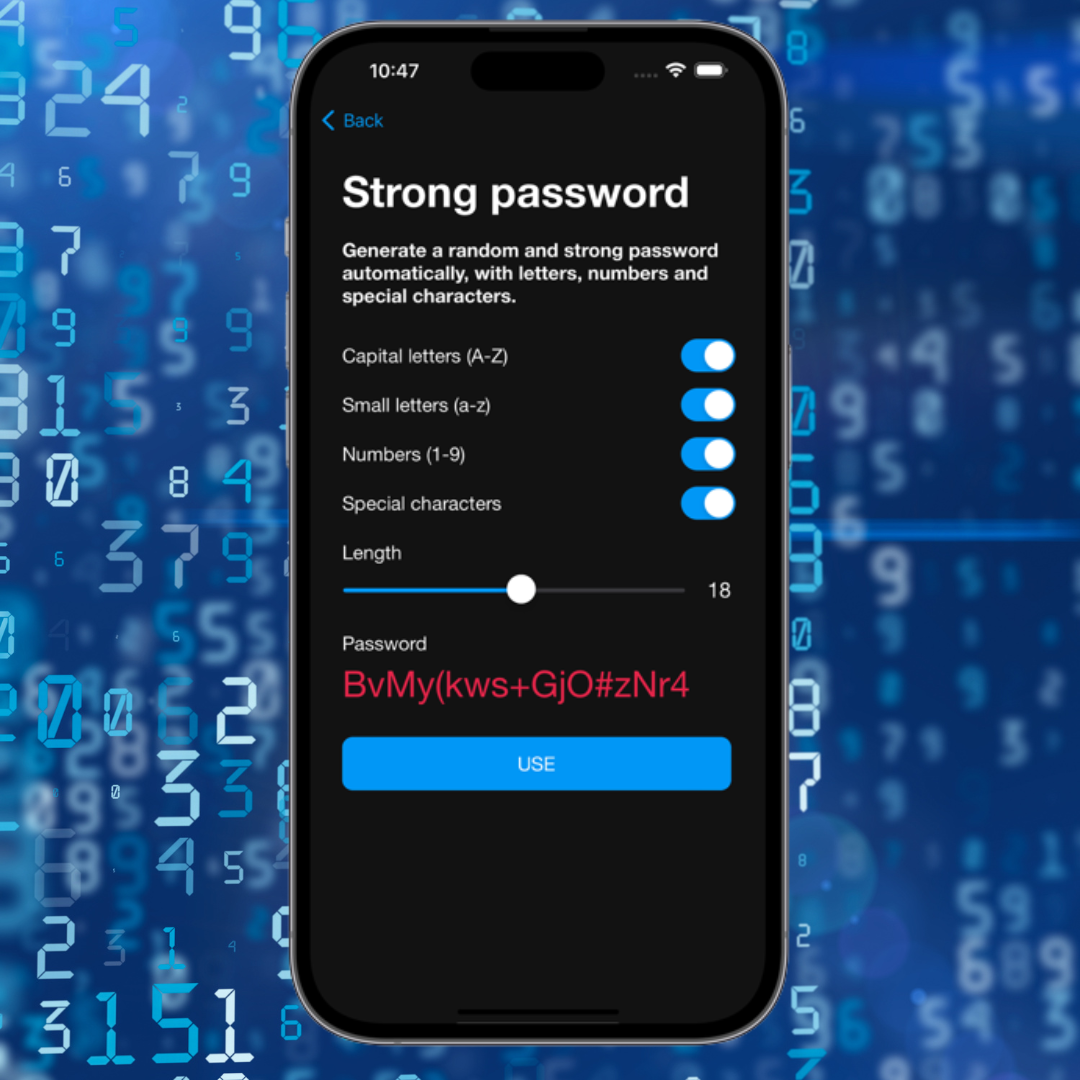
- • Strong password generator
- • Breach alerts
- • Secure synchronization
Security must also be practical
Many people use notepad apps because they want convenience.
The problem is that convenience without protection can become a major risk.
The best modern password managers combine security and ease of use in daily life.
How iSenhas helps
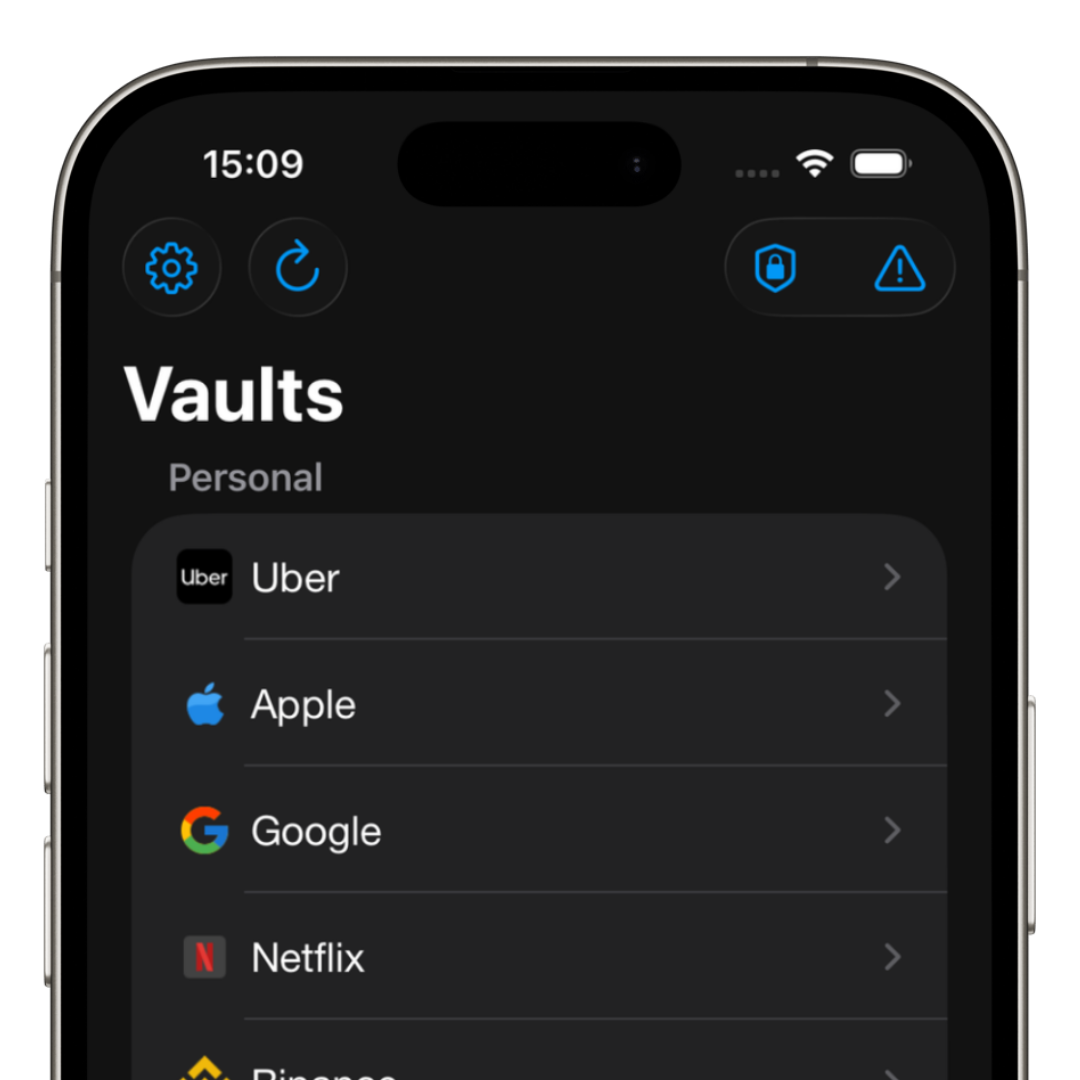
iSenhas was developed to replace unsafe methods of storing passwords.
The app allows users to organize credentials in a practical and secure way, using modern encryption and biometrics.
- • Face ID and Touch ID
- • Automatic organization
- • Icon recognition
- • Password history
- • Breach checking
- • Autofill
iSenhas highlights
- • Apple Entrepreneur Camp Alumni
- • Featured in App Store “Apps We Love” list
- • Compatible with iPhone, Android and Web
- • Simple and modern interface
Conclusion
Saving passwords in note apps may seem practical, but it significantly increases exposure risks.
Using a modern password manager helps protect your accounts, improve organization, and prevent issues caused by data leaks.
The sooner you stop using unsafe methods, the more secure you will be in the long run.