Having your Instagram hacked can become a nightmare
Today Instagram is not just for sharing photos.
Many people use the social network for work, business, personal contacts, and even online sales.
When an account is compromised, the damage can be huge.
1. Try to recover access quickly
The first step is to reset your password using the email or phone number linked to the account.
The faster you act, the higher the chances of preventing changes made by the attacker.
Also check if you received emails from Instagram warning about suspicious changes.
2. Change your password immediately
If you regain access, change your password immediately.
Use a long, strong and completely new password.
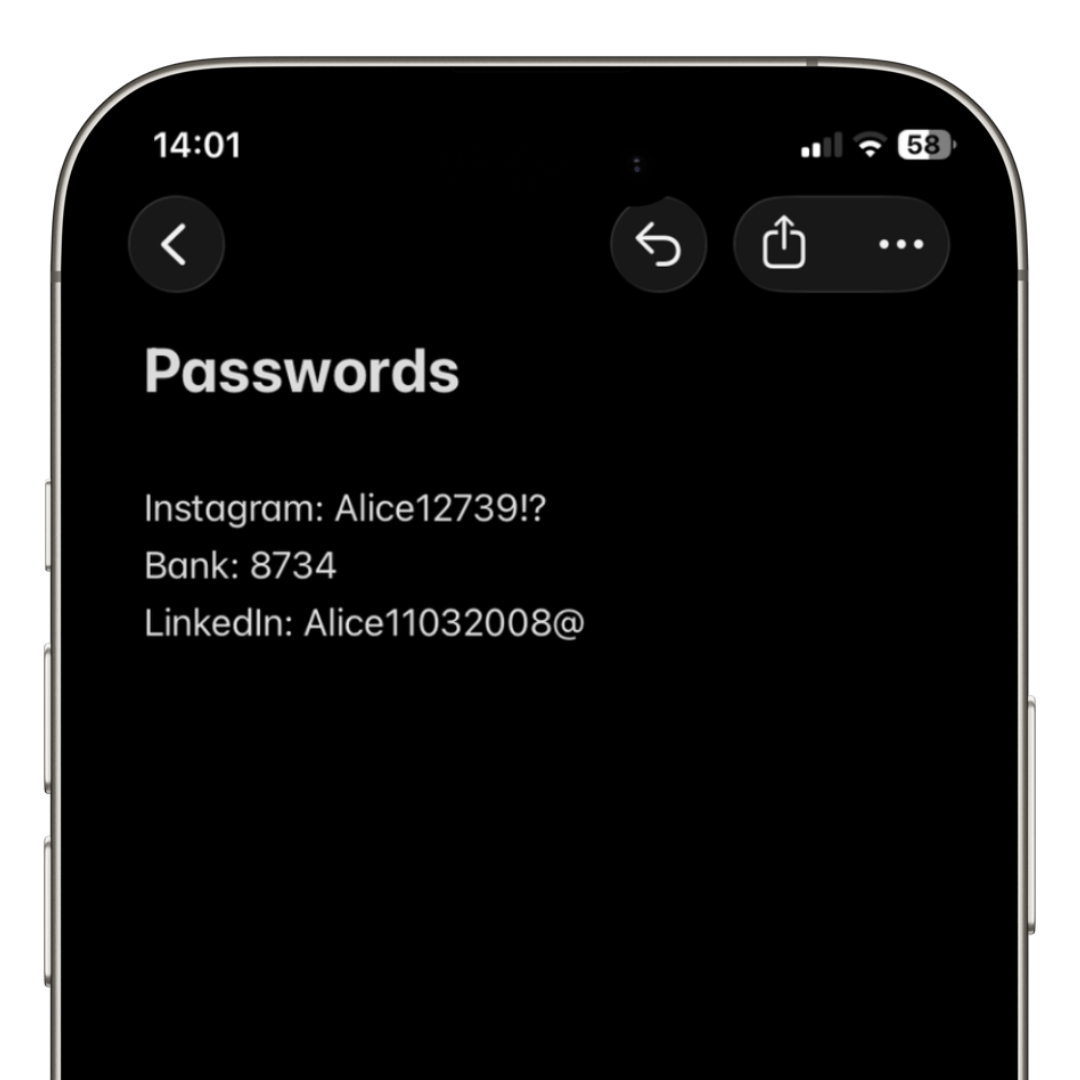
Never reuse old passwords or passwords used on other services.
3. Enable two-factor authentication
Two-factor authentication adds an extra layer of security.
Even if someone discovers your password, they will still need a security code to log in.
Whenever possible, use authentication apps instead of SMS.
4. Check connected devices
Instagram allows you to view active sessions.
Disconnect unknown devices and immediately end suspicious logins.
This helps remove the attacker from the account.
5. Check linked email and phone
Hackers often change recovery details.
Verify that your email and phone number are still correct.
If anything unfamiliar appears, remove it immediately.
6. Warn followers and contacts
Many hacked accounts start sending scam messages or fake links via direct messages.
Notify friends, clients and followers to ignore suspicious messages.
This helps prevent further scams.
How to prevent this from happening again
Most breaches happen due to weak or reused passwords.
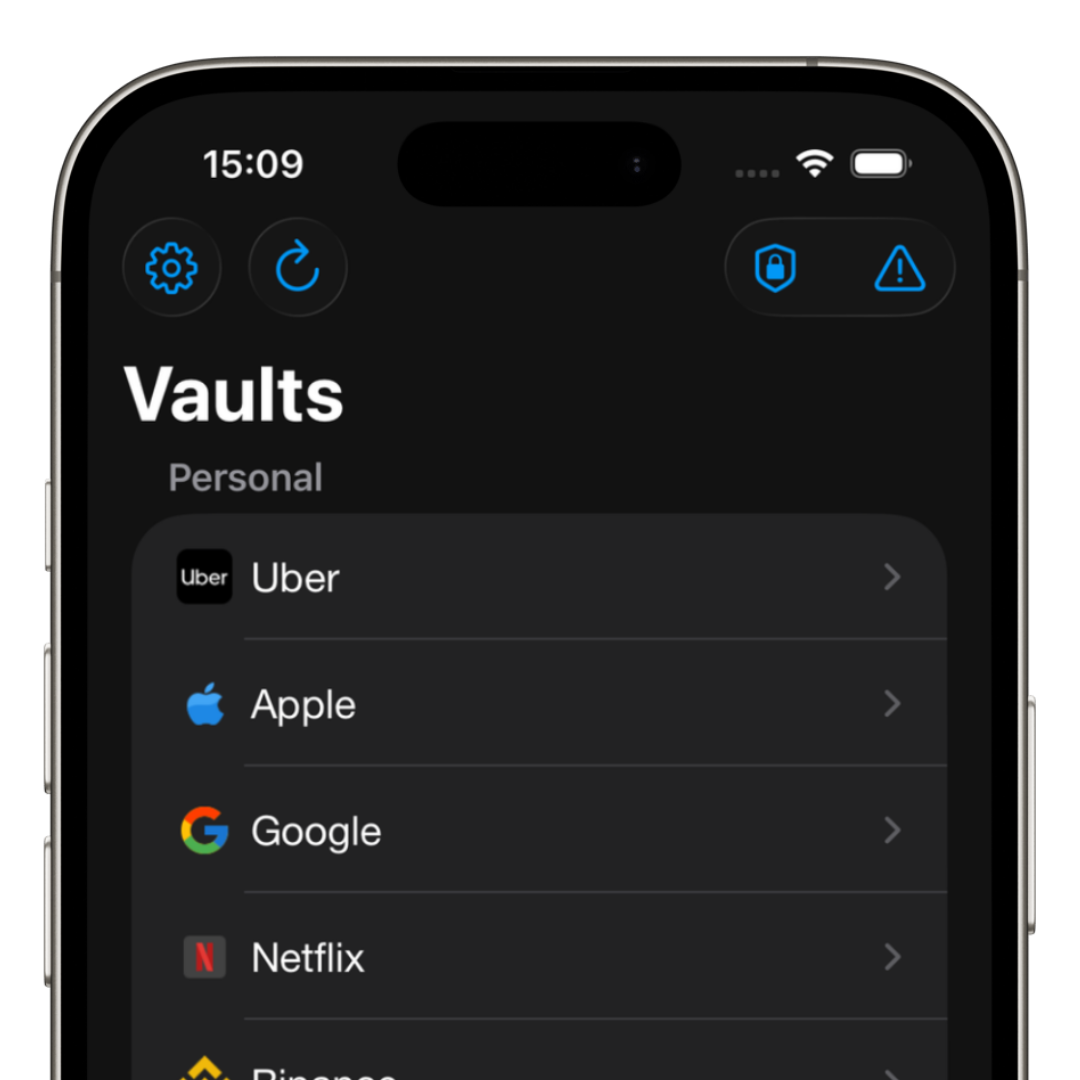
Using a modern password manager significantly reduces this risk.
iSenhas allows you to create strong passwords, securely store credentials, and check for possible leaks.
- • AES-256 GCM encryption
- • Face ID and Touch ID
- • Leak checking
- • Automatic security alerts
- • Strong password generator
- • Smart organization
Signs your account may have been hacked
In many cases, the attack is not noticed immediately.
Common signs include:
- • Posts published without your permission
- • Automatically sent messages
- • Email or phone number changed
- • Unknown login alerts
- • Followers receiving scams
- • Password changed without notice
Conclusion
Having your Instagram hacked can lead to financial loss, loss of contacts, and reputation damage.
Acting quickly, changing passwords, and enabling two-factor authentication are essential steps.
The sooner you stop reusing passwords and insecure methods, the lower the risk of future attacks.