Two well-known names in password management
Both LastPass and iSenhas help users store credentials, create strong passwords, and protect online accounts.
Both applications offer autofill, synchronization, and quick access to accounts.
The main difference lies in the user experience, organization, and security approach.
Digital security has become a priority
Data breaches have increased significantly in recent years.
This has led millions of people to look for solutions to protect passwords and avoid credential reuse.
Today, using a password manager is no longer optional.
Everyday user experience
LastPass follows a traditional approach, focused on centralized credential management.
iSenhas prioritizes simplicity, speed, and organization automation.
The goal is to reduce manual work and make access to important information easier.
Smart organization
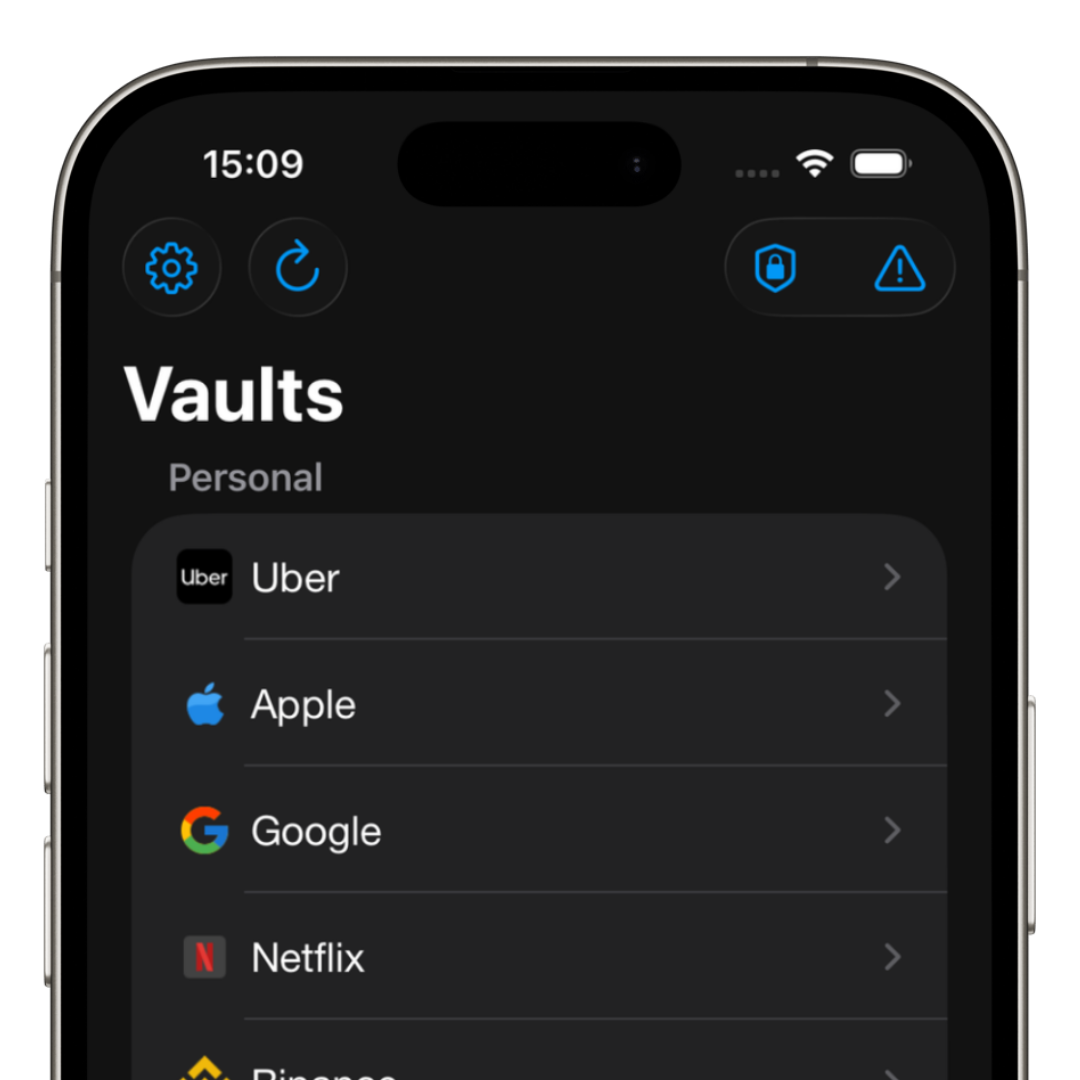
One of iSenhas’ main advantages is automatic organization.
The app uses intelligent features to categorize information and improve the visual experience.
- • Automatic folder organization
- • Automatic icon recognition
- • Password history
- • Fast credential search
- • Smart categories
Protection features
Today, users expect much more than just password storage.
iSenhas offers advanced features focused on digital protection:
- • AES-256 GCM encryption with dedicated key
- • Face ID and Touch ID
- • Leak monitoring
- • Automatic vulnerability alerts
- • Theft protection
- • Strong password generator
- • Public code available for security audits.
Features beyond passwords
Modern password managers also work as digital vaults.
iSenhas allows users to store:
- • Secure notes
- • Pix keys
- • Cards
- • Documents
- • 2FA codes
- • Passkeys
Simplified migration
Many people avoid switching password managers because they fear the migration process.
iSenhas includes an automatic import algorithm to simplify credential transfers from LastPass and other platforms.
- • LastPass
- • Bitwarden
- • 1Password
- • Dashlane
- • Google Password Manager
Which one makes more sense for you?
LastPass remains a well-known name in the password management market.
iSenhas aims to provide a more modern, practical, and automated experience.
The most important thing remains abandoning weak passwords and using unique credentials for every account.
iSenhas highlights
- • Apple Entrepreneur Camp participant
- • Featured in the App Store “Apps We Love” list
- • Compatible with iPhone, Android, and Web
- • Simple and modern interface
- • Advanced security features
Conclusion
Both LastPass and iSenhas help users improve the protection of online accounts.
The ideal choice depends on your routine, organization needs, and preferred user experience.
The sooner you start using a modern password manager, the lower the risk of problems caused by data breaches.