Two modern ways to protect passwords
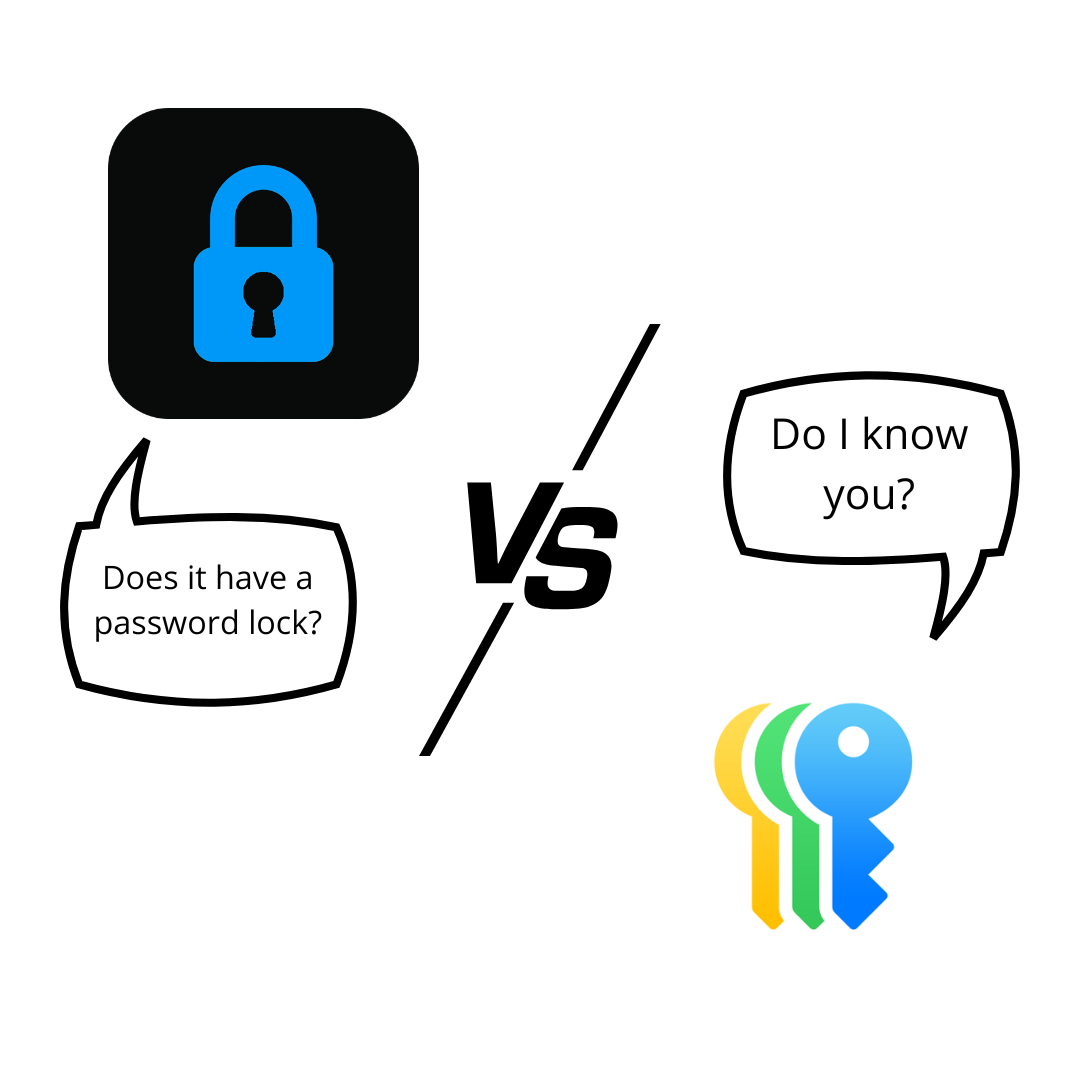
Apple Passwords and iSenhas help users store credentials, create strong passwords, and access accounts more securely.
Both offer biometric integration, synchronization, and autofill.
The main difference lies in flexibility, organization, and the number of available features.
iPhone integration
Apple Passwords has native integration with iPhone, iPad, and Mac.
Autofill works directly within the system, making it easier to log into apps and websites.
iSenhas also offers autofill, Face ID, and integration with the iPhone keyboard, maintaining a practical everyday experience.
Password organization
Apple Passwords provides a simple approach to storing credentials.
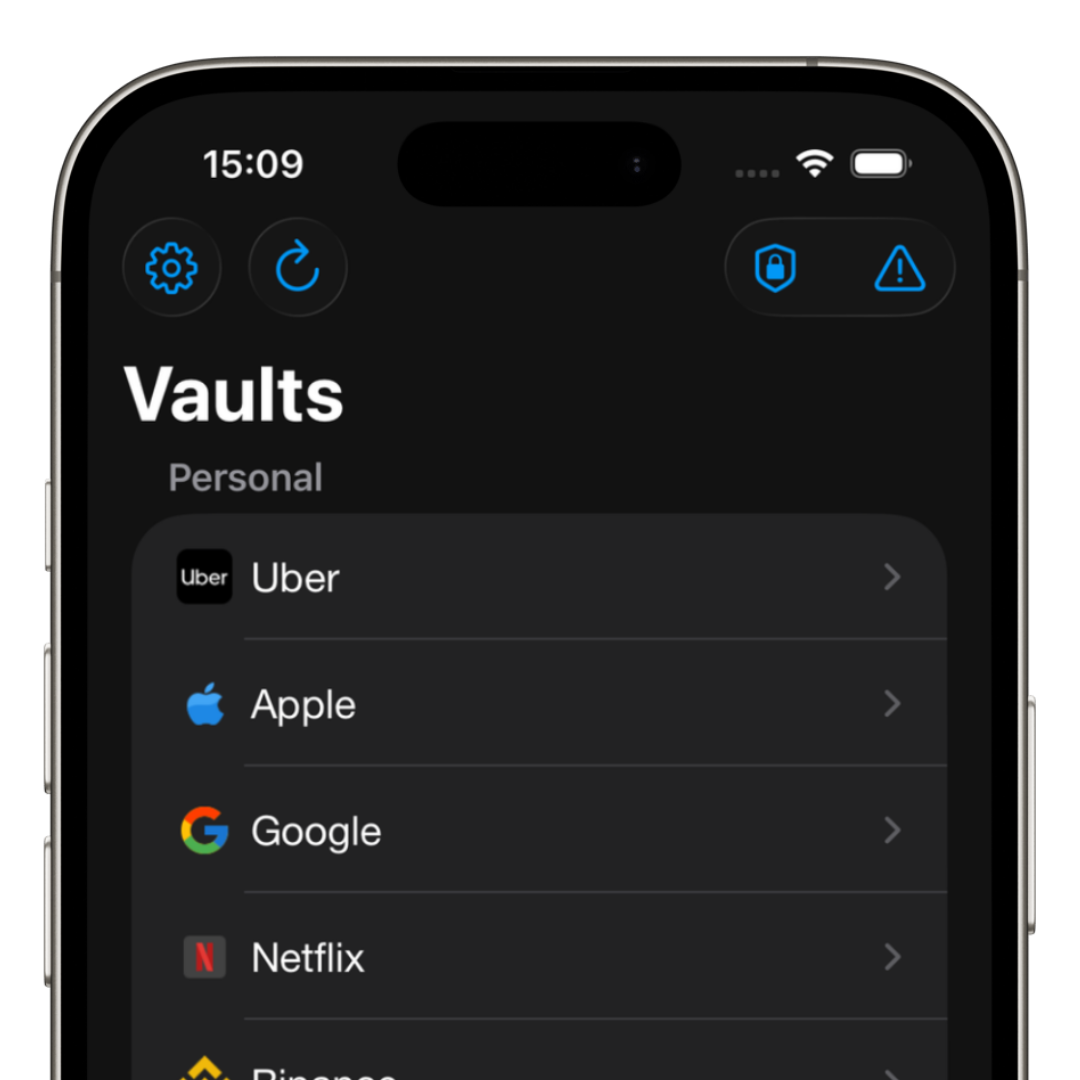
iSenhas adds extra features focused on smart organization.
- • Automatic folder organization
- • Automatic icon recognition
- • Password history
- • Fast credential search
- • Smart categories
- • Public code for security audits.
Cross-platform compatibility
One of the most important points for many users is compatibility across platforms.
Apple Passwords works best within the Apple ecosystem.
iSenhas allows users to access credentials on iPhone, Android, and Web, making it easier to use across different devices.
Features beyond passwords
Today, many users want to store more than just logins.
iSenhas also allows users to store:
- • Secure notes
- • Pix keys
- • Cards
- • Documents
- • 2FA codes
- • Passkeys
Breach monitoring
Data breaches have increased significantly in recent years.
Because of this, modern tools started offering automatic alerts for compromised credentials.
iSenhas includes features focused on vulnerability monitoring and account protection.
Simplified migration
Switching password managers is usually a complicated task.
iSenhas offers automatic import from different services, simplifying migration without the need to manually register everything.
- • Bitwarden
- • LastPass
- • 1Password
- • Dashlane
Which one makes more sense for you?
Apple Passwords is a practical solution for users who only use Apple devices.
iSenhas, on the other hand, offers more flexibility, advanced features, and smart organization for users who want a more complete experience.
The most important thing is still to stop reusing passwords and start using strong, unique credentials.
iSenhas highlights
- • 100% Brazilian app
- • Apple Entrepreneur Camp participant
- • Featured in the “Apps We Love” list on the App Store
- • Compatible with iPhone, Android, and Web
- • Simple and modern interface
- • Advanced security features
Conclusion
Both Apple Passwords and iSenhas help users protect online accounts.
The ideal choice depends on your routine, the devices you use, and the features you want.
The sooner you start using a modern password manager, the more protected you will be against breaches and cyberattacks.