Two modern password managers
Both 1Password and iSenhas help users protect credentials, create strong passwords, and access accounts more securely.
Both offer synchronization, biometrics, and autofill support.
The main difference lies in their approach to usability, organization, daily experience, and pricing.
Security and encryption
Both apps have a strong focus on credential protection.
Both 1Password and iSenhas use AES-256 encryption and dedicated zero-knowledge encryption keys to protect user information.
Today, digital security is no longer optional, especially with the increase in data breaches.
User experience
1Password offers a robust approach, with many features designed for advanced users and teams.
iSenhas was developed to simplify password management in daily life, reducing complexity.
The goal is to allow users to organize everything quickly without needing to configure multiple details manually.
Smart organization
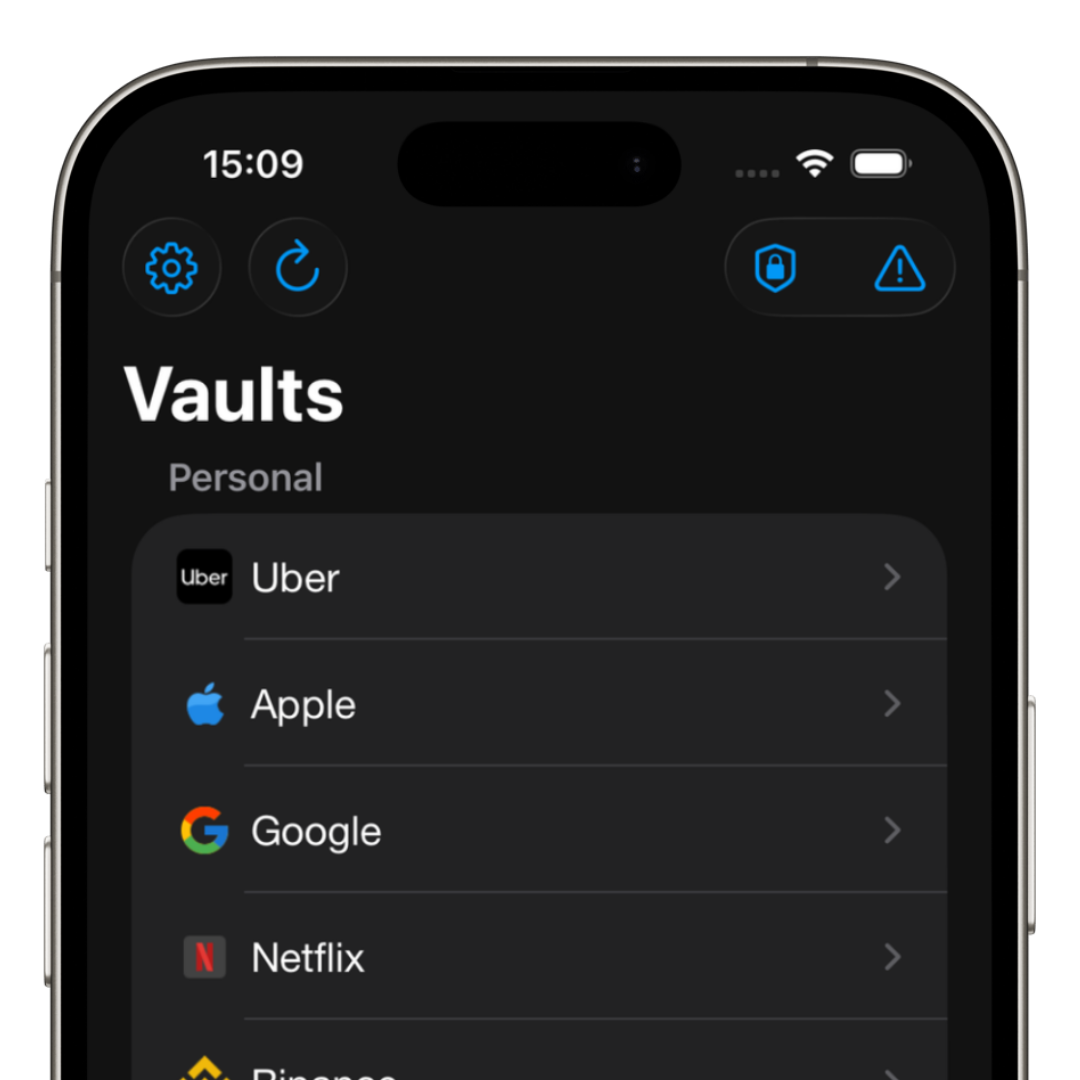
One of iSenhas’ differentiators is automation and organization.
The app offers features such as:
- • Automatic folder organization
- • Automatic icon recognition
- • Password history
- • Fast credential search
- • Smart categories
- • Public source code for security audits
Cross-device compatibility
1Password supports multiple platforms, working across different operating systems.
iSenhas also supports iPhone, Android, and Web, allowing users to access credentials from multiple devices.
This is especially useful for users who switch between smartphones, computers, and tablets.
Features beyond passwords
Modern password managers now work as complete digital vaults.
iSenhas also allows users to store:
- • Secure notes
- • Pix keys
- • Cards
- • Documents
- • 2FA codes
- • Passkeys
Simplified migration
Switching password managers may seem complicated.
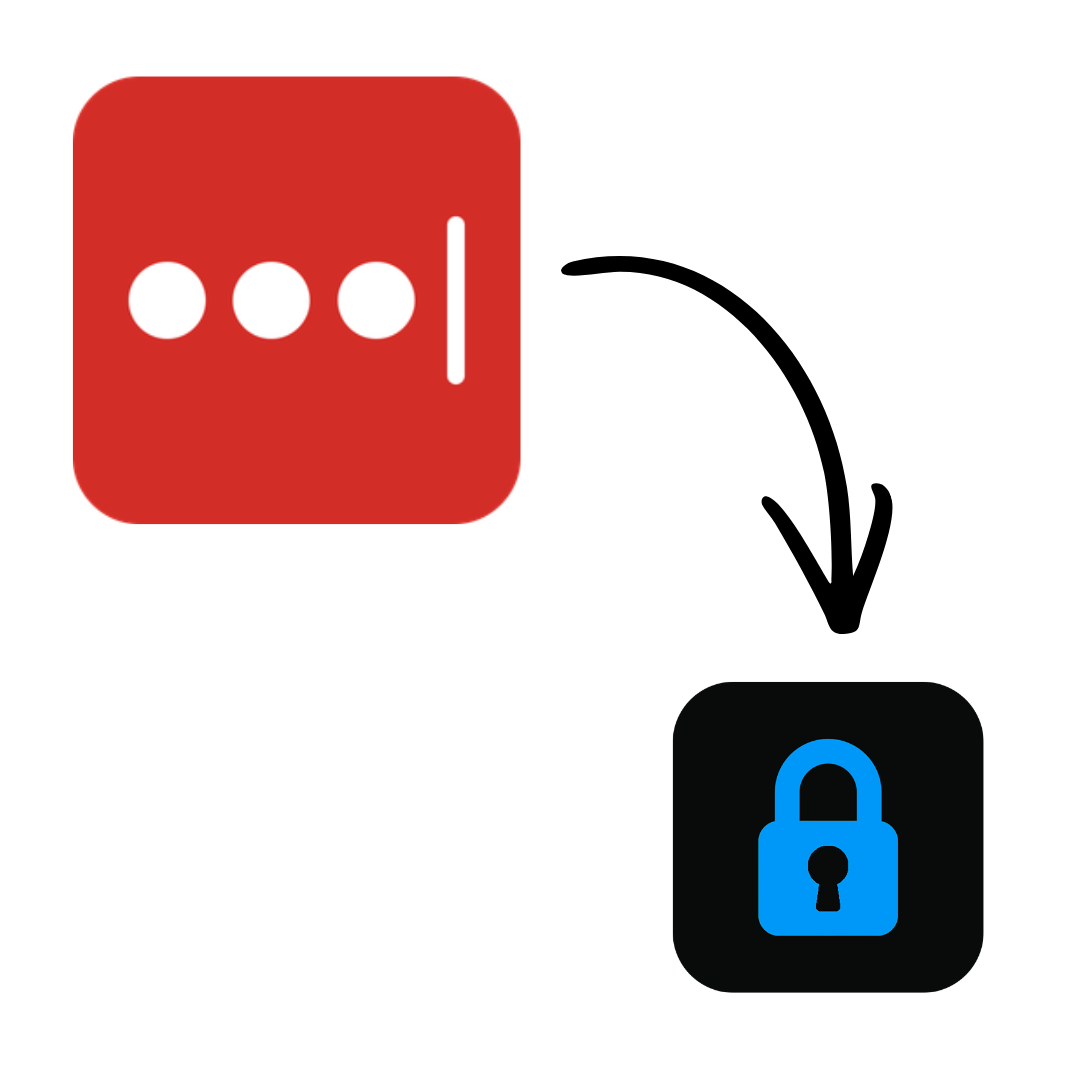
That is why iSenhas offers automatic import support for multiple platforms, including 1Password itself.
This greatly reduces manual work during migration.
- • 1Password
- • Bitwarden
- • LastPass
- • Dashlane
- • Google Password Manager
Which one makes more sense for you?
1Password remains one of the most recognized solutions on the market, especially for advanced users.
iSenhas aims to provide a simpler, more practical, and smarter daily experience.
The most important thing is to stop reusing passwords and start using strong, unique credentials.
iSenhas highlights
- • Apple Entrepreneur Camp participant
- • Featured in the “Apps We Love” section on the App Store
- • Simple and modern interface
- • Compatible with iPhone, Android, and Web
- • Public code for security auditing
Conclusion
Both 1Password and iSenhas help users protect online accounts and improve digital security.
The ideal choice depends on your profile, routine, and desired experience.
The sooner you start using a modern password manager, the more protected you will be against data breaches and cyberattacks.