Today it's impossible to memorize every password
Nowadays, almost every aspect of digital life depends on credentials.
Emails, banking, social media, streaming, apps, and online stores all require different logins.
The problem is that trying to memorize everything usually leads users to reuse weak passwords.
What is a password manager app?
A password manager works like a digital vault.
It allows users to store:
- • Emails and logins
- • Passwords
- • 2FA codes
- • Cards
- • Secure notes
- • Documents
Everything protected by advanced encryption and biometrics.
What should the best password manager app include?
Not every application offers the same level of security and convenience.
Some important features include:
- • Zero-knowledge architecture
- • Strong encryption
- • Cross-platform compatibility
- • Autofill
- • Smart organization
- • Integrated 2FA codes
- • Auditable code
These features help significantly improve digital security.
The problem with storing passwords in browsers
Many people use browsers to save credentials.
Despite the convenience, this can increase risks related to:
- • Malware
- • Malicious extensions
- • Session theft
- • Browser leaks
Dedicated password managers usually provide an extra layer of protection and isolation.
The importance of cross-platform compatibility
Today, many people use:
- • iPhone
- • Android
- • Windows
- • Mac
- • Different browsers
Ideally, you should use an app that works across all devices.
This avoids dependence on a single ecosystem.
How iSenhas works
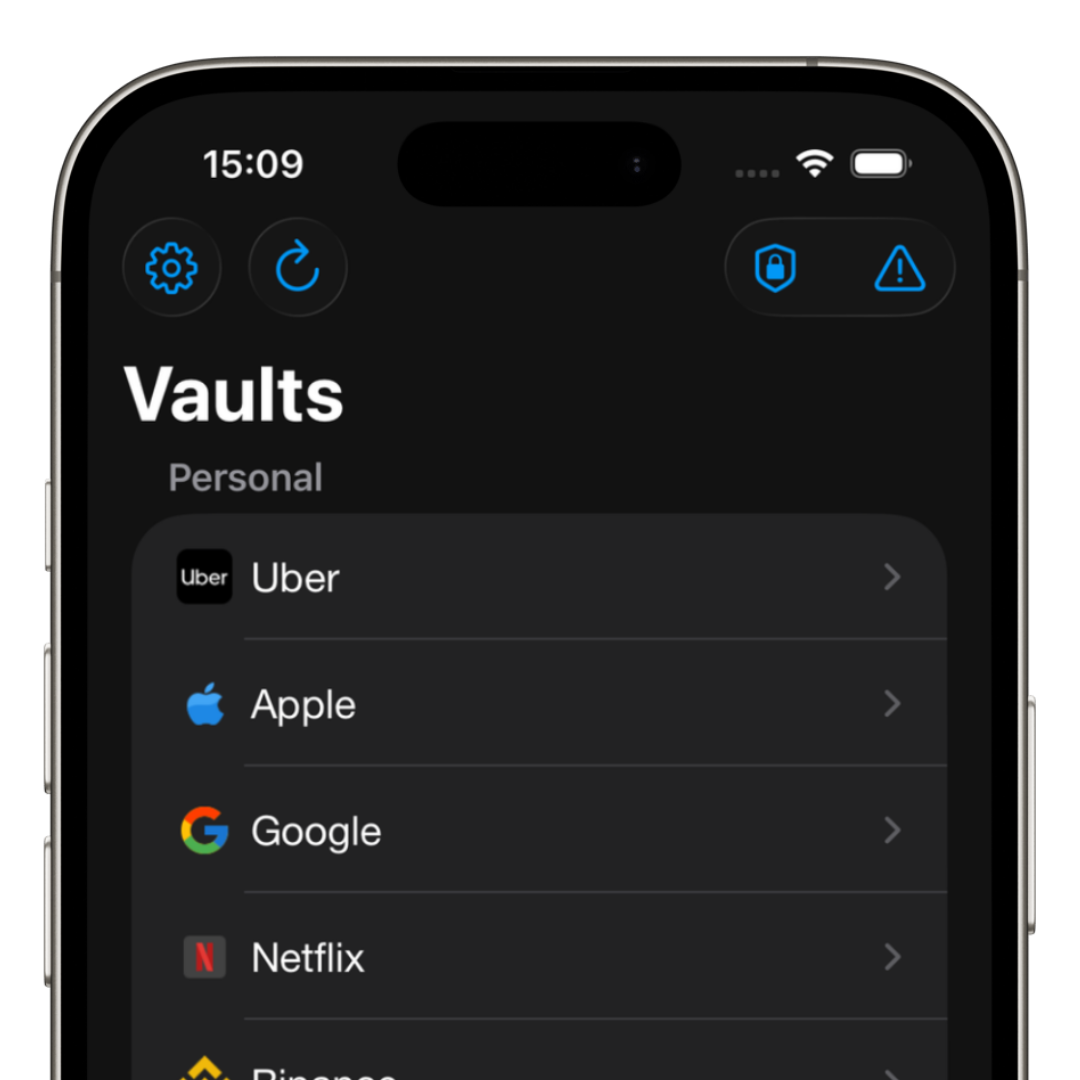
iSenhas was created to simplify credential management.
The app offers:
- • Zero-knowledge architecture
- • Public code for audits
- • Compatibility with iPhone, Android, and Web
- • Face ID and biometrics
- • Automatic organization
- • Password history
- • Integrated 2FA codes
The goal is to provide security without complicating the user experience.
Is using a password manager worth it?
Yes.
Especially for people who:
- • Have many online accounts
- • Frequently forget passwords
- • Want to reduce hacking risks
- • Seek convenience
- • Want more control over their digital life
Today, a good password manager has become practically essential.
iSenhas highlights
- • Apple Entrepreneur Camp participant
- • Featured in the App Store “Apps We Love” list
- • Compatible with iPhone, Android, and Web
- • Public code for audits
- • Advanced security features
Conclusion
The best app to store passwords is the one that successfully combines:
- • Security
- • Privacy
- • Compatibility
- • Organization
- • Ease of use
Today, using strong and unique passwords is no longer optional.
A modern password manager helps protect accounts, prevent leaks, and bring more peace of mind to digital life.