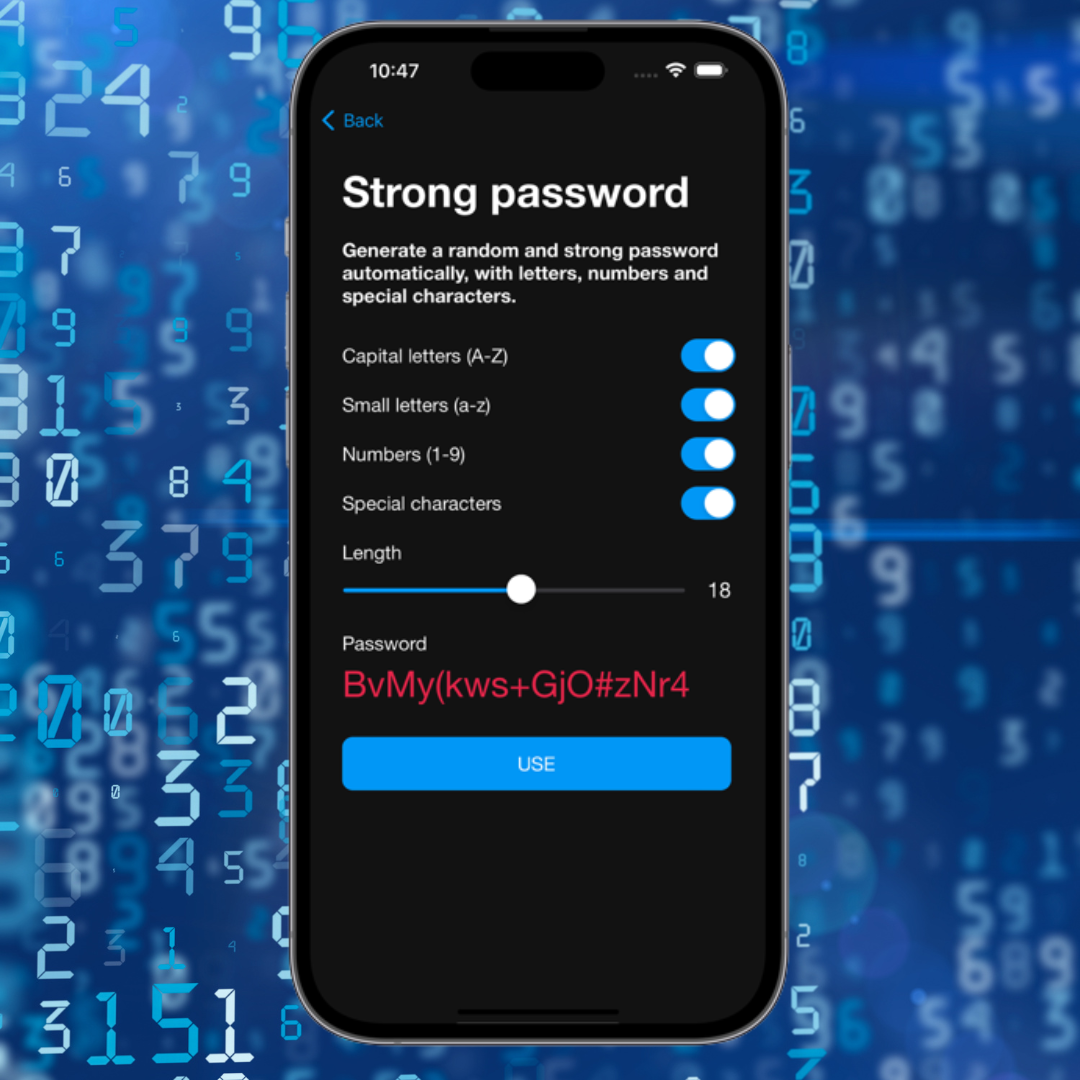
Lost access to your Apple ID?
Your Apple ID is responsible for almost everything in the Apple ecosystem.
Without access to your account, you may lose access to your iPhone, App Store, iCloud, backups, photos, and several other services.
Fortunately, Apple itself provides an official account recovery system.
When do you need to recover your account?
The most common situations are:
- • Forgot your Apple ID password
- • Changed phone number
- • Lost access to your email
- • iPhone locked asking for password
- • Hacked account
- • Unable to complete two-factor authentication
Step 1 — Access Apple's official website
Open your browser and go to the official recovery website:
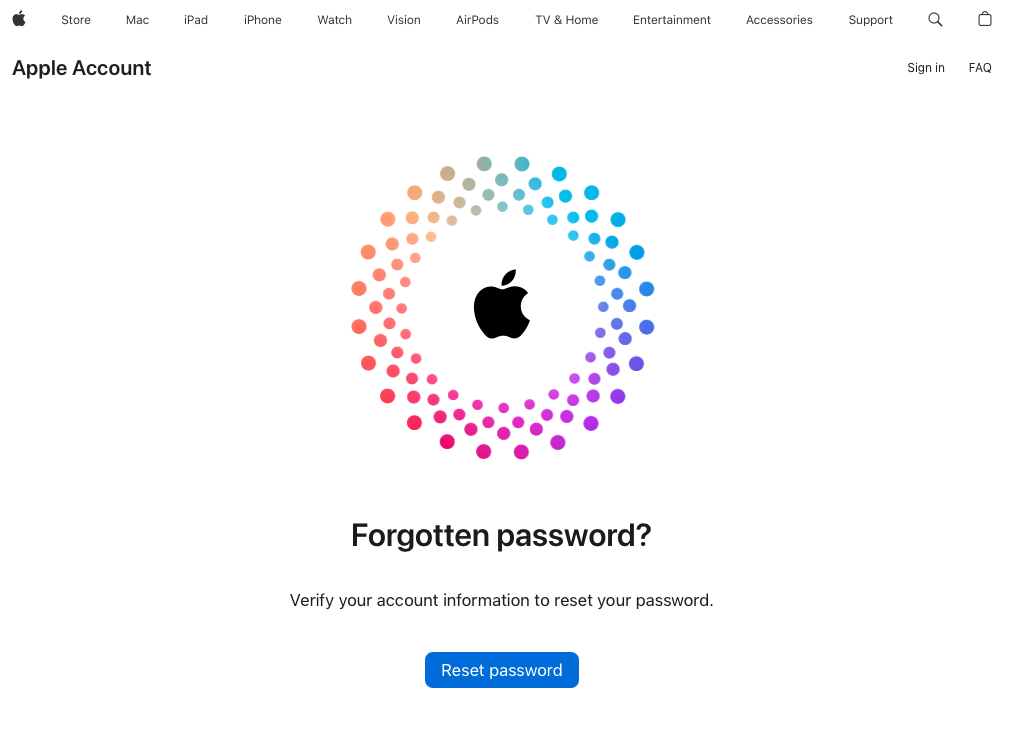
This is Apple's only official portal for account recovery.
Step 2 — Click Reset Password and enter your email or phone number
Enter the email used for your Apple ID or the registered phone number.
Then click “Continue”.
Step 3 — Choose the recovery method
Apple may request:
- • Code sent to another Apple device
- • SMS sent to your registered number
- • Verification email
- • Confirmation on a trusted device
Step 4 — Reset your password
After confirming your identity, you will be able to create a new password.
Ideally, your password should include:
- • Uppercase letters
- • Lowercase letters
- • Numbers
- • Special characters
What if you no longer have access to your old phone number?
In this case, Apple starts a process called “Account Recovery”.
The system analyzes account information and it may take a few days before access is restored.
Never share verification codes sent by Apple.
How to avoid losing access again
Some practices help a lot:
- • Keep your phone number updated
- • Add a recovery email
- • Enable two-factor authentication
- • Use strong passwords
- • Store recovery codes safely
Use a password manager
Many users lose access to their accounts simply because they forget passwords or do not know where to store important information.
A password manager helps store:
- • Apple ID passwords
- • Recovery emails
- • Important codes
- • Security questions
- • Credential backups
How iSenhas can help
iSenhas makes it easier to securely store your Apple credentials and other important accounts.
The app offers:
- • Face ID and Touch ID
- • Automatic organization
- • Autofill support
- • Password history
- • Leak monitoring
- • Compatibility with iPhone, Android, and Web
iSenhas Highlights
- • Apple Entrepreneur Camp participant
- • Featured in the “Apps We Love” section on the App Store
- • Simple and modern interface
- • Compatible with iPhone, Android, and Web
Conclusion
Recovering an Apple account may seem complicated, but following the official process makes everything simpler and safer.
The most important thing is to always use Apple's official channels and keep your credentials protected.
Using a password manager greatly reduces the risk of losing access again.