The problem with reusing passwords
Many people use the same password across different accounts because it’s impossible to memorize dozens of complex combinations.
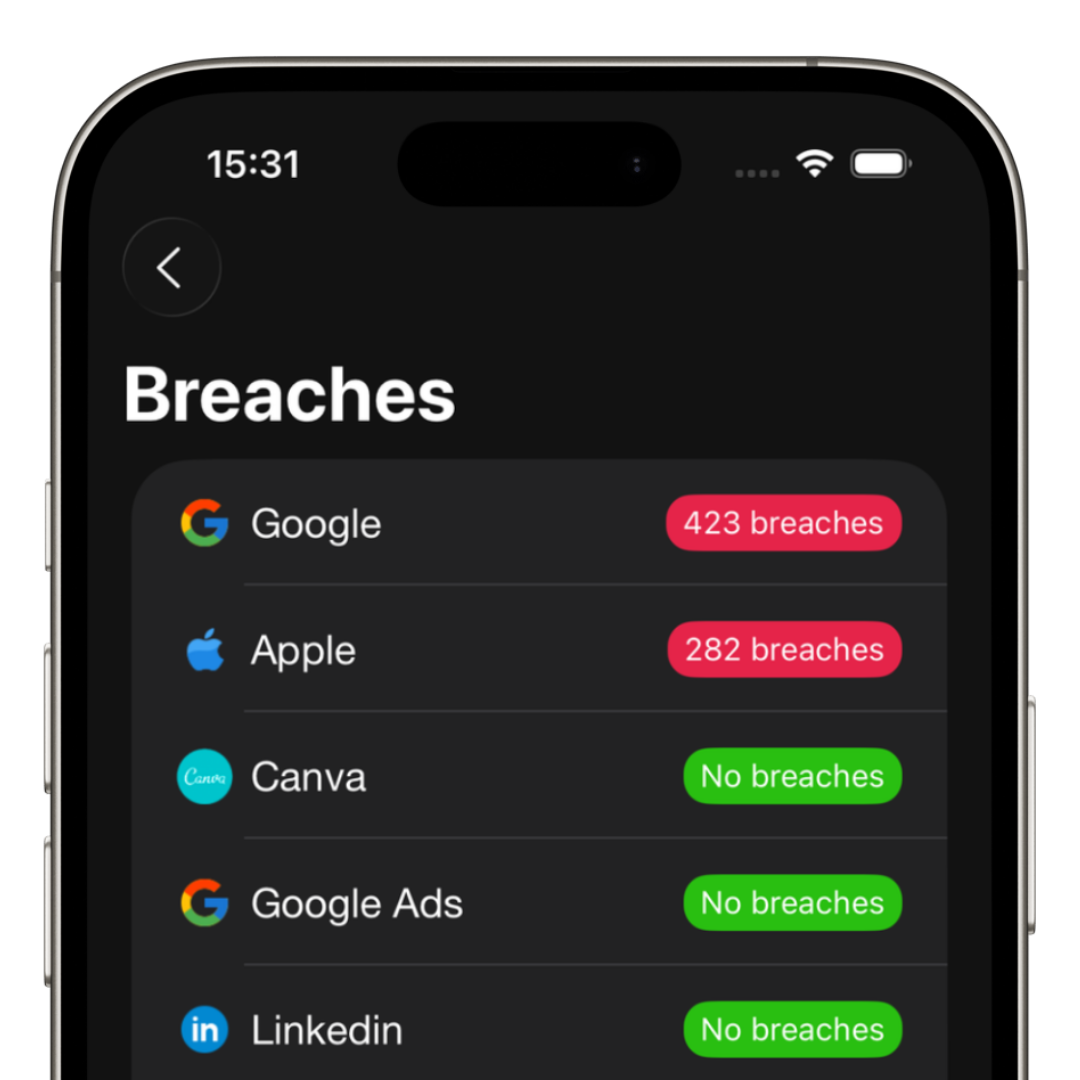
The problem is that when one of these accounts suffers a breach, all the others also become vulnerable.
Nowadays, reusing passwords is one of the biggest digital security risks.
What is a strong password?
A strong password usually contains:
- • Uppercase and lowercase letters
- • Numbers
- • Special characters
- • More than 12 characters
- • No personal information
The most common mistake
Many people believe that changing only a few characters already makes a password secure.
Bad examples:
- • password123
- • password1234
- • john2026
- • 12345678
These combinations are extremely easy to guess.
How to use strong passwords without memorizing everything
The modern solution is to use a password manager.
Instead of memorizing dozens of combinations, you only need to remember your master password.
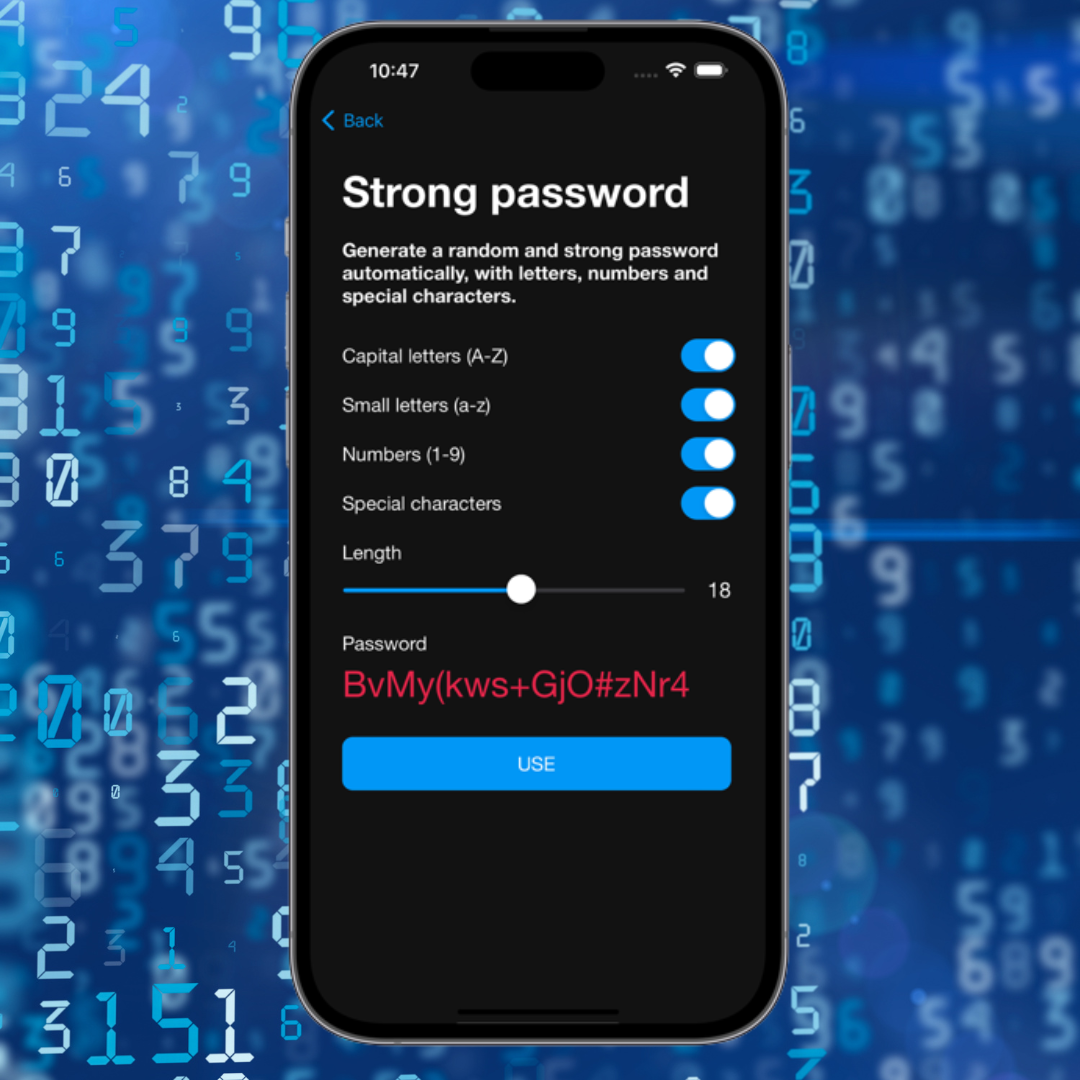
The app automatically creates and saves unique passwords for every service.
How iSenhas helps
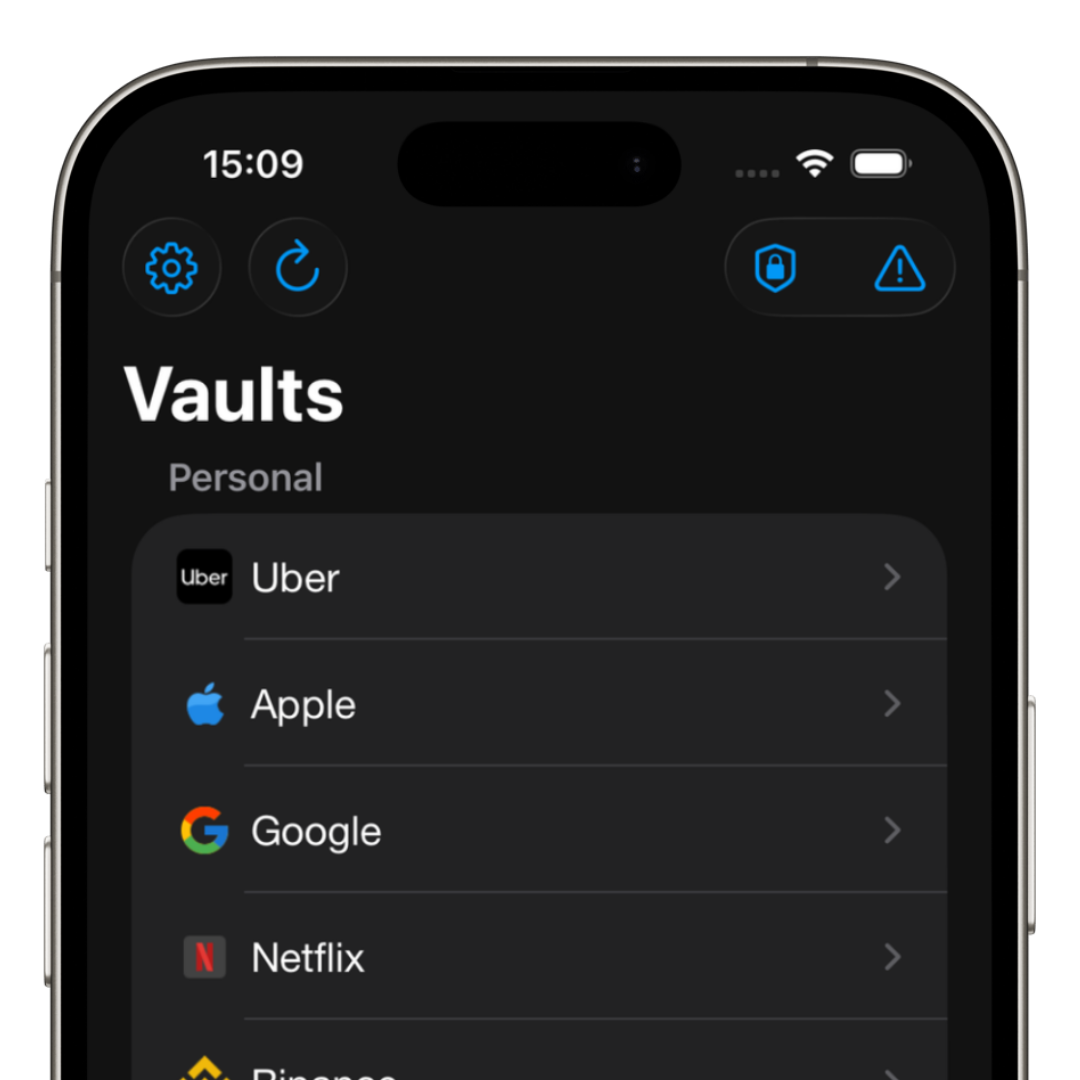
iSenhas allows you to generate strong passwords automatically, store credentials securely and quickly autofill logins on iPhone, Android and desktop.
This way you can use different passwords for every account without needing to memorize any of them.