Why use a password manager on iPhone?
The iPhone already includes several advanced security and privacy features.
However, many users still reuse weak passwords or store important information in insecure ways.
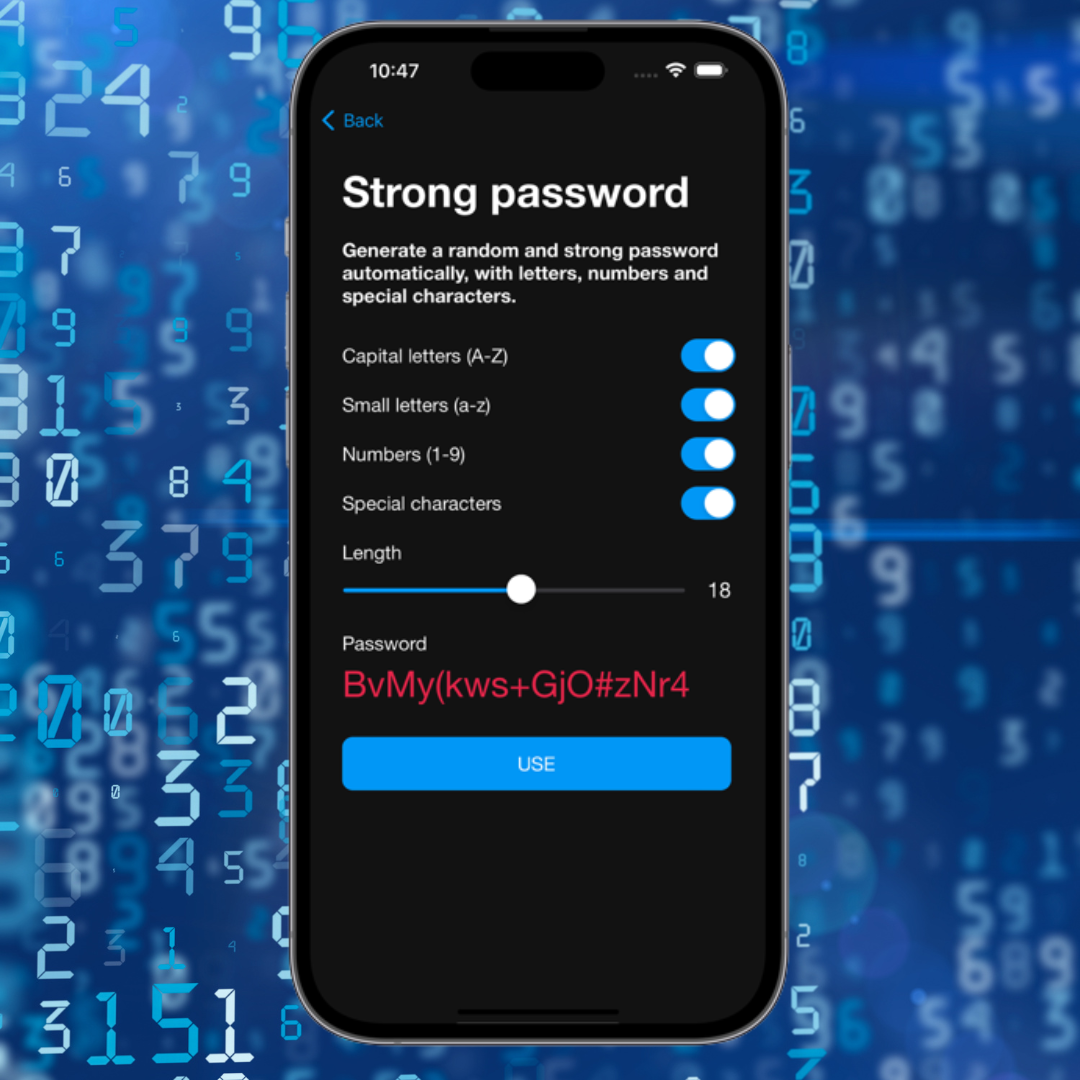
A modern password manager helps create strong credentials, autofill logins automatically, and protect accounts against data breaches.
What should a good iPhone app include?
Not all apps provide a truly integrated iOS experience.
The best apps in 2026 include:
- • Face ID compatibility
- • Vault unlocking with a master password
- • Keyboard autofill
- • Cross-device sync (not only Apple devices)
- • AES-256 encryption
- • Smart organization
- • Breach alerts
- • 2FA code compatibility
The importance of autofill
One of the most important features in an iPhone password manager is autofill.
It allows users to access apps and websites quickly without manually copying passwords.
This improves both security and the everyday user experience.
Face ID makes a difference
Using Face ID to unlock passwords has made the process much faster and safer.
Instead of memorizing dozens of credentials, users can access everything using biometrics.
This greatly reduces the habit of reusing weak passwords.
Security beyond passwords
Modern apps have evolved into complete digital vaults.
Today many users also store:
- • Secure notes
- • Pix keys
- • Documents
- • Cards
- • 2FA codes
- • Passkeys
Migrating from other apps
Many people avoid switching password managers because they fear the migration process.
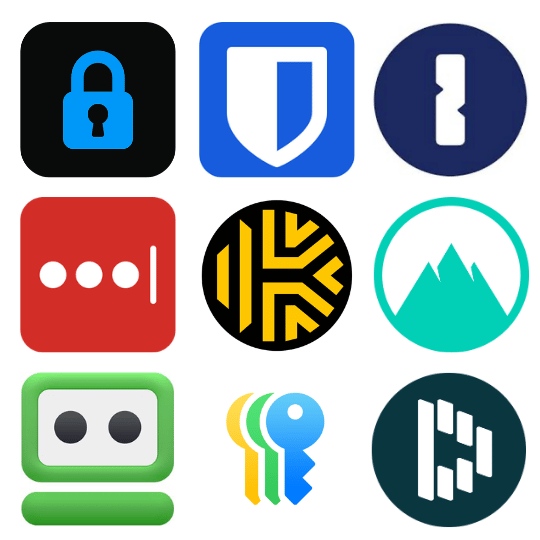
In 2026, the best apps already offer automatic import from services such as:
- • iSenhas
- • LastPass
- • 1Password
- • Dashlane
- • Bitwarden
What is the best password manager for iPhone?
The best app will be the one that combines security, iOS integration, and ease of daily use.
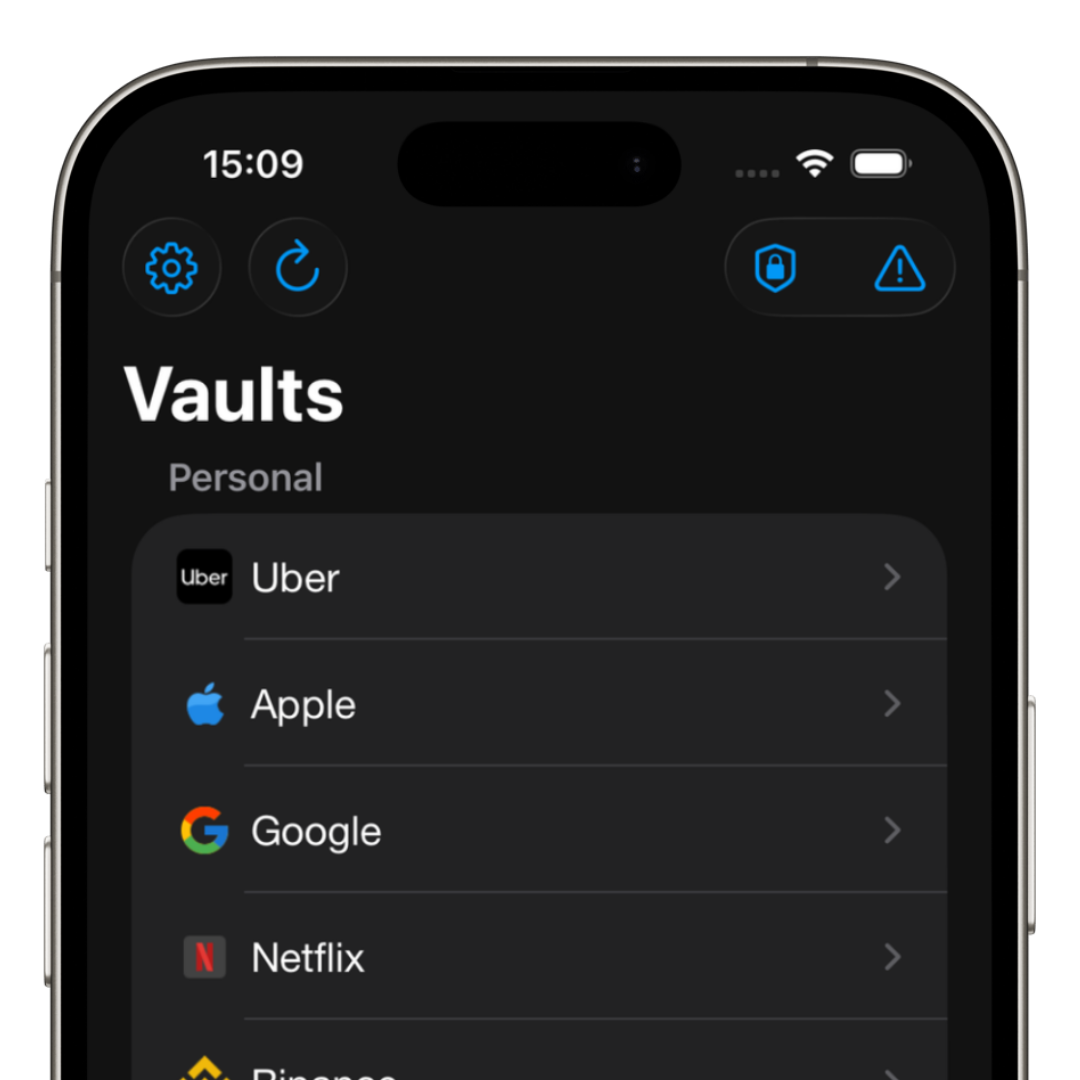
iSenhas was developed specifically for the iPhone experience, focusing on simplicity, productivity, and protection.
The app offers:
- • Face ID and Touch ID
- • Smart autofill
- • Automatic folder organization
- • Breach monitoring
- • Automatic icon recognition
- • Simplified import process
- • Public source code for security audits
iSenhas highlights
- • Apple Entrepreneur Camp participant
- • Featured in the App Store “Apps We Love” list
- • Modern and simple interface
- • Advanced protection features
- • Compatible with iPhone, iPad, Android, and Web
Conclusion
In 2026, protecting your iPhone accounts is much more important than simply creating a strong password.
A good password manager improves your security, saves time, and reduces the risk of breaches.
The sooner you stop reusing passwords, the more protected you will be in the long run.