iPhones are secure, but not invulnerable
The iPhone is known for being one of the most secure devices on the market.
However, that does not mean it is impossible to attack.
Most attacks happen because of human mistakes, not flaws in the system itself.
Signs your iPhone may have been compromised
Some behaviors may indicate a security risk:
- • Battery draining very quickly
- • Apps you did not install appearing
- • Logins on unknown devices
- • Strange pop-ups or redirects
- • Suspicious activity on your Apple ID account
Check your Apple ID account
The first step is reviewing your Apple account.
Access your official account panel at https://icloud.com
Check:
- • Connected devices
- • Recently changed password
- • Unknown sessions
Your iPhone may be safe, but your password may not
Most attacks happen like this:
- • Password leaked on another website
- • Reuse of the same password
- • Access to the Apple ID account
- • Data synchronization on the iPhone
This makes it seem like the iPhone was hacked, but the weak point was actually the password.
The danger of weak or reused passwords
If you use the same password across multiple services, the risk increases dramatically.
A single data breach can compromise everything.
What to do if you suspect a compromise
If you notice anything suspicious:
- • Change your password immediately
- • Enable two-factor authentication
- • Review connected devices
- • Update iOS
- • Revoke suspicious access
Official Apple guide:
https://support.apple.com/How to truly protect your iPhone
The best protection involves three layers:
- • Strong and unique passwords
- • Two-factor authentication (2FA)
- • A trusted password manager
Without these, any device can become vulnerable.
How iSenhas helps protect your accounts
iSenhas was created to prevent exactly this type of problem.
It helps you:
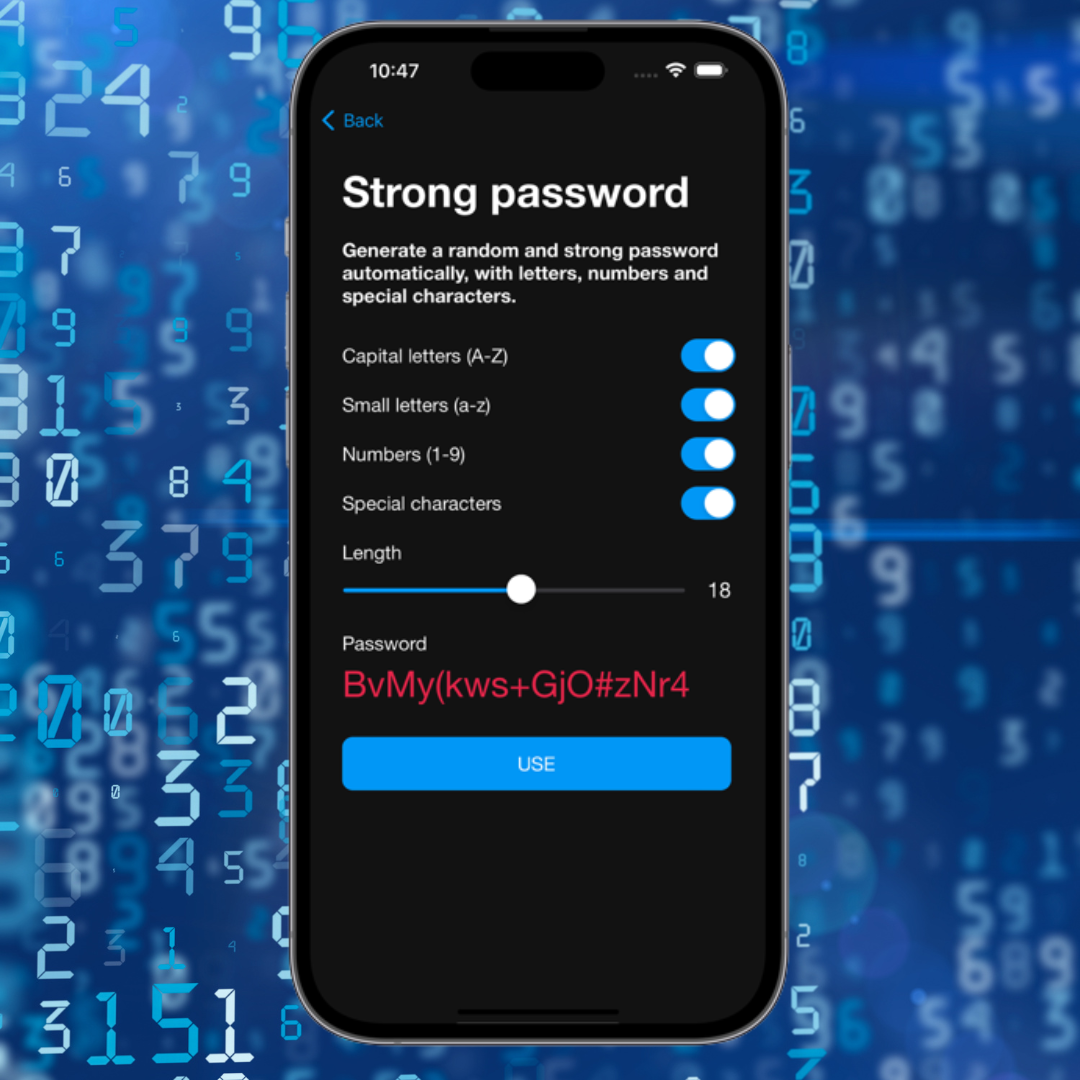
- • Create strong passwords automatically
- • Avoid password reuse
- • Store credentials securely
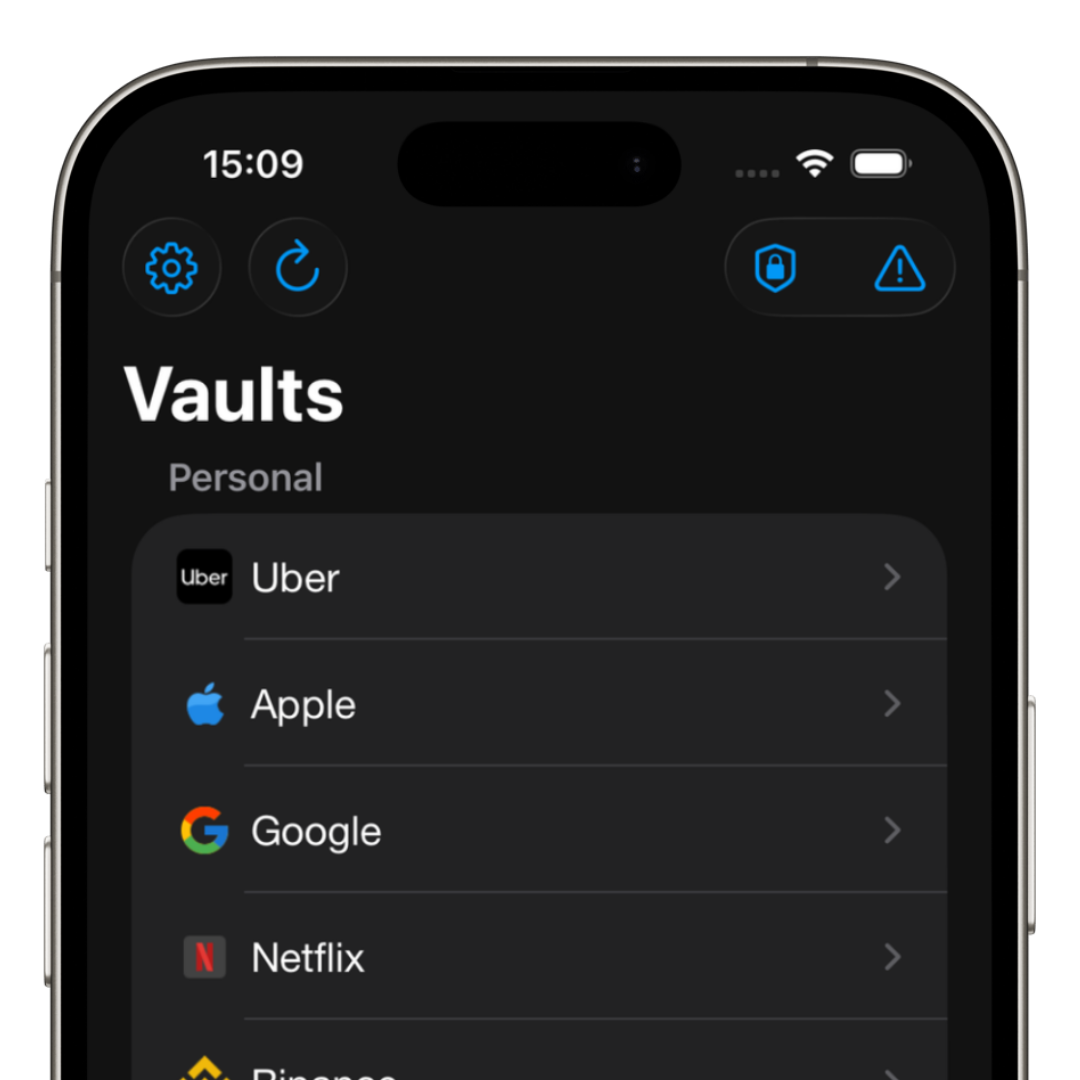
- • Organize logins in one place
- • Use zero-knowledge architecture
Conclusion
iPhones are rarely hacked directly.
In most cases, the issue comes from weak or leaked passwords.
With good security practices, your risk drops dramatically.