Your Instagram account is one of your main online targets
Instagram is one of the most attacked social networks by hackers.
Accounts are hacked every day because of:
- • Weak passwords
- • Password reuse
- • Phishing (fake links)
- • Lack of two-factor authentication
How to enable two-factor authentication on Instagram
Instagram allows you to protect your account with an additional security factor.
You can enable it directly in the settings:
- 1. Open Instagram
- 2. Go to “Settings and privacy”
- 3. Tap “Accounts Center”
- 4. Go to “Password and security”
- 5. Tap “Two-factor authentication”
Official Instagram guide:
Official Instagram Help - Two-factor authentication
SMS is not the safest form of 2FA
Many people still use SMS as a second authentication factor.
This can be dangerous because:
- • It can be intercepted through SIM swap attacks
- • It depends on your carrier’s security
- • It may be exposed during mobile chip attacks
Best two-factor authentication method
The ideal option is to use authenticator apps such as:
- • iSenhas
- • Google Authenticator
- • Microsoft Authenticator
- • Authy
They generate temporary codes that change every few seconds, making attacks much harder.
Other important security practices
Besides 2FA, follow these recommendations:
- • Use a strong and unique password
- • Avoid suspicious links
- • Never share login codes
- • Review connected devices regularly
How iSenhas helps protect your Instagram account
iSenhas allows you to create and securely store passwords for your accounts.
Important features:
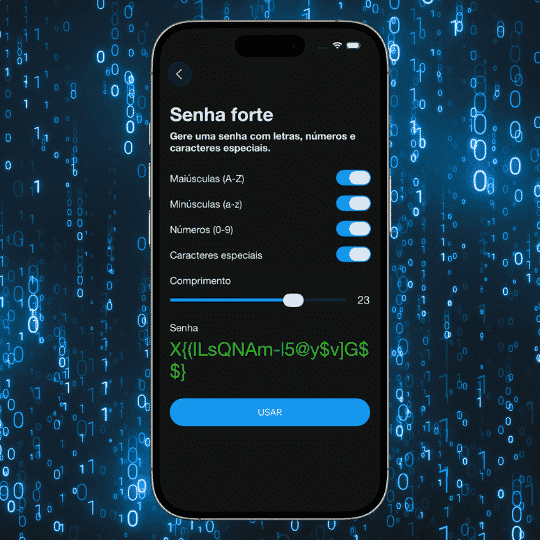
- • Strong password generator
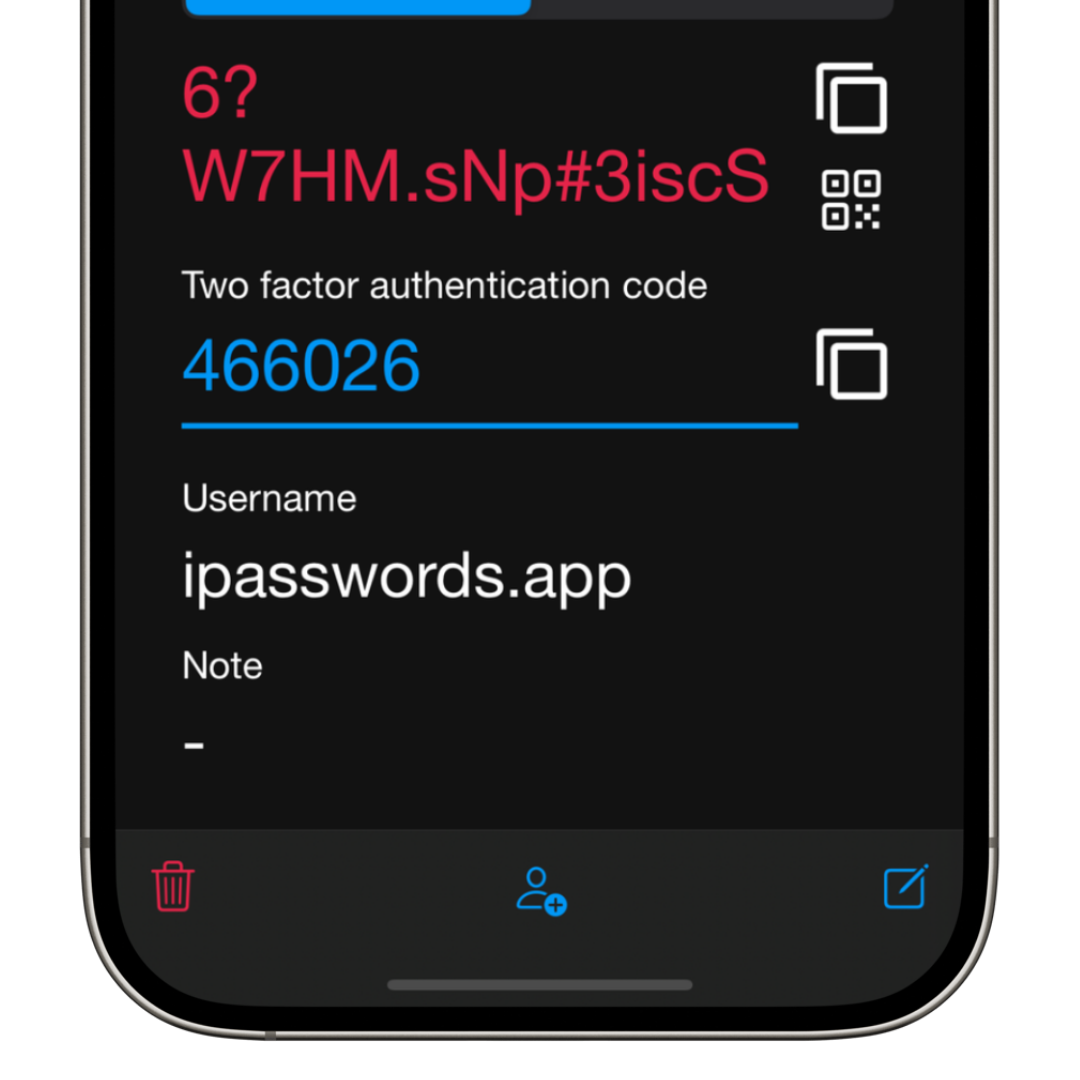
- • Two-factor authentication code generator
- • Secure password storage
- • Social account organization
- • Compatibility with iPhone, Android, and Web
- • Zero-knowledge architecture
Conclusion
Protecting your Instagram account is not optional.
With simple adjustments like enabling two-factor authentication and using strong passwords, you drastically reduce the risk of being hacked.
Security starts with small daily decisions.