A password alone is no longer enough
Today, data breaches happen constantly.
Millions of credentials end up exposed in attacks, malware, and platform breaches.
Even when using a strong password, there is still a risk of account compromise.
What is two-factor authentication?
Two-factor authentication, also called 2FA, requires a second verification step during login.
In addition to the password, the user must provide:
- • Temporary code
- • Approval on the phone
- • Security key
- • Biometrics
This greatly reduces the risk of account breaches.
How 2FA protects your accounts
Imagine your password is discovered in a data breach.
Without extra authentication, anyone could access your account.
With 2FA enabled, the attacker would still need:
- • Your phone
- • The temporary code
- • Manual approval
This creates an important barrier against unauthorized access.
How to enable two-factor authentication
Most modern services support 2FA.
Usually, you just need to:
- • Open your account settings
- • Go to “Security”
- • Look for “Two-factor authentication”
- • Enable the extra protection
After that, the service will usually request an authenticator app or phone number.
Authenticator apps are more secure
Many platforms offer SMS codes.
However, authenticator apps are usually more secure.
This is because SMS messages can be vulnerable to:
- • SIM swap attacks
- • Interception
- • Social engineering attacks
Authenticator apps generate local codes, increasing protection.
How iSenhas helps with 2FA
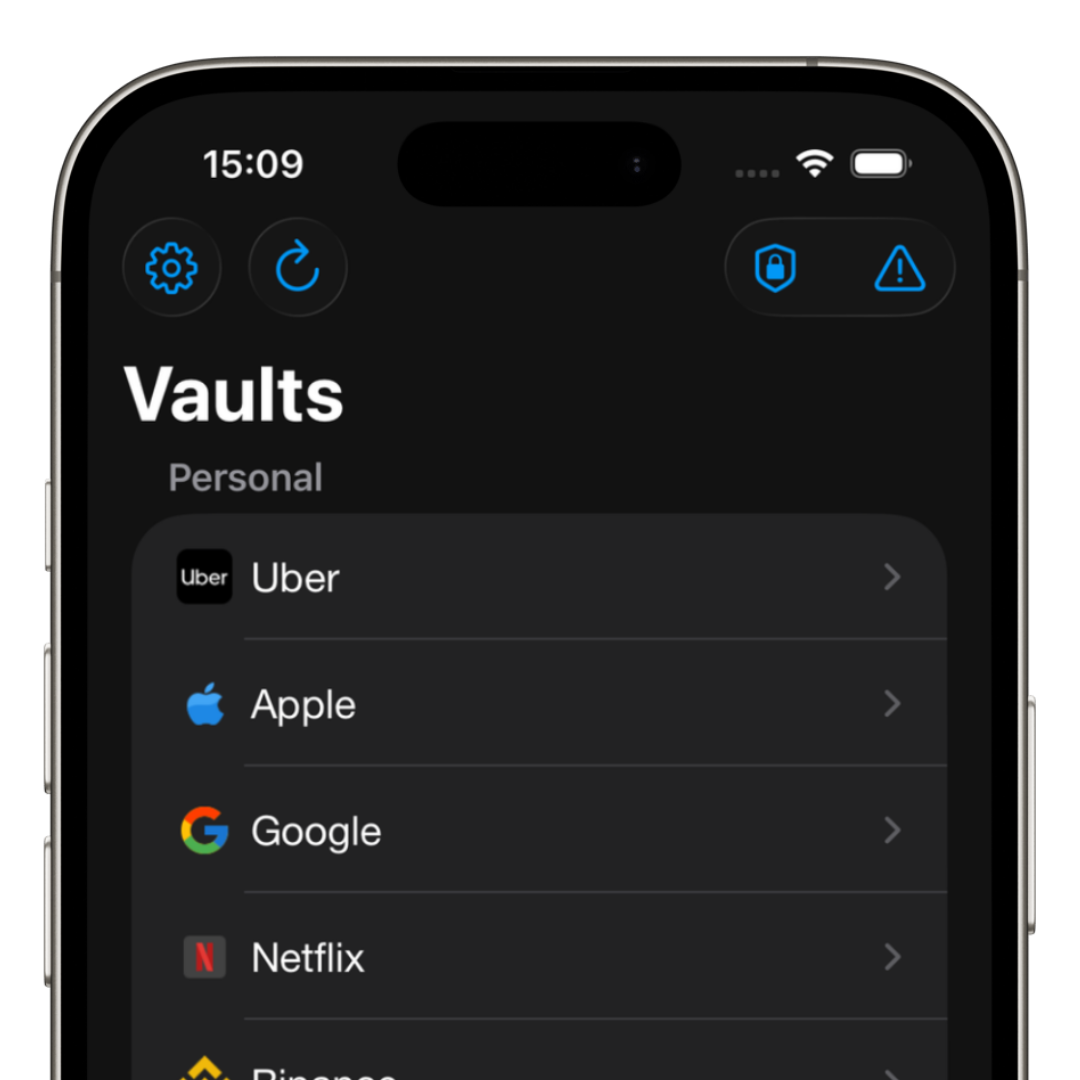
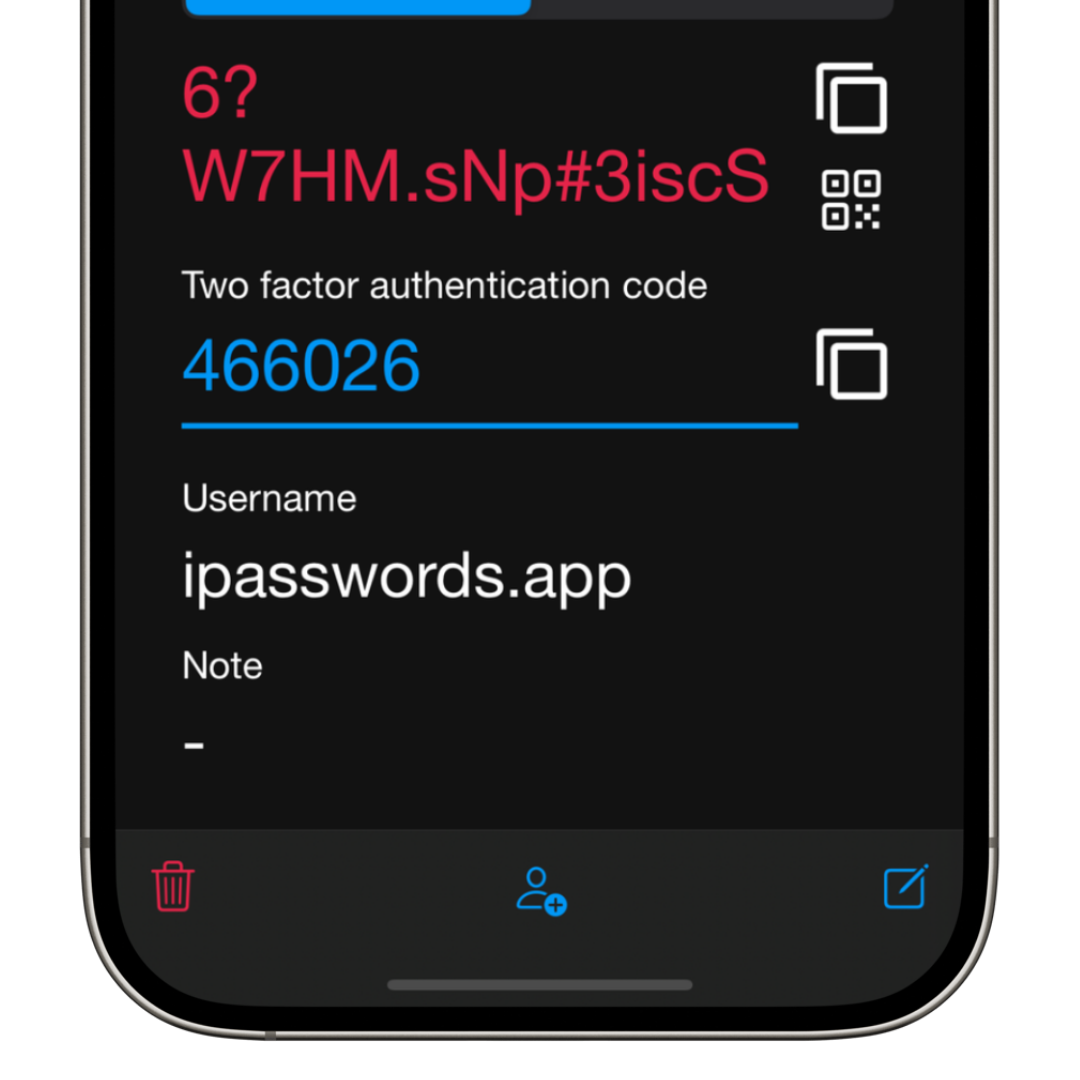
iSenhas includes integrated support for two-factor authentication.
The app allows you to store:
- • Passwords
- • Temporary 2FA codes
- • Logins
- • Secure information
Everything organized in one place.
In addition, the app offers:
- • Face ID and biometrics
- • Compatibility with iPhone, Android, and Web
- • Public source code for audits
- • Zero-knowledge architecture
Which accounts should use 2FA?
Ideally, you should enable extra authentication especially on:
- • Email accounts
- • Banking apps
- • Social media accounts
- • Messaging apps
- • Apple and Google accounts
- • Work platforms
These accounts usually contain extremely important information.
iSenhas highlights
- • Participant in the Apple Entrepreneur Camp
- • Featured in the App Store “Apps We Love” list
- • Compatible with iPhone, Android, and Web
- • Integrated 2FA codes
- • Public source code for security audits
Conclusion
Two-factor authentication has become one of the most effective ways to protect online accounts.
Even if a password is discovered, 2FA creates an extra layer that makes attacks much harder.
Today, enabling extra authentication is no longer optional for anyone seeking better digital security.