Today we have passwords for practically everything
Emails, banking, social networks, apps, streaming services, and online stores all require different credentials.
With so many accounts, memorizing everything has become practically impossible.
This causes many people to:
- • Reuse passwords
- • Forget account access
- • Write credentials in unsafe places
- • Use weak passwords
Does the iPhone have a password manager?
Yes.
The iPhone integrates with Apple’s “Passwords” app.
The system can:
- • Save credentials automatically
- • Autofill logins quickly
- • Sync data with iCloud
- • Use Face ID for unlocking
This makes everyday account access much easier.
How to save passwords on iPhone
Normally, the iPhone itself asks whether you want to save the password after logging into a website or app.
Just:
- • Open a website or app
- • Log in normally
- • Tap “Save Password”
After that, the iPhone can autofill your credentials automatically.
The problem with saving passwords in the wrong places
Many people still store passwords in:
- • Notes apps
- • WhatsApp conversations
- • Paper notes
- • Spreadsheets
- • Apps without encryption
This significantly increases the risk of leaks and account compromise.
Is it worth using a dedicated password manager?
Many people prefer specialized password management apps.
That is because dedicated managers usually offer:
- • Automatic organization
- • Android and Web compatibility
- • Password history
- • Integrated 2FA codes
- • More privacy
- • Advanced security features
How iSenhas works on iPhone
iSenhas was developed to simplify credential management.
The app offers:
- • Face ID and biometrics
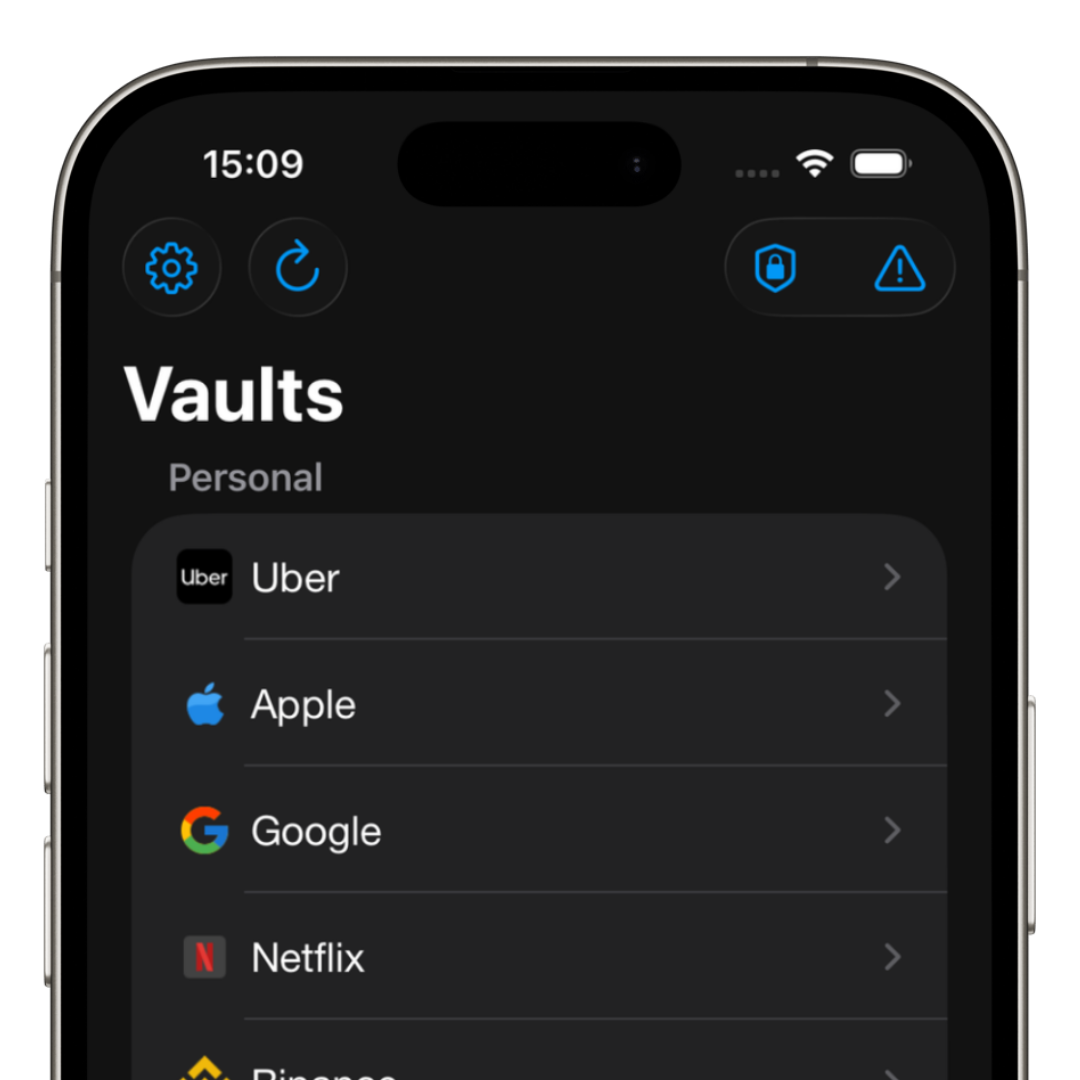
- • Automatic organization
- • Compatibility with iPhone, Android, and Web
- • Public code for audits
- • Zero-knowledge architecture
- • Integrated 2FA codes
The goal is to provide fast access to credentials without complicating the experience.
How to create stronger passwords
Besides storing credentials properly, it is also important to create strong passwords.
Ideally, you should use:
- • Long passwords
- • Unique passwords for each account
- • A mix of letters and numbers
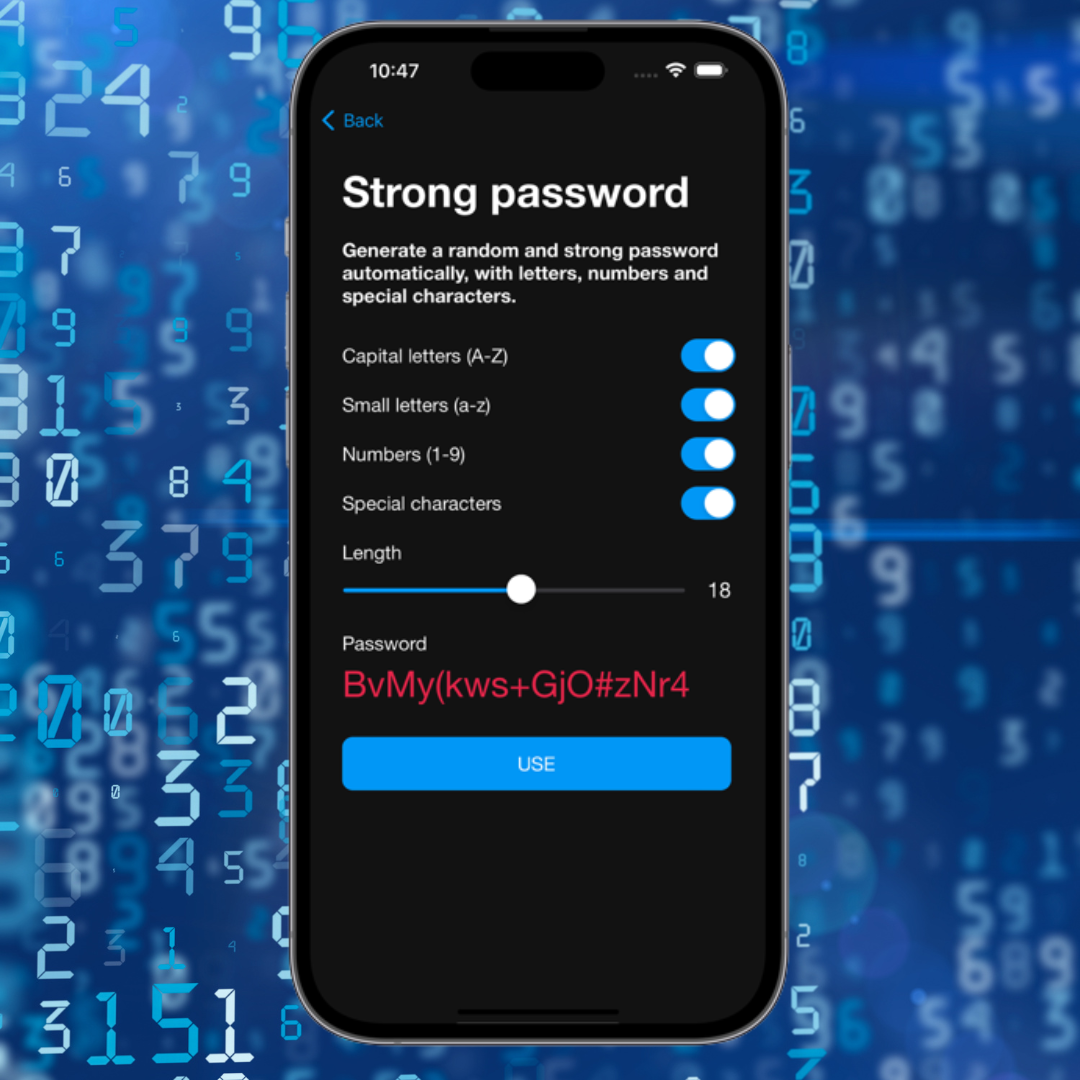
- • Automatic generators
This greatly reduces the risk of account compromise.
iSenhas Highlights
- • Participant in the Apple Entrepreneur Camp
- • Featured in the App Store “Apps We Love” list
- • Compatible with iPhone, Android, and Web
- • Advanced security features
- • Simple and modern interface
Conclusion
Saving passwords correctly on iPhone helps protect accounts, avoid forgotten credentials, and reduce the risk of compromise.
Today, using a modern password manager has become one of the most important ways to improve digital security.