Authenticators have become essential
Today, passwords alone are not enough.
Data breaches happen constantly and millions of passwords circulate online.
That is why two-factor authentication, also known as 2FA, has become so important.
What is an authenticator?
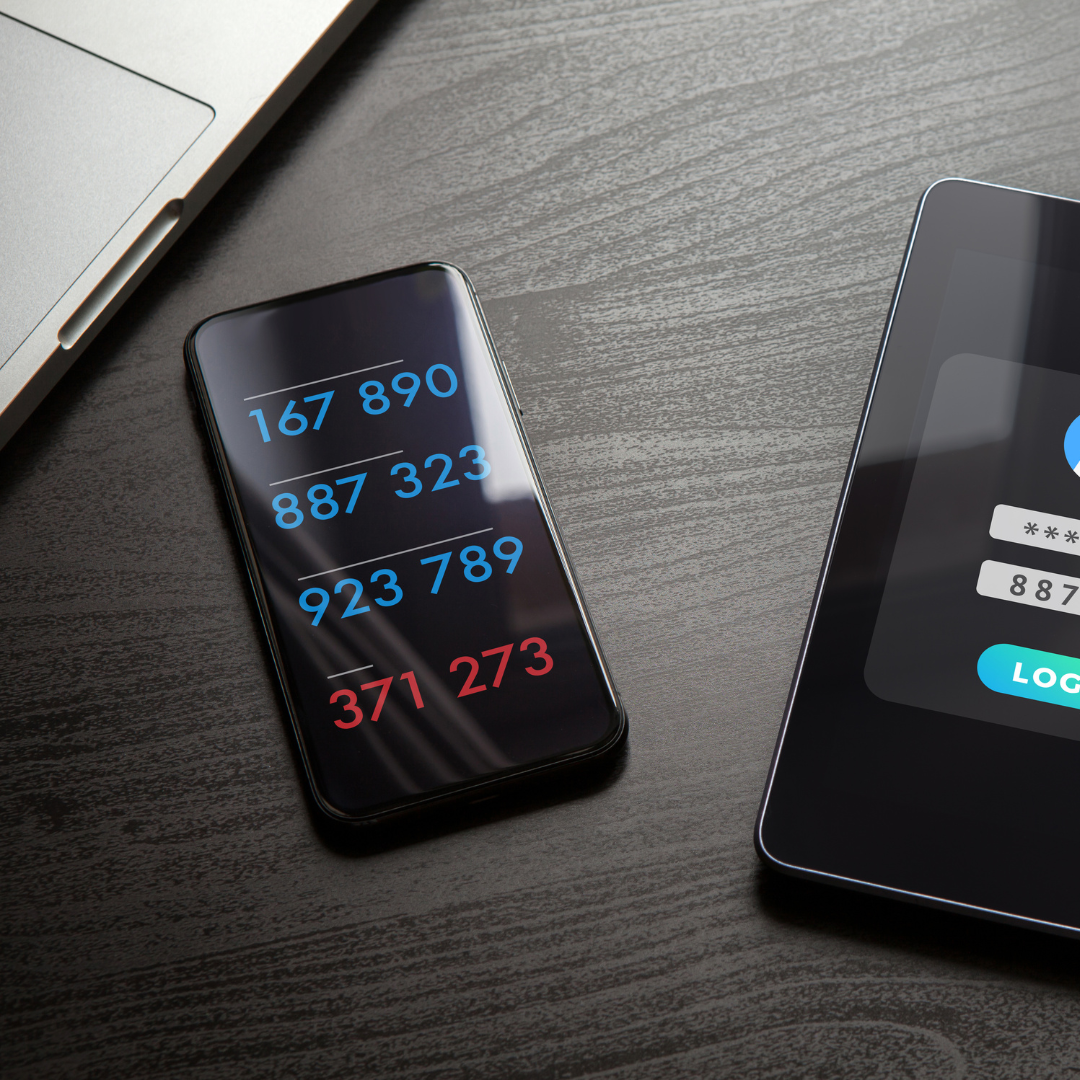
Authenticator apps generate temporary codes used when signing into accounts.
These codes change constantly and help prevent unauthorized access.
Services such as:
- • Gmail
- • Steam
- • Banks
- • Discord
already use two-factor authentication.
What a good authenticator should offer
Not every app provides the same level of experience or protection.
A good authenticator for iPhone should include:
- • Face ID or Touch ID
- • Secure backup
- • Reliable synchronization
- • Fast interface
- • Protection against physical access
The problem with traditional authenticators
Many authenticator apps focus only on 2FA codes.
The problem is that users end up separating:
- • Passwords in one place
- • 2FA codes somewhere else
This makes the experience slower and less practical.
iSenhas also works as an authenticator
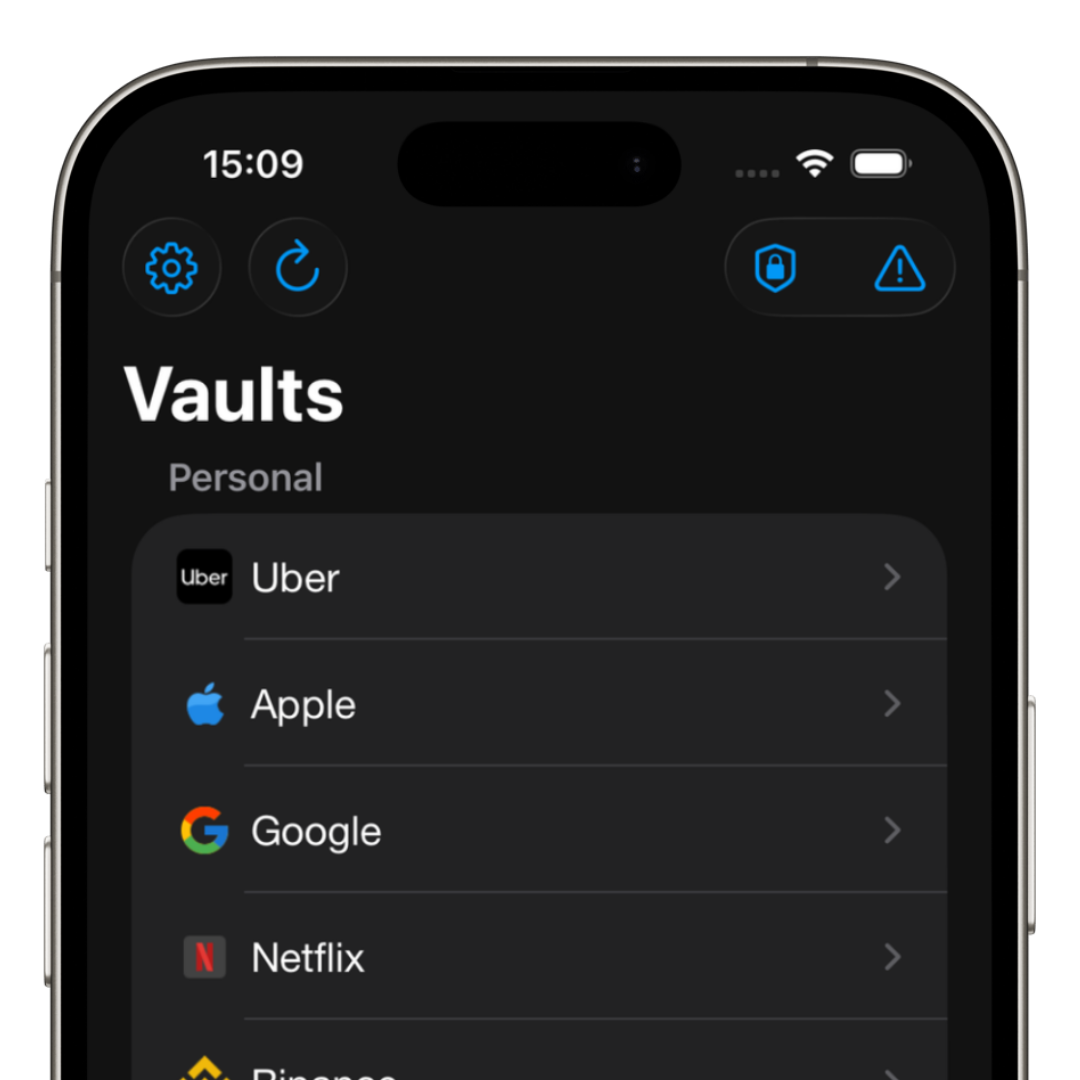
iSenhas allows you to store:
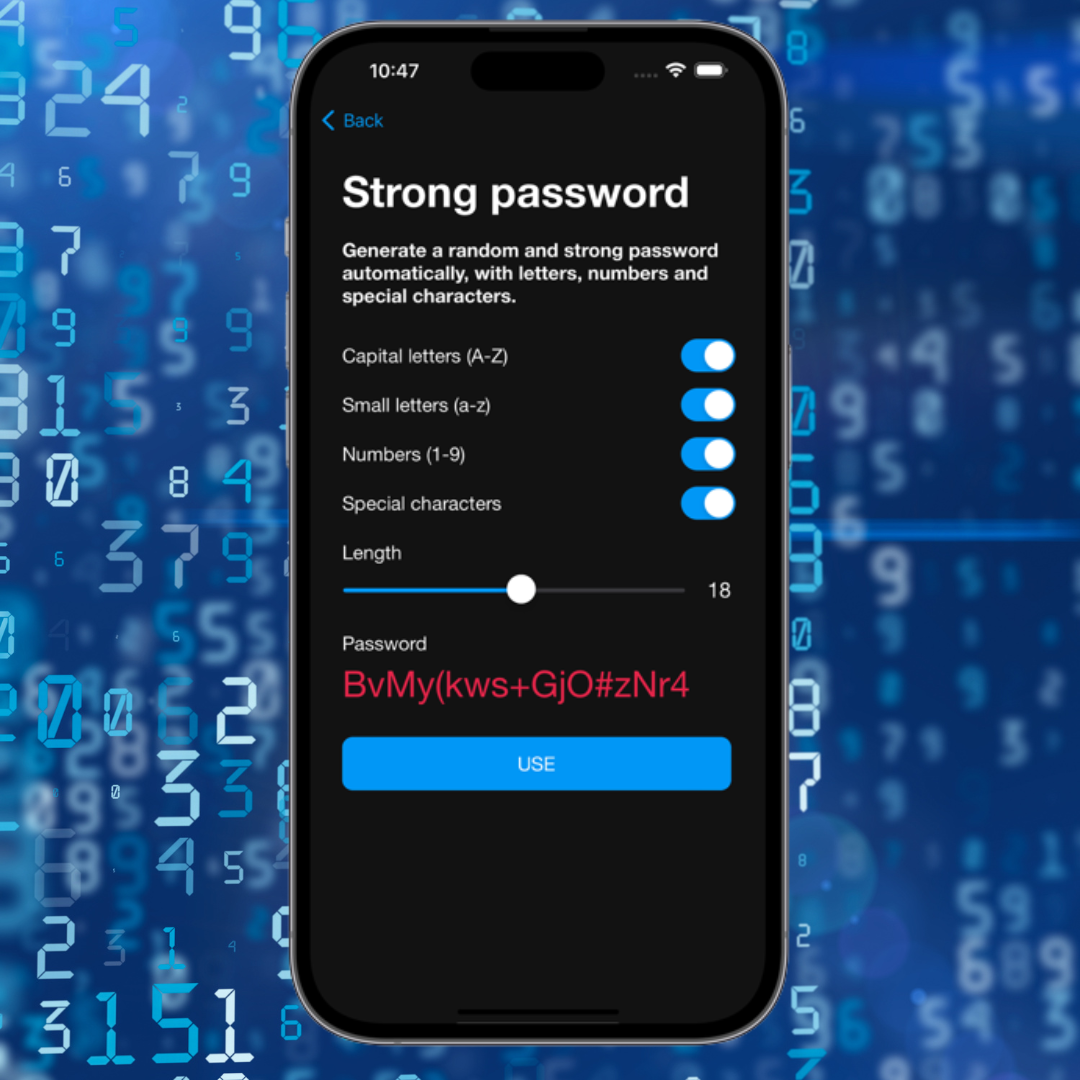
- • Passwords
- • 2FA codes
- • Secure notes
- • Pix keys
Everything integrated into a single app.
This makes daily logins much easier, especially on iPhone.
Face ID and additional protection
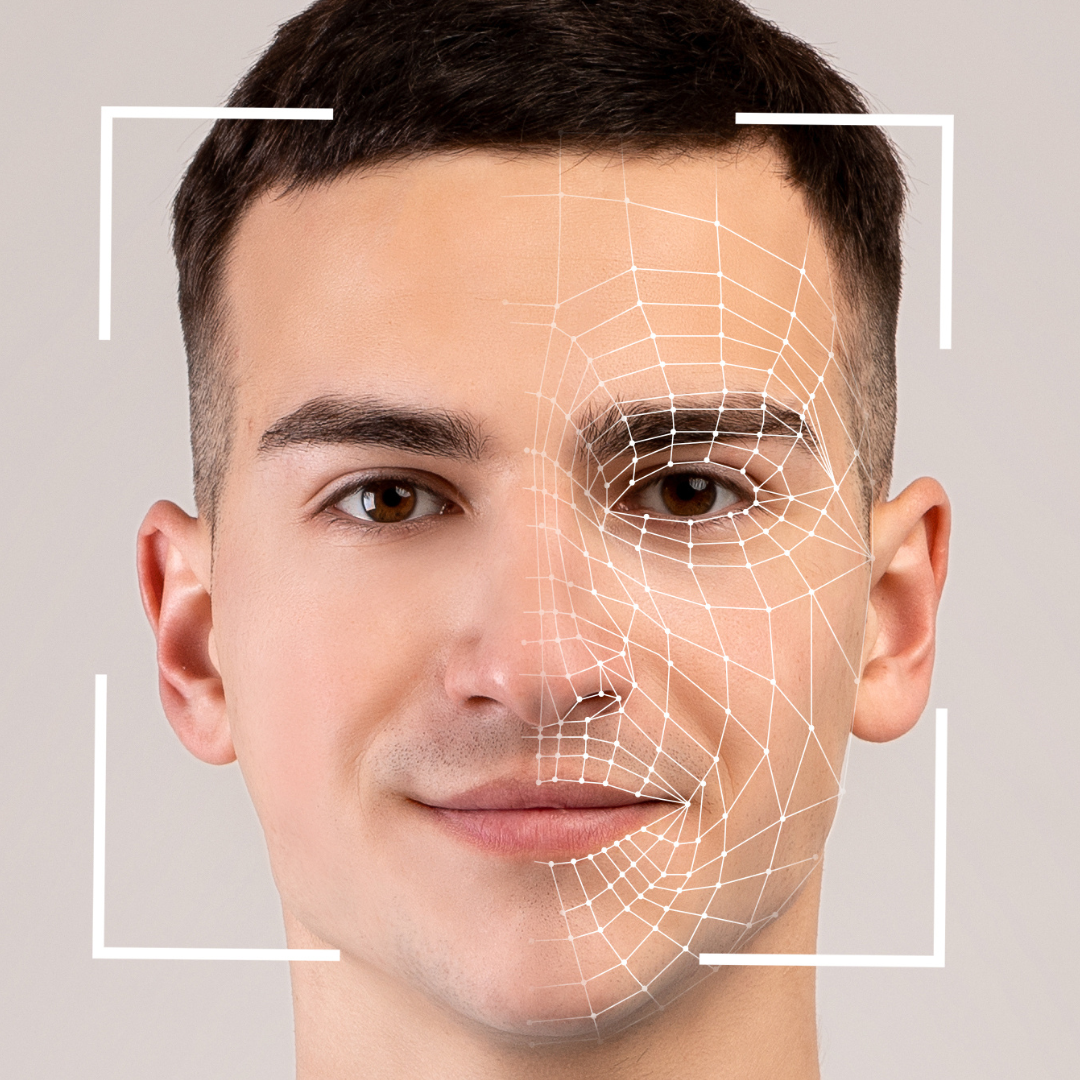
iSenhas uses Face ID to protect access to credentials and authentication codes.
In addition, the app includes anti-theft protection during use.
By monitoring sudden movements, the app can identify suspicious situations and request authentication again.
This type of functionality is rarely found in traditional authenticator apps.
Is SMS or an authenticator safer?
Authenticator apps are generally safer than SMS.
SIM swap attacks can compromise codes sent through messages.
An authenticator significantly reduces this risk.
Conclusion
The best authenticator for iPhone is the one that combines:
- • Security
- • Convenience
- • Biometric protection
- • Great user experience
Keeping passwords and 2FA codes in one protected environment helps reduce risks and makes daily use much easier.