Today almost our entire life depends on passwords
Banking, email, social networks, streaming, shopping, and apps all rely on credentials.
The problem is that the more accounts we create, the harder it becomes to manage them.
Many people struggle with:
- • Forgetting passwords
- • Reusing credentials
- • Storing passwords insecurely
- • Losing access to accounts
- • Fear of being hacked
The biggest benefit: stop losing passwords
One of the most frustrating situations today is forgetting important credentials.
This leads to:
- • Wasted time
- • Account recovery processes
- • Stress
- • Locked accounts
- • Constant password resets
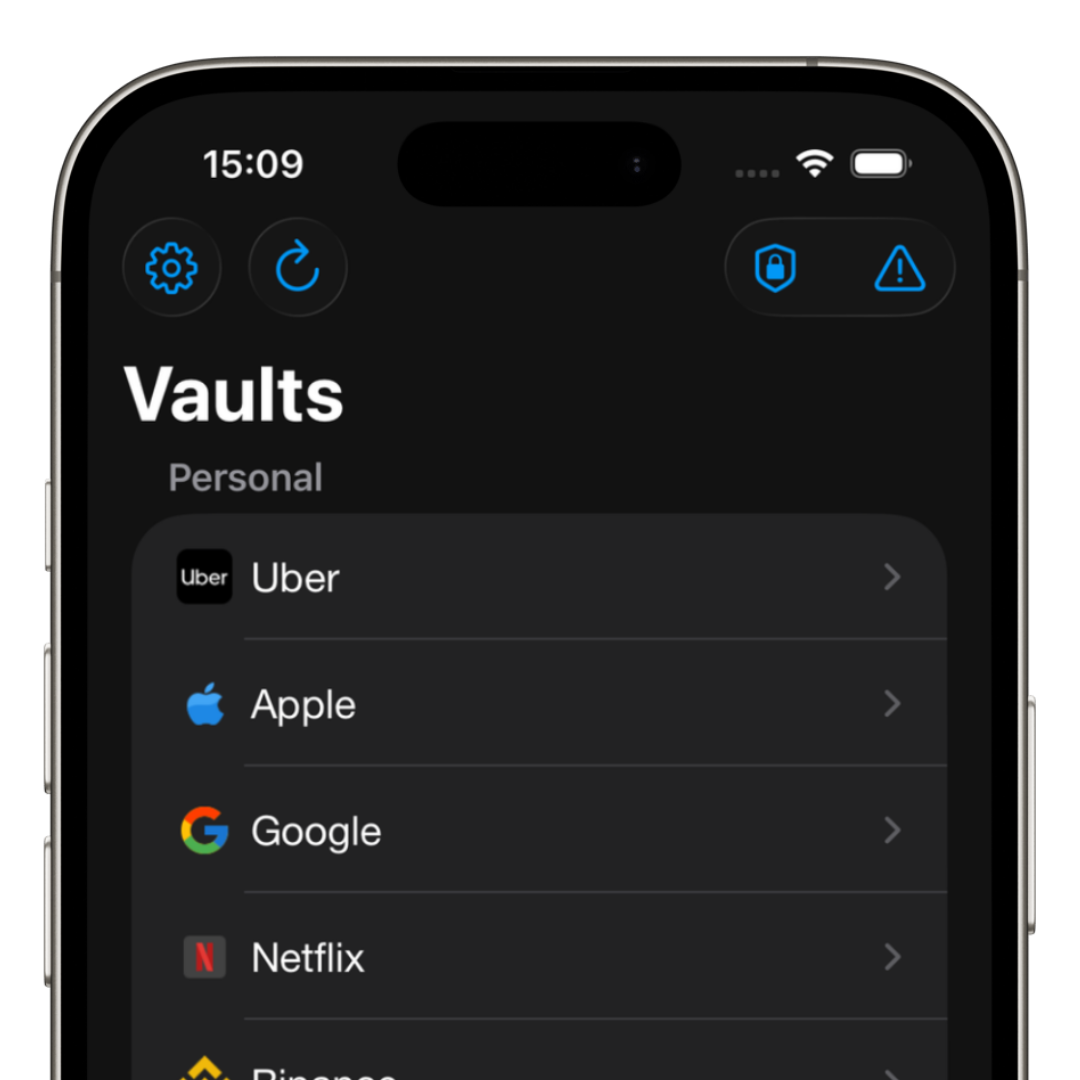
With a password manager, all credentials are stored in one place.
You only need to remember your master password.
Lower risk of being hacked
Many attacks happen because users reuse passwords across multiple services.
When one site leaks data, attackers try the same credentials on:
- • Email accounts
- • Banks
- • Social media
- • Apps
A password manager lets you create:
- • Long passwords
- • Random passwords
- • Unique credentials for each account
This drastically reduces the impact of leaks.
More control over your digital life
Many people don’t know:
- • How many accounts they have
- • Where they are registered
- • Which passwords are reused
- • Which accounts have 2FA
A password manager centralizes everything.
This brings real organization and control.
The danger of insecure methods
Many people still store passwords in:
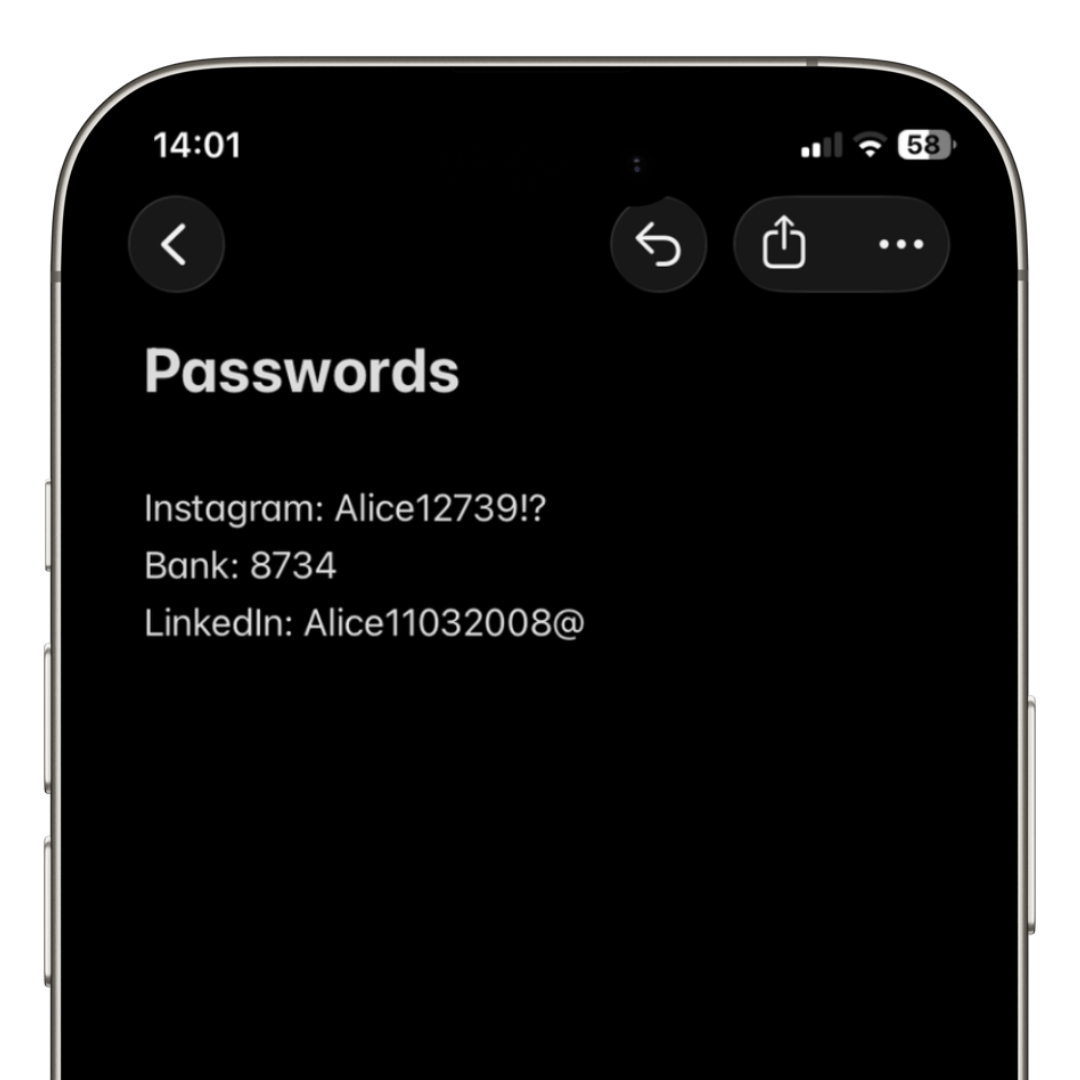
- • Notes app
- • Paper
- • Spreadsheets
- • Browsers without proper protection
This significantly increases the risk of breaches.
How iSenhas helps
iSenhas was built to simplify credential management.
Features include:
- • Automatic organization
- • Fast autofill
- • Face ID and biometrics
- • iPhone, Android and Web support
- • Built-in 2FA codes
- • Open audit code
- • Zero-knowledge architecture
The goal is security without complexity.
Is it worth using a password manager?
Yes.
Especially for people who:
- • Have many online accounts
- • Frequently forget passwords
- • Want more security
- • Seek convenience
- • Want to reduce hacking risks
Password managers are no longer optional tools.
They are now a core part of modern digital security.
iSenhas Highlights
- • Apple Entrepreneur Camp Alumni
- • Featured in App Store “Apps We Love”
- • iPhone, Android and Web support
- • Simple and modern design
- • Advanced security features
Conclusion
Using a password manager reduces stress, organizes credentials, and significantly improves digital security.
Beyond reducing hacking risks, it brings something many users have lost:
peace of mind and control over their digital life.