iCloud Passwords has become extremely popular
Today, millions of users rely on Apple's integrated password system.
The feature allows users to save logins, autofill credentials, and sync passwords across Apple devices.
The convenience is huge.
However, many users started looking for more complete and private alternatives.
Does iCloud Passwords use zero-knowledge architecture?
Apple uses advanced encryption to protect user data.
However, dedicated password managers often provide a more transparent architecture focused entirely on privacy.
Many modern applications use zero-knowledge architecture.
This means:
- • Not even the service can view your passwords
- • Credentials remain encrypted locally
- • Only the user has access to the data
In dedicated password managers, the entire architecture is usually built around this concept.
Public code and independent audits
Another important point is transparency.
Many users prefer applications with public source code, allowing independent audits performed by the community and security experts.
This helps identify:
- • Vulnerabilities
- • Implementation problems
- • Encryption flaws
- • Security risks
iCloud Passwords is part of a closed ecosystem.
Specialized password managers, on the other hand, often provide publicly auditable code.
The problem with Apple ecosystem dependency
iCloud Passwords works very well inside the Apple ecosystem.
However, many users also use:
- • Windows
- • Android
- • Linux
- • Different browsers
This can make cross-platform access much more difficult.
Dedicated password managers usually offer:
- • Android apps
- • iPhone apps
- • Web version
- • Browser extensions
- • Wider compatibility
Greater control over access and authentication
Many users prefer to separate password access from the phone's main account.
Specialized password managers usually offer:
- • Dedicated master password
- • Separate vault from the operating system
- • Optional biometrics
- • Extra authentication layers
- • Granular session control
This reduces the impact if the device's main account is compromised.
How iSenhas works
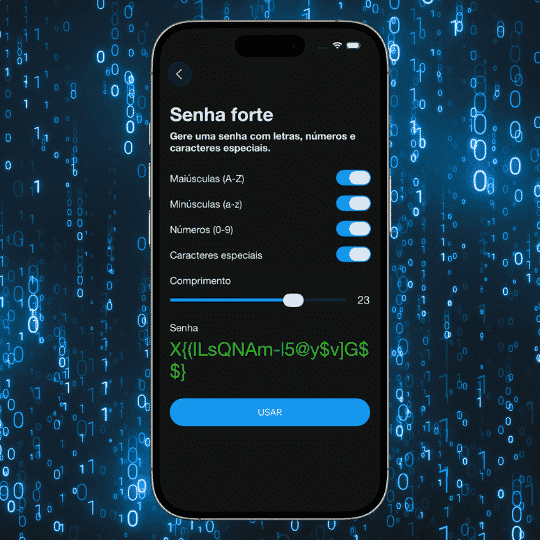
iSenhas was created to work as an independent digital vault, focused exclusively on credential management.
The app offers:
- • Zero-knowledge architecture
- • Public code for audits
- • Compatibility with iPhone, Android, and Web
- • Dedicated master password
- • Face ID and biometrics
- • Automatic organization
- • Integrated 2FA codes
The goal is to provide more control, privacy, and independence when managing passwords.
Is iCloud Passwords worth using?
For users fully integrated into the Apple ecosystem, iCloud Passwords offers a great deal of convenience.
However, users seeking:
- • More transparency
- • Auditable code
- • True cross-platform support
- • Dedicated master password
- • More privacy control
usually prefer specialized password managers.
iSenhas highlights
- • Participant in the Apple Entrepreneur Camp
- • Featured in the App Store’s “Apps We Love” list
- • Compatible with iPhone, Android, and Web
- • Public code for audits
- • Zero-knowledge architecture
Conclusion
iCloud Passwords is a practical solution for Apple users, but it has important limitations when compared to dedicated password managers.
Features such as zero-knowledge architecture, public source code, dedicated master passwords, and true cross-platform compatibility have become important differentiators for users seeking more privacy and control over credentials.
Today, digital security involves much more than simply saving passwords.