Your email is the key to all your accounts
If someone hacks your email, they can reset passwords for practically all your services.
Social media, banking apps and online accounts depend on it.
Signs that your email may have been hacked
Watch out for these warning signs:
- • Emails marked as read that you never opened
- • Messages sent without your authorization
- • Password changes you didn’t make
- • Login alerts from unknown devices
- • Password recovery requests made by someone else
Check login activity
Most email providers allow you to see where your account has been accessed.
Official links:
Google Account - Security Activity
Microsoft Account - Recent Activity
What hackers do after invading an email account
After accessing your email, they usually:
- • Change passwords and recovery options
- • Access linked social media accounts
- • Send phishing messages to your contacts
- • Attempt access to banks and online shopping accounts
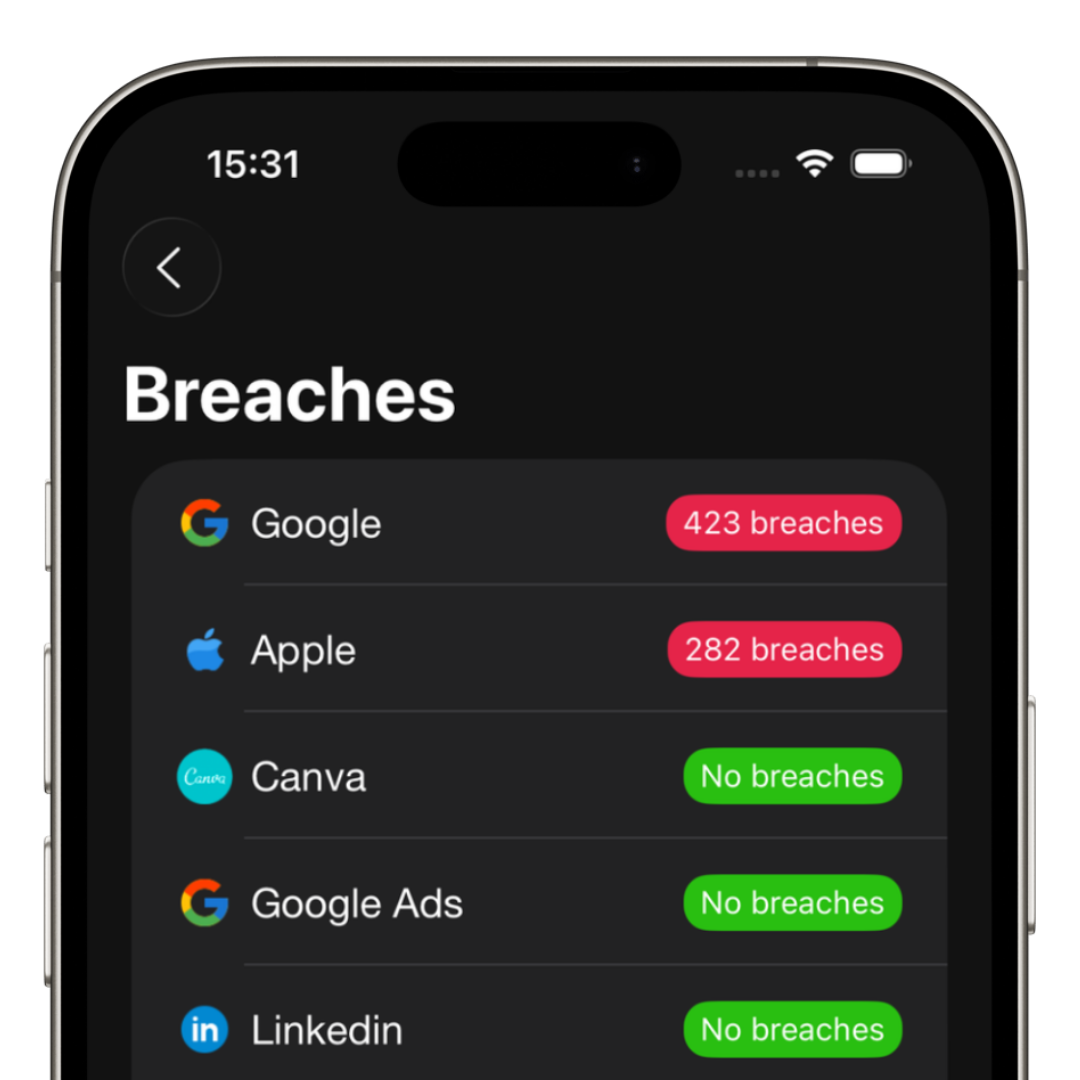
How to know if your password was leaked
A large portion of account breaches happen because of leaked old passwords.
You can check using security services or immediately change your password.
The ideal approach is to use unique passwords for every service.
What to do if your email was hacked
- • Change your password immediately
- • Enable two-factor authentication
- • Sign out of open sessions
- • Check forwarding rules
- • Review connected devices
How to prevent this in the future
Prevention involves three pillars:
- • Strong and unique passwords
- • Two-factor authentication
- • A trusted password manager
How iSenhas helps protect your accounts
iSenhas helps you drastically reduce hacking risks.
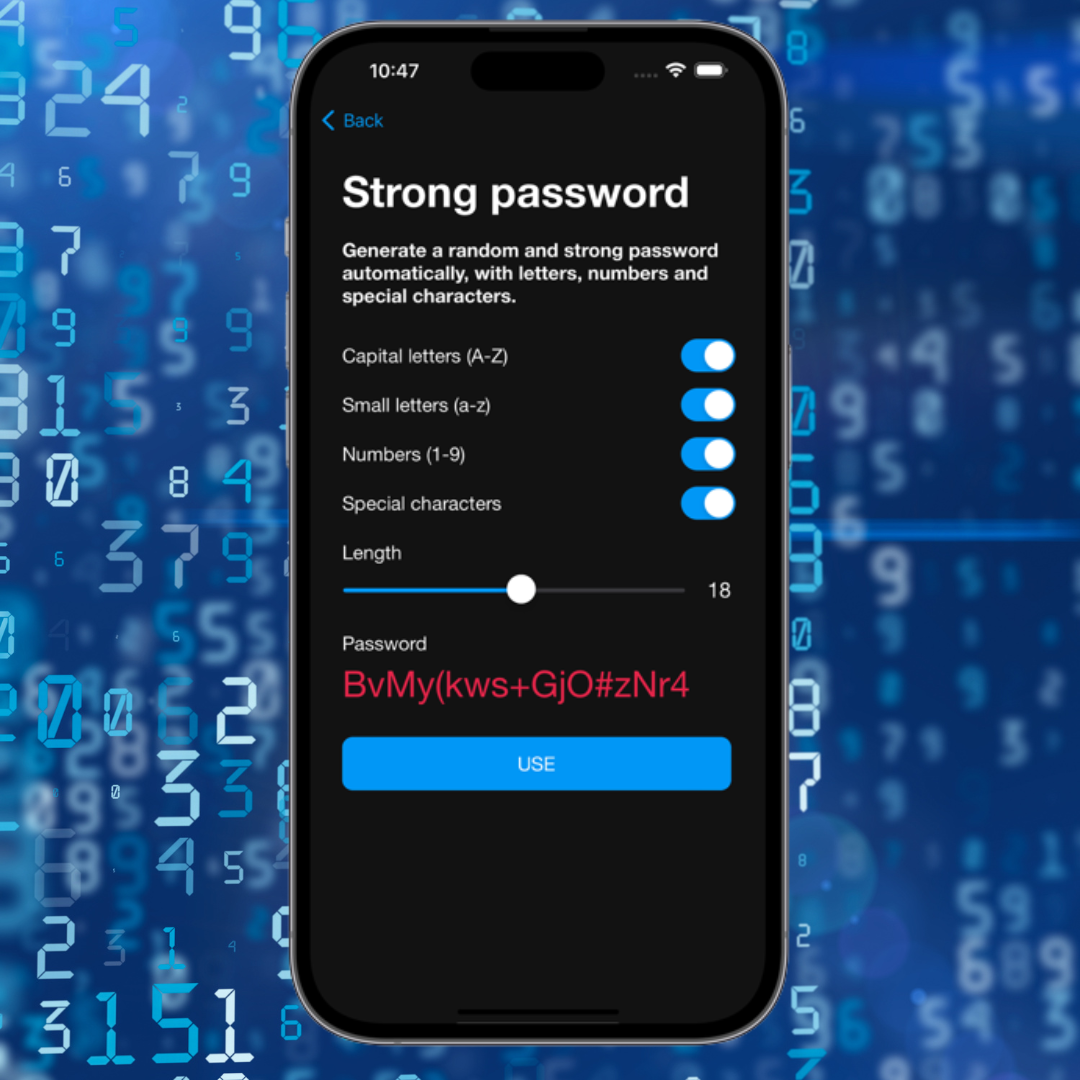
- • Strong password generation
- • Secure storage
- • Credential organization
- • Zero-knowledge architecture
- • Cross-platform compatibility
Conclusion
Your email is the main gateway to your digital life.
If it gets compromised, everything can be affected.
Monitoring account access and following good security practices is essential.