Data breaches happen every day
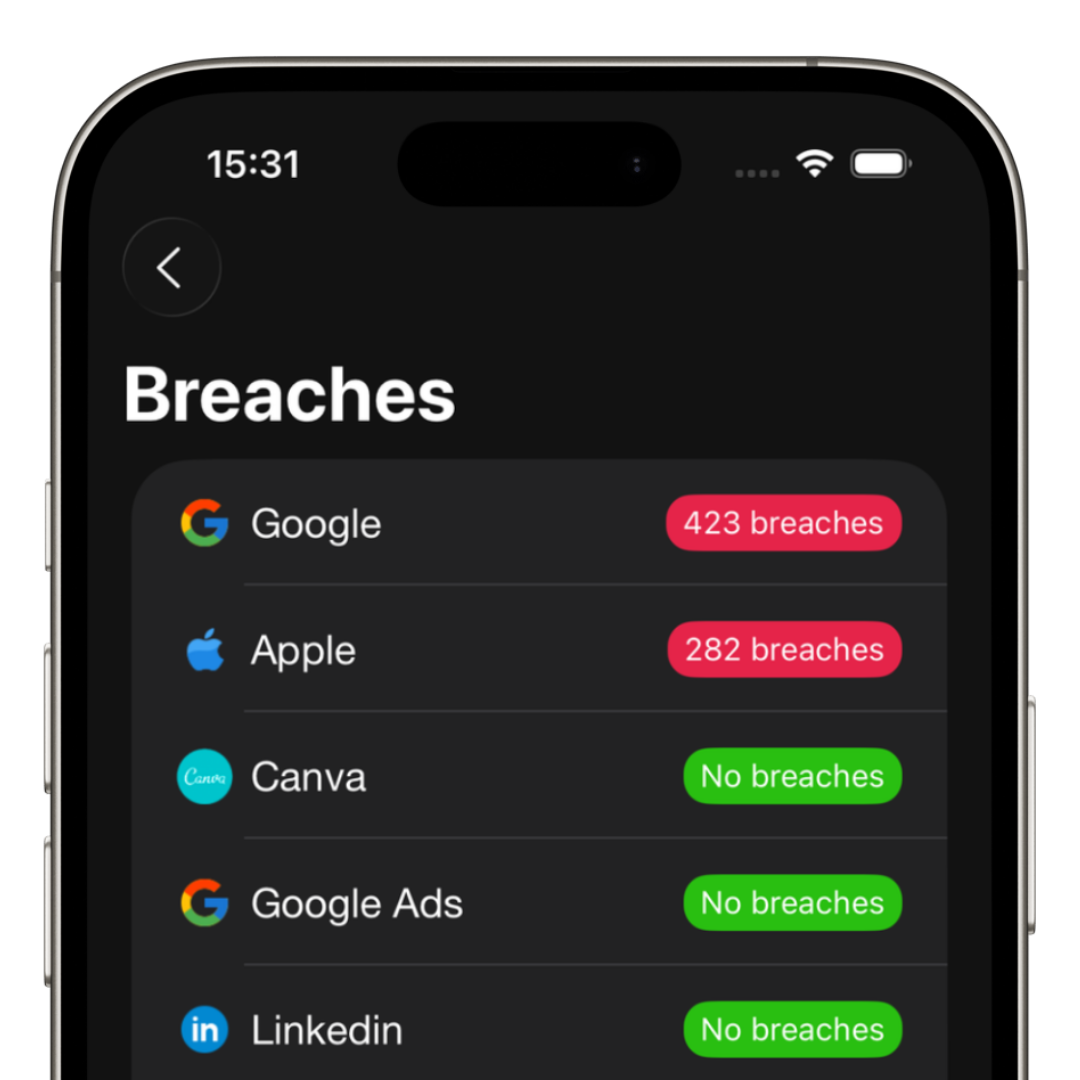
Large companies, apps and online platforms suffer attacks constantly, exposing millions of passwords and personal information.
The biggest problem is that many people reuse the same password across different services. When a single account is compromised, others become vulnerable as well.
How to know if your password was compromised
Some important signs may indicate that your credentials have already been leaked:
- • Suspicious login emails
- • Password reset attempts
- • Unexpected 2FA codes
- • Access from unknown devices
- • Accounts signed out for no reason
What to do immediately
If you suspect that a password has been compromised, acting quickly makes all the difference.
1. Change your password
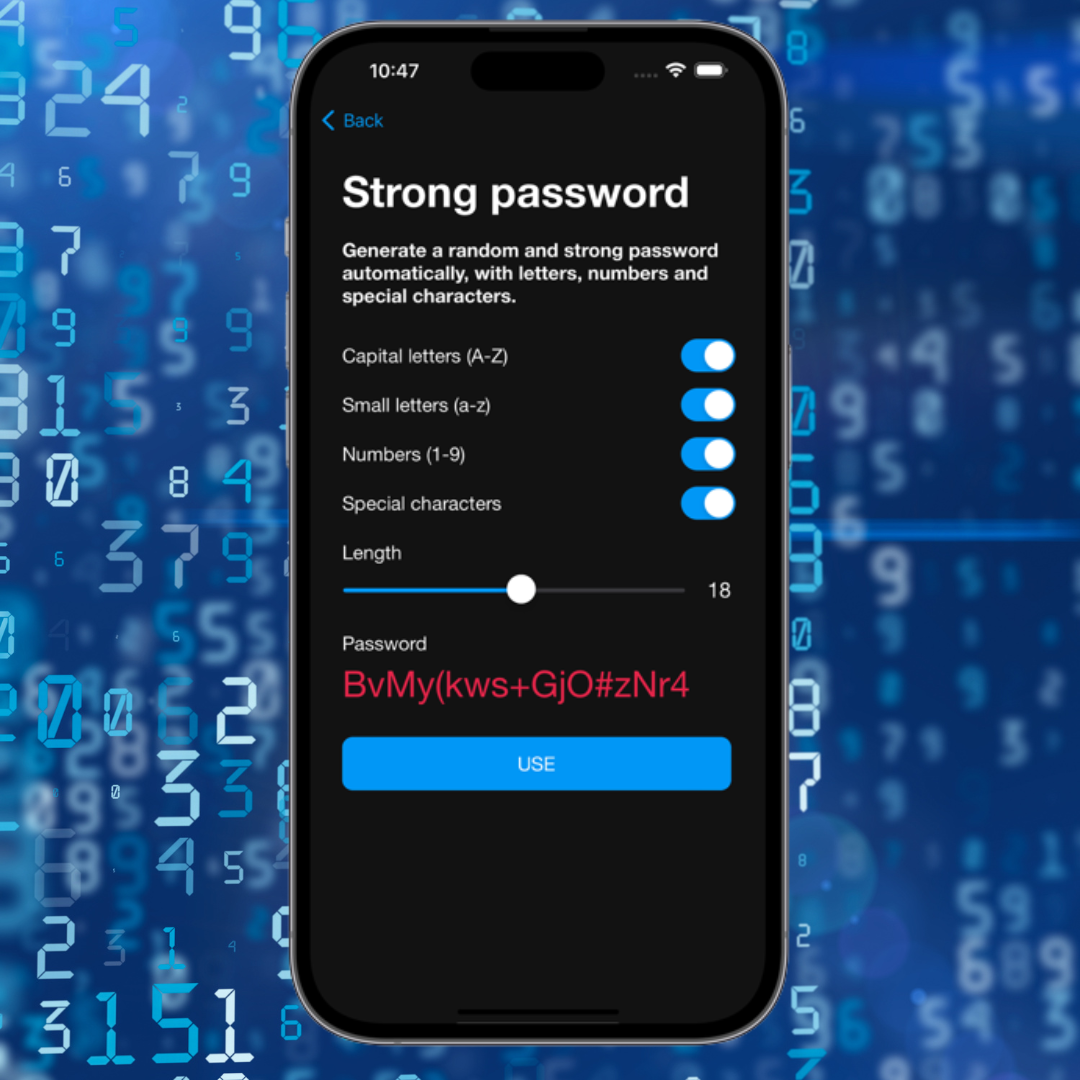
Create a completely new and strong password. Avoid simply adding numbers or changing a few characters from the old password.
2. Enable two-factor authentication
2FA adds an extra layer of protection and makes unauthorized access much harder.
3. Stop reusing passwords
Every account should have a unique password. This prevents a domino effect after a breach.
How iSenhas helps
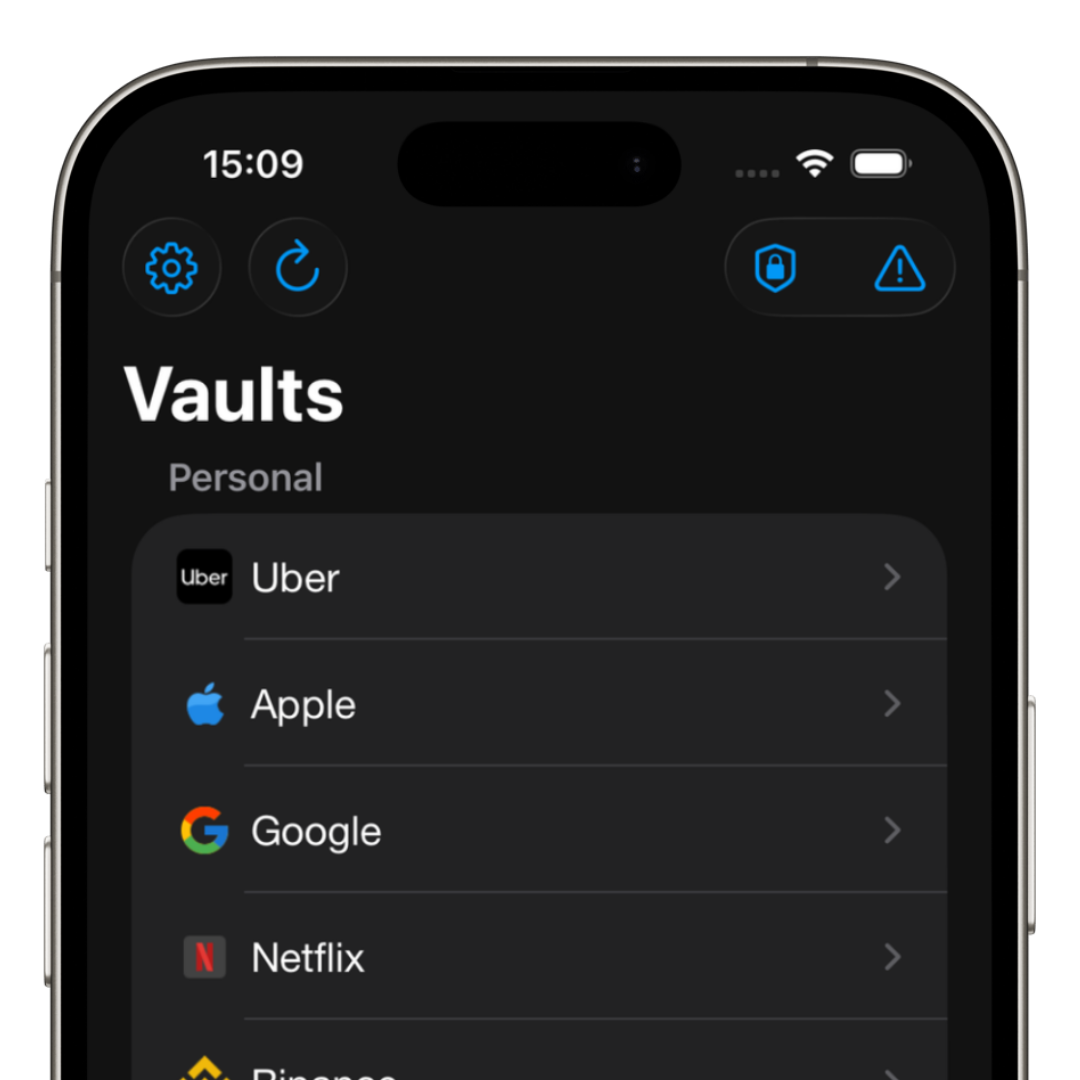
iSenhas allows you to check if your password was leaked online, generate strong passwords, securely store credentials and autofill logins automatically on iPhone.
This way you can use unique passwords for all your accounts without needing to memorize dozens of combinations.