Managing passwords manually has become impossible
Today we use dozens of apps, social networks, banks, emails, and online services every day.
Memorizing different passwords for everything has become nearly impossible. That is why many people end up reusing the same password in multiple places.
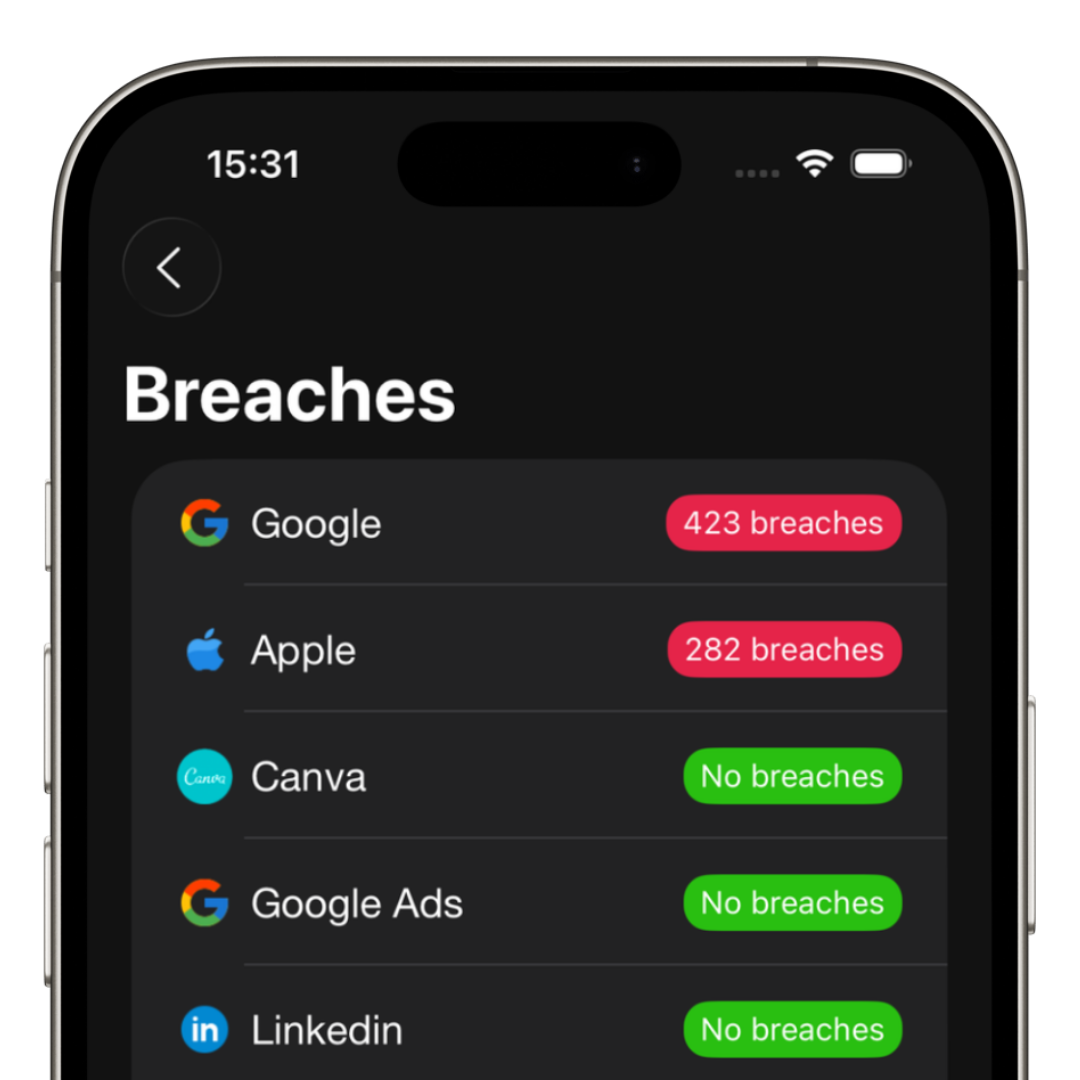
The problem is that this greatly increases the risk after a data breach.
The modern way to manage passwords
The safest method today is using a password manager.
Instead of memorizing dozens of combinations, you securely save everything and use autofill.
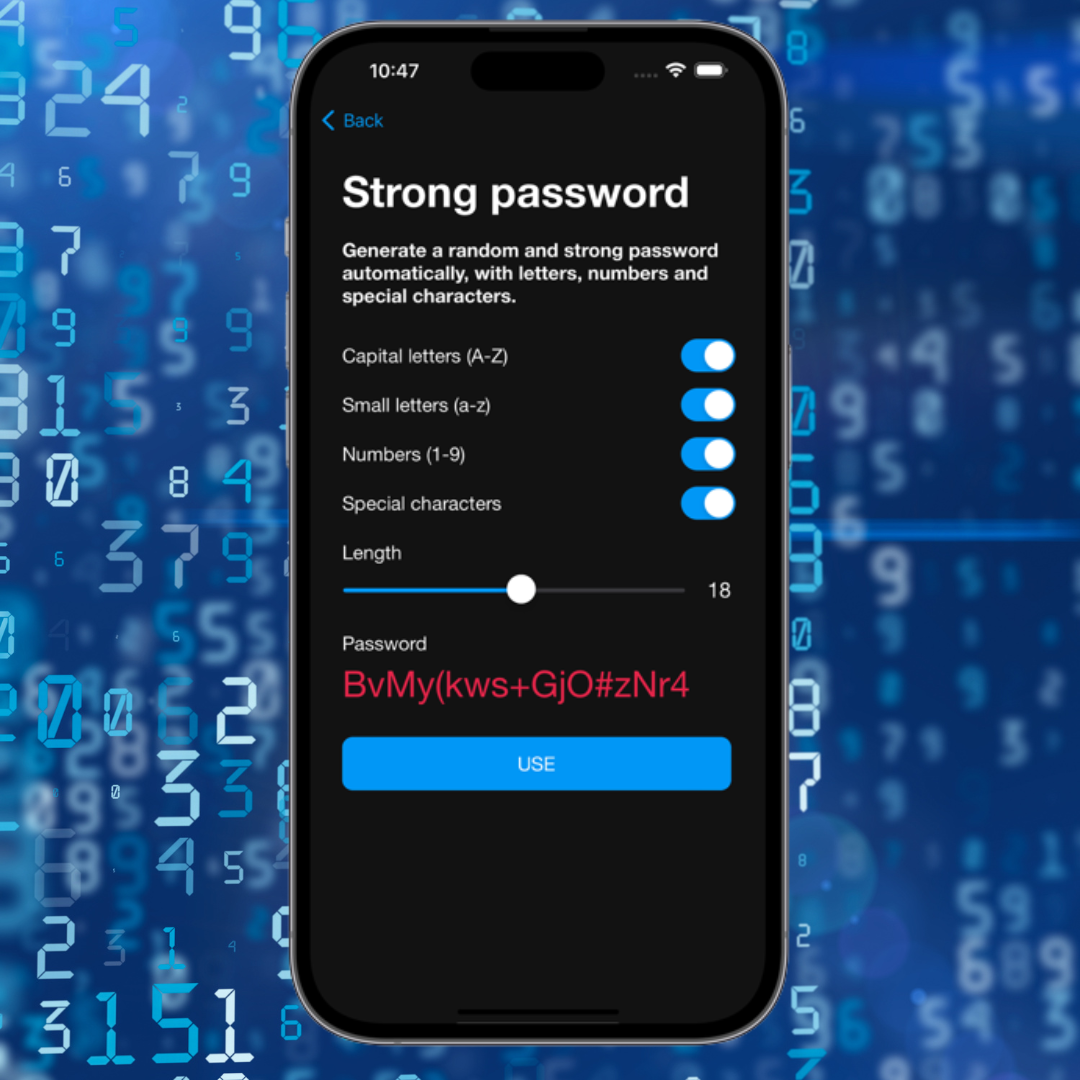
- • Automatic strong passwords
- • Fast login with Face ID
- • Autofill support
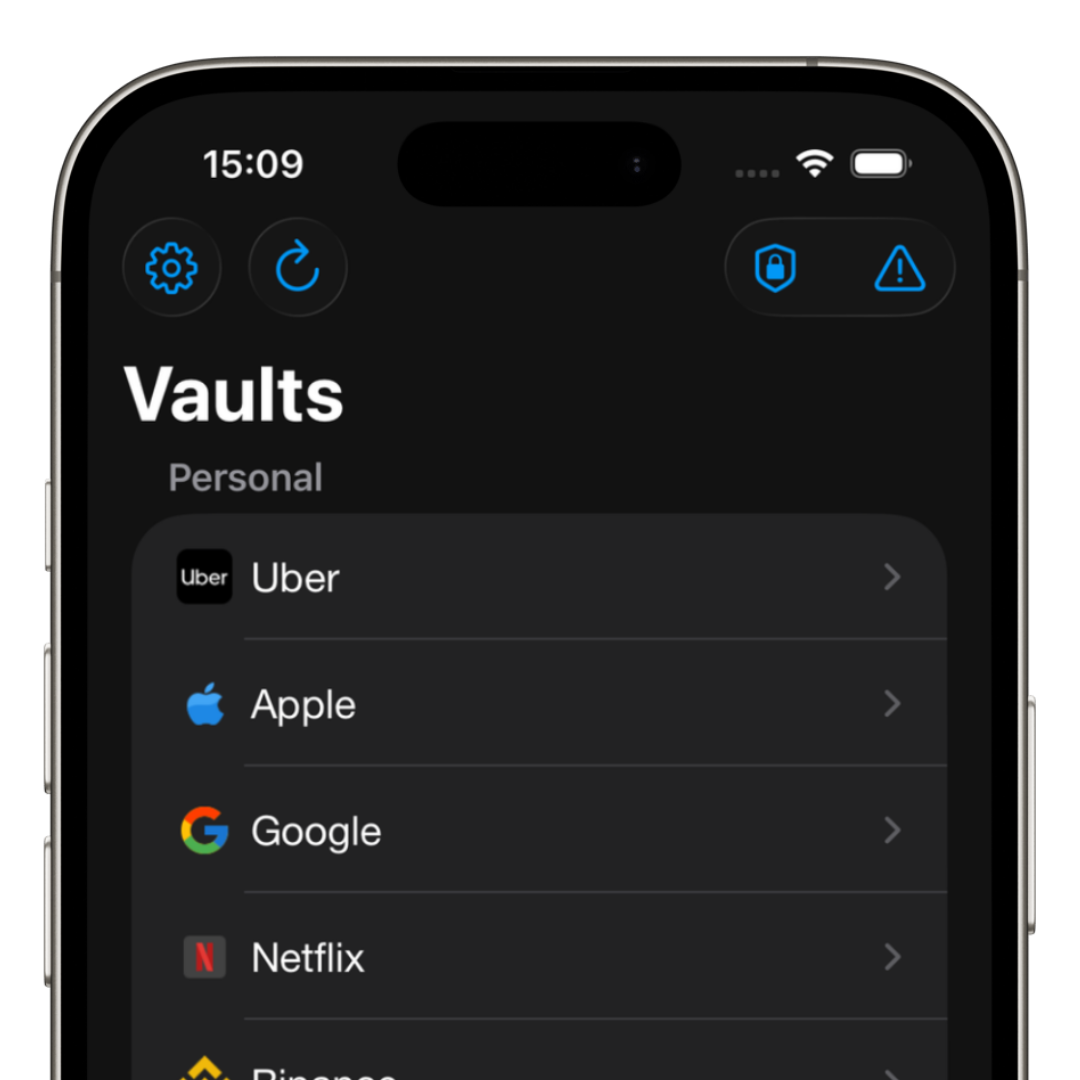
- • Account organization
- • Better protection against data breaches
How it works on iPhone
iPhone includes autofill integration, allowing you to quickly access accounts using Face ID.
This means you do not need to copy and paste passwords all the time.
The problem with saving passwords in notes
Many people still store passwords in:
- • Notes apps
- • WhatsApp conversations
- • Photos
- • Paper notes
- • Unprotected files
This leaves important information far more exposed.
How iSenhas helps
iSenhas allows you to securely save credentials, automatically generate strong passwords, and quickly autofill logins on iPhone.
You can access everything using Face ID, without needing to memorize dozens of different combinations.
This keeps your accounts more protected while making daily logins much faster.