Why use a password manager in 2026?
Data breaches continue to happen practically every week.
Reusing passwords across different websites has become one of the biggest digital security risks.
In 2026, using a password manager is no longer something only advanced users do. Today it is an essential tool for anyone who uses the internet.
What should a good password manager include?
Not all apps provide the same experience or level of protection.
In 2026, the most important features are:
- • Strong AES-256 encryption
- • Password autofill
- • Face ID and Touch ID
- • Cross-device synchronization
- • Strong password generator
- • Breach monitoring
- • Secure storage for notes and documents
- • 2FA code compatibility
Security is no longer optional
Many users still use weak, repeated, or easy-to-guess passwords.
The problem is that a single breach is enough for criminals to try accessing your other accounts automatically.
That is exactly why modern password managers can drastically reduce risks.
The growth of digital attacks
Phishing attacks, credential theft, and massive data leaks have increased significantly in recent years.
Today, simply creating a strong password is not enough. It is also necessary to monitor possible exposures online.
The best apps already provide automatic alerts whenever a password appears in known data breaches.
A simple experience makes a difference
Complicated security usually does not work.
When an app requires too many steps, users end up going back to repeated passwords or insecure notes.
In 2026, the best password managers focus on automating tasks:
- • Automatic organization
- • Website and app recognition
- • Automatic icons
- • Fast keyboard autofill
- • Importing from other password managers
Beyond passwords
Modern apps have evolved into complete digital vaults.
Today many users also store:
- • Cards
- • Pix keys
- • Secure notes
- • 2FA codes
- • Personal documents
- • Passkeys
What is the best password manager in 2026?
The best app will be the one you actually use every day.
Security, simplicity, and convenience need to work together.
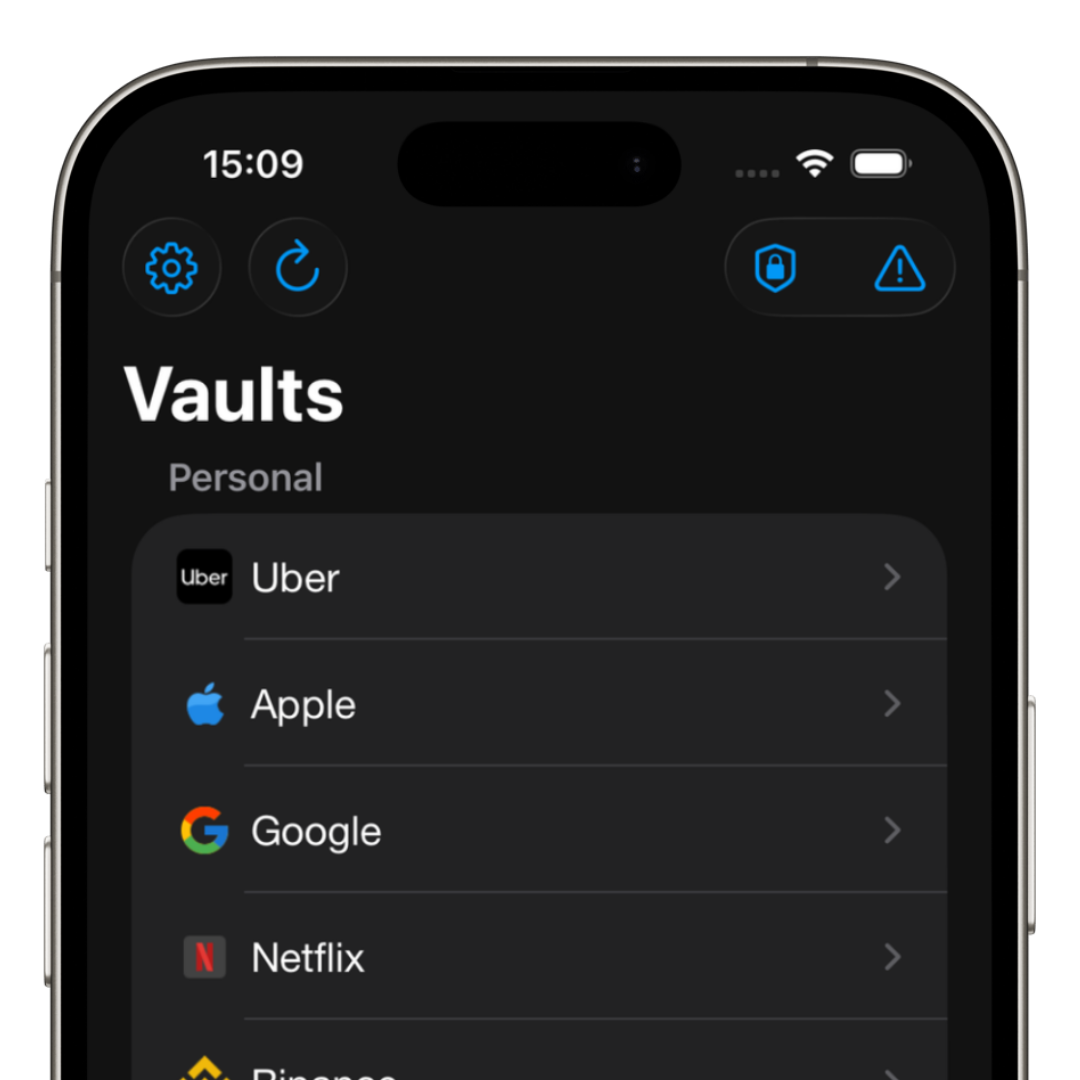
iSenhas was developed exactly with this focus: making digital security simple, fast, and accessible.
The app offers synchronization, autofill, smart organization, breach protection, public source code for security audits, and support for Face ID and Touch ID.
Why does iSenhas stand out?
- • Apple Entrepreneur Camp alumni
- • Featured in the App Store “Apps We Love” list
- • Simple and modern interface
- • Automatic import from other password managers
- • Advanced protection features
Conclusion
In 2026, protecting online accounts is no longer a differentiator. It is a necessity.
Using a password manager helps reduce risks, increase productivity, and avoid problems caused by data breaches.
The sooner you stop reusing passwords, the more protected you will be in the long term.