iPhones are more secure, but not invincible
There is a very common belief that iPhones cannot get viruses.
The reality is more complex.
iPhones have several layers of protection, but they can still suffer from attacks, scams, and account compromises.
Why iPhones are considered more secure
Apple strictly controls the apps available on the App Store.
In addition, the system includes:
- • App sandboxing
- • Security checks
- • Frequent updates
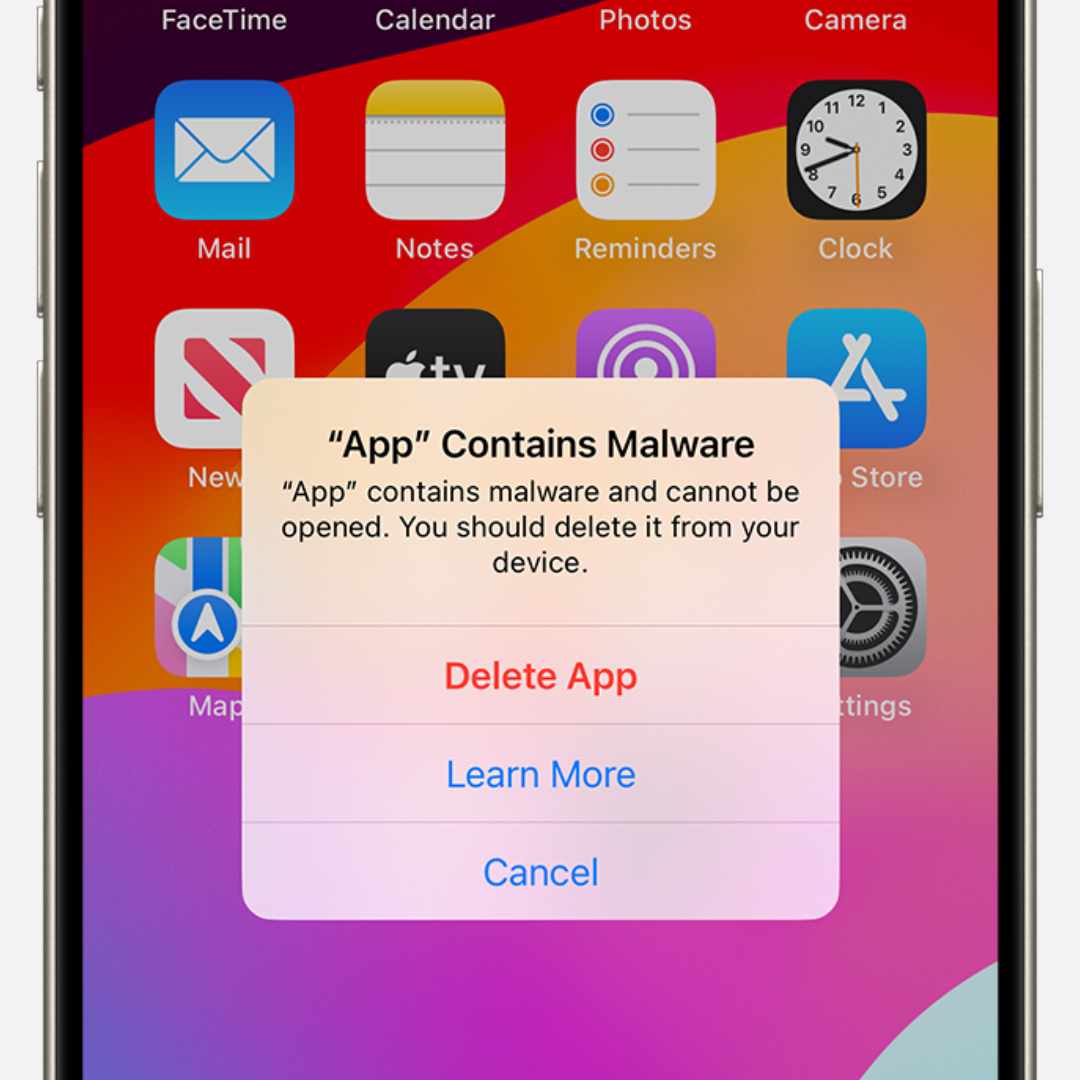
- • Malware protections
This greatly reduces traditional infections.
So can iPhones never be hacked?
No.
There are sophisticated attacks, especially involving:
- • Malicious links
- • Phishing
- • Password leaks
- • Fake Wi-Fi networks
Many users believe they are completely protected just because they use an iPhone.
That is exactly what criminals exploit.
The “your iPhone has a virus” scam
One extremely common scam involves fake browser pop-ups.
The page displays messages like:
- • “Your iPhone has been infected”
- • “Apple detected a virus”
- • “Click to clean your device”
The goal is usually to:
- • Steal data
- • Install malicious profiles
- • Trick you into paying for fake apps
Apple does not send these types of alerts through the browser.
How to know if your iPhone was compromised
Some signs may indicate problems:
- • Unknown Apple account
- • Strange apps
- • Safari redirects
- • Changed passwords
- • Unusual battery drain
However, many modern attacks leave no visible signs.
Your accounts are usually the main target
Today, criminals focus less on the device itself and more on accessing your accounts.
Email, Instagram, banking apps, and WhatsApp are among the main targets.
If someone discovers your passwords, the iPhone stops being a barrier.
How to protect your iPhone
Some measures make a huge difference:
- • Keep iOS updated
- • Enable two-factor authentication
- • Avoid suspicious links
- • Do not install unknown profiles
- • Use strong passwords
A password manager helps a lot
Many account breaches start with reused or leaked passwords.
iSenhas helps protect your accounts with:
- • Strong and unique passwords
- • Breach monitoring
- • AES-256 encryption
- • Security alerts
- • Face ID and Touch ID
Conclusion
The iPhone is a very secure device, but it does not guarantee absolute protection.
Most modern attacks exploit human behavior, leaked passwords, and social engineering.
Digital security today depends as much on technology as it does on user habits.