Published on November 26, 2026 · Based on the official statement released by 1Password on November 25, 2026.
What happened
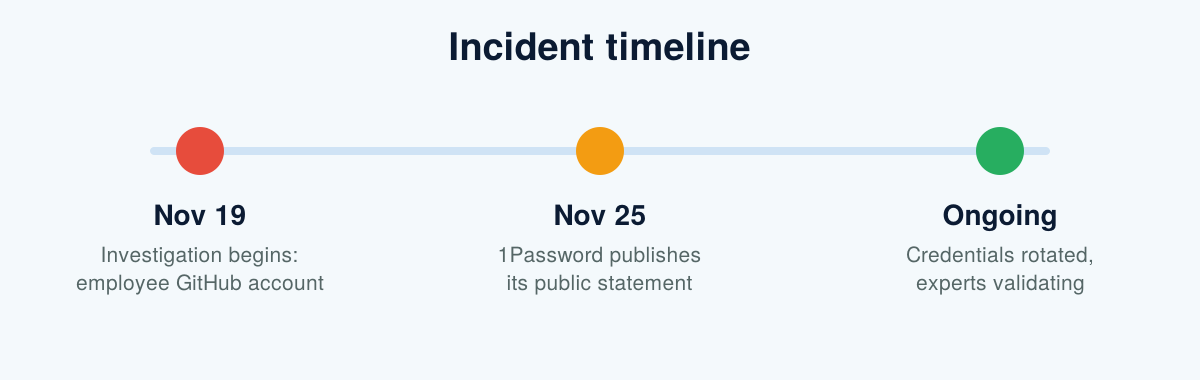
On November 25, 2026, 1Password published an update about a security incident involving some of its backend systems.
According to the company, the investigation started on November 19. An attacker gained access to an employee’s corporate GitHub account and used it to reach source code and push malicious code to backend services. Those services then downloaded administrative data about a subset of customers.
What was exposed
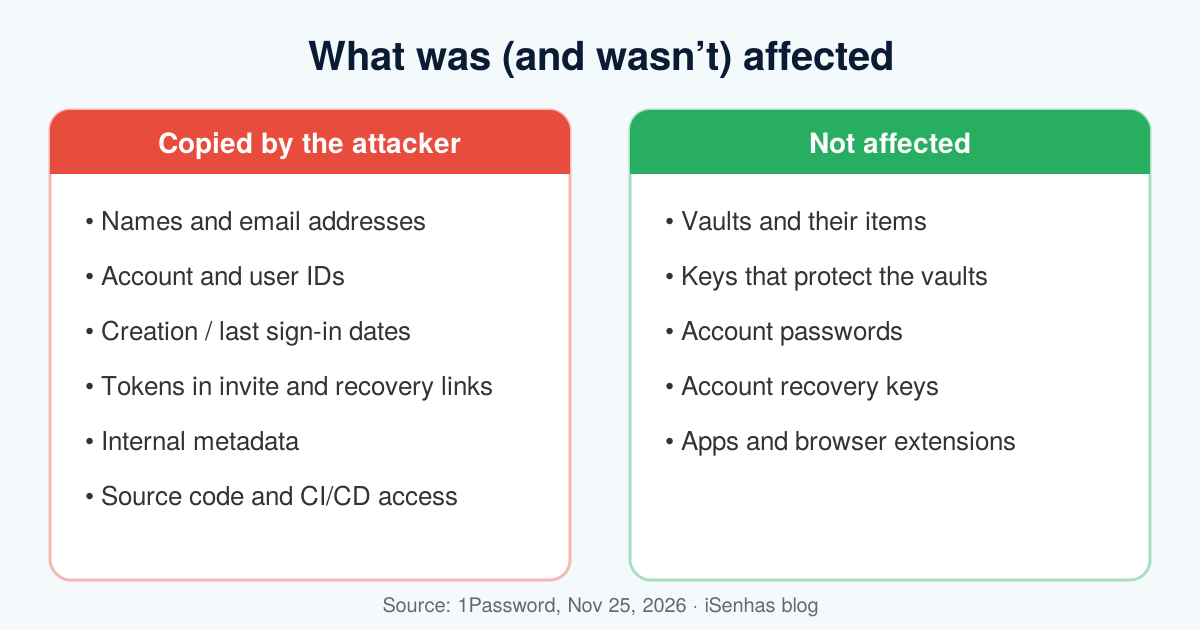
The account records copied by the attacker include:
- • Names and email addresses used to sign in
- • Account and user identifiers, plus account creation and last sign-in times
- • Public keys and SRP protocol parameters (which, per 1Password, cannot be used to access the account)
- • Tokens present in certain emailed links for invitations, provisioning and account recovery
- • Other non-secret internal metadata
The attacker also copied source code from private repositories and accessed the company’s CI/CD system. 1Password says it rotated all credentials that may have been exposed and found no evidence of account takeovers.
What 1Password says it has done
- • Disabled the compromised account and revoked the stolen token
- • Rotated or revoked internal credentials
- • Lengthened invitation and recovery codes from 6 digits to 10 alphanumeric characters
- • Tightened GitHub, CI/CD and endpoint controls
- • Brought in independent cybersecurity experts to validate the response
So, is it time to switch?
Based on what 1Password has disclosed, the vaults themselves were not compromised, and the company’s response appears to follow good practice. Whether to switch is a personal decision.
Still, an incident like this raises questions that are worth asking about any password manager, including the one you use today:
- • How much can be learned from the data the company stores about you, such as emails and account metadata?
- • Can the company’s code be inspected by outside experts?
- • Is the architecture designed so that even a server breach doesn’t reveal your passwords?
- • Does the company communicate clearly and quickly when something goes wrong?
Even when vaults remain safe, leaked names and email addresses are exactly what criminals use to build convincing phishing campaigns. That is why 1Password itself urges customers to be careful with unexpected emails, texts or calls about invitations and account recovery.
How to protect yourself from phishing
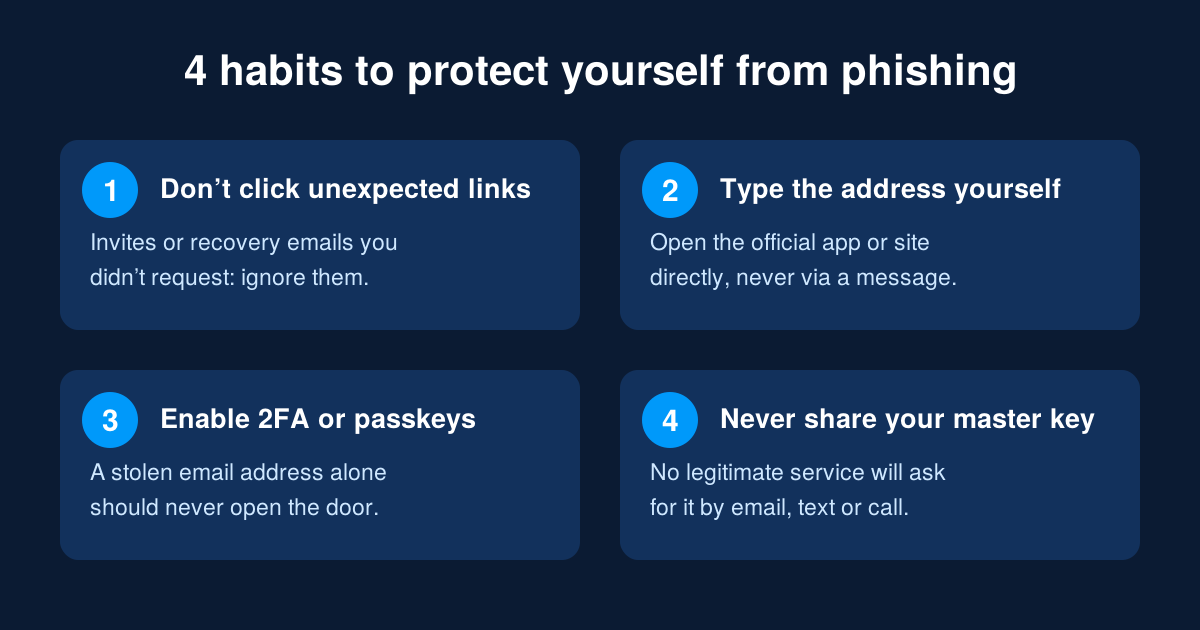
These habits apply to any password manager and to any service:
- • Ignore unexpected invitations or account recovery emails you didn’t request
- • Open the official app or type the website address yourself, instead of using links in messages
- • Never share your master password or secret keys with anyone
- • Turn on two-factor authentication and passkeys wherever possible
- • Use a unique password for every account
iSenhas as an alternative
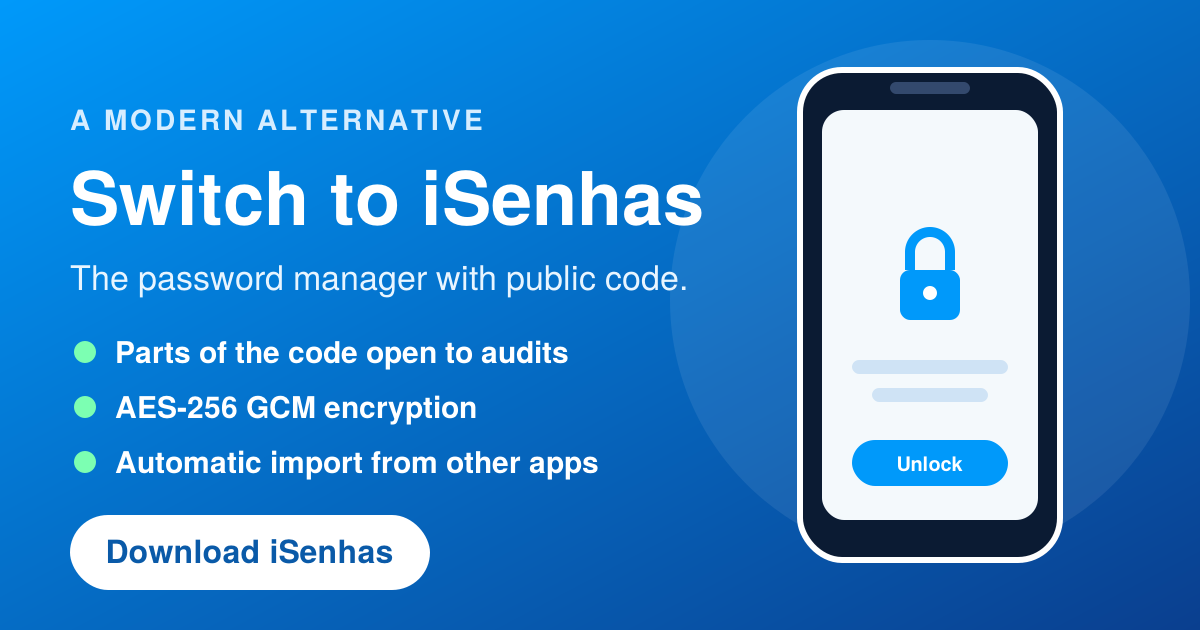
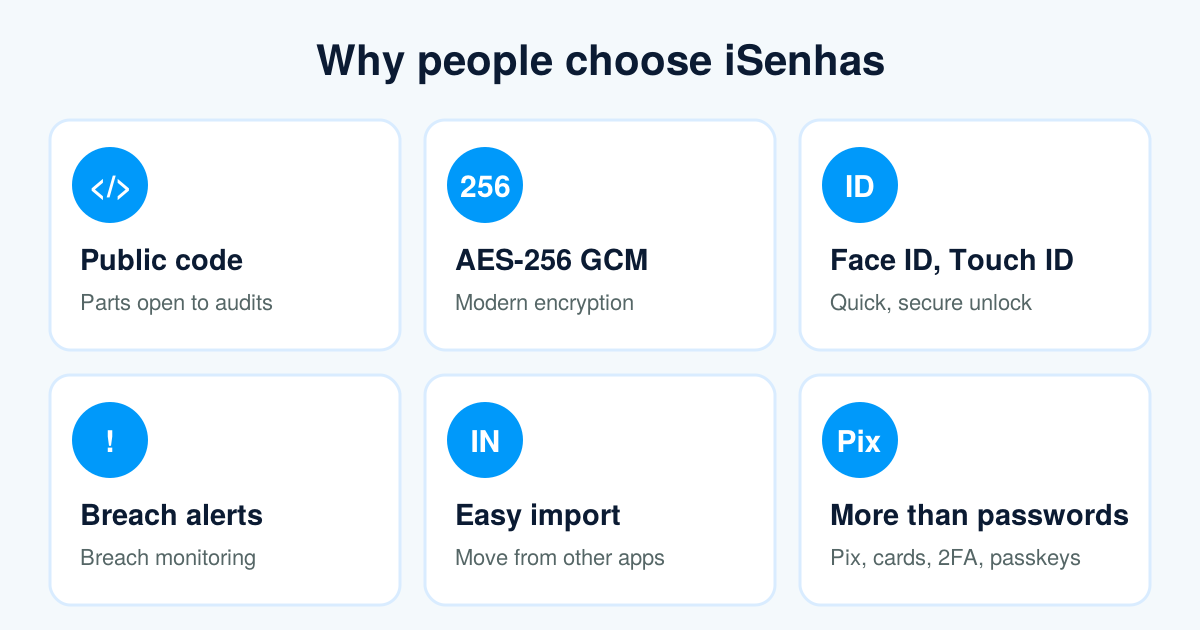
Want to review where your passwords live? iSenhas is a modern, 100% Brazilian password manager, built with transparency and everyday simplicity in mind.
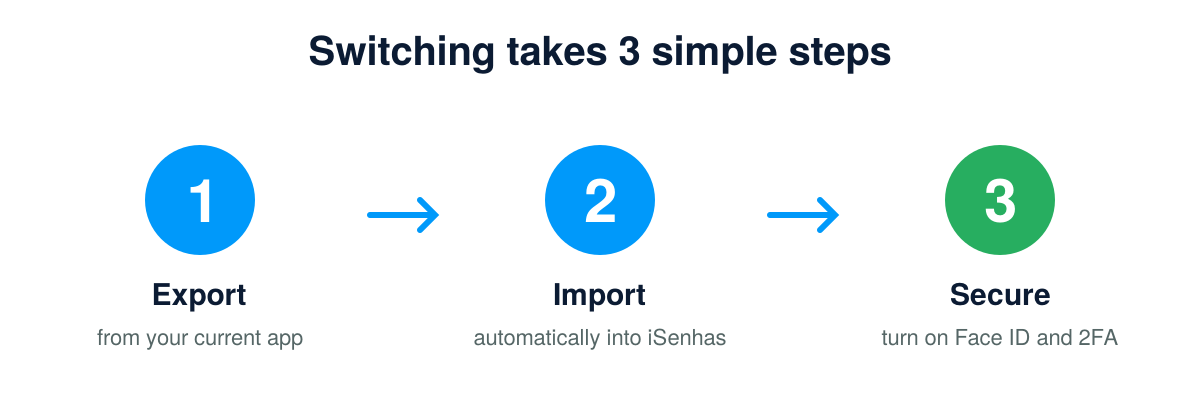
Switching is easy
Ready to try iSenhas?
Available for iPhone, Android and Web. Import your passwords in minutes.
Download iSenhasApple Entrepreneur Camp participant · Featured in “Apps We Love” on the App Store
A fair note: no service is immune to attacks, including every password manager. Choose tools with strong encryption and transparency, and protect your accounts with 2FA and unique passwords.
Conclusion
The 1Password incident is a reminder that security isn’t only about encryption. It also depends on how companies protect their own systems, and on how prepared users are to recognize phishing.
Want public code, modern protection and a simple experience? Give iSenhas a try.
Source: 1Password – Update on a security incident involving 1Password’s backend systems. The information may be updated by 1Password after publication of this article.